Ergonomic Risks of Working From a Laptop Only
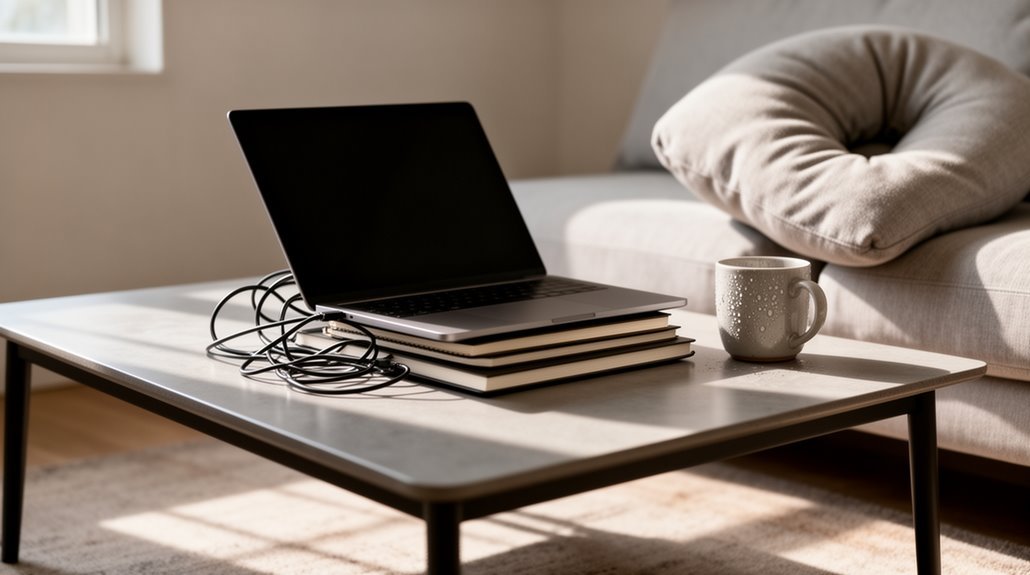
Working from a laptop only exposes you to several ergonomic risks. Over 53% of users report musculoskeletal discomfort from poor screen positioning, which forces improper neck angles and forward head posture.
Smaller laptop keyboards can increase typing errors and place extra strain on the hands and wrists, raising the risk of repetitive strain injuries. Non-adjustable components prevent proper alignment of the screen, keyboard, and chair, causing awkward postures that stress the back and shoulders.
Prolonged use of a laptop without ergonomic adjustments can contribute to chronic issues such as herniated discs and nerve compression. Implementing ergonomic strategies—like using external keyboards, raising the screen to eye level, and taking regular breaks—can greatly reduce these risks and is worth further exploration.
Prevalence of Musculoskeletal Discomfort Among Laptop Users
As more people rely on laptops for daily tasks, the prevalence of musculoskeletal discomfort among users has become increasingly significant. Studies show that over 53% of college students report discomfort while using laptops. Neck pain affects 60.3%, while lower back pain impacts 59.5%. Additionally, 49.6% experience shoulder pain, and up to 67% report upper limb discomfort. A significant percentage of participants in a study scored in the low risk RULA category (3-4) highlights the importance of recognizing posture-related risks. Gender differences reveal females experience higher rates of neck and shoulder pain. Usage duration plays a vital role; those using laptops for over 7 hours daily report increased discomfort. Poor posture and prolonged static positions heighten the risk of musculoskeletal issues. Compared to desktop users, laptop users face greater ergonomic risks, developing pain across more body regions due to less favorable setups.
Common Ergonomic Risk Factors in Laptop Design
Laptop design inherently introduces several ergonomic risk factors that contribute to musculoskeletal discomfort.
Poor screen positioning forces you to choose between comfortable hand/wrist positions and ideal head/neck postures. This leads to excessive forward head flexion, increasing spinal load and causing “Hunched Over Laptop Syndrome” (HOLS). Prolonged laptop use can exacerbate these issues, as it often results in fatigue and discomfort from poor posture.
The smaller keyboard size results in more keying errors, raising repetitive strain risks. Similarly, non-adjustable components, like fixed seating and table heights, prevent proper alignment, forcing you into uncomfortable postures.
Additionally, smaller screens limit resolution, causing eye strain and requiring awkward body positioning. Prolonged use of trackpads leads to wrist strain, as static muscle tension builds.
Each of these factors contributes considerably to overall discomfort during laptop usage.
The Impact of Non-ergonomic Workstation Setups
Non-ergonomic workstation setups can greatly impact your comfort and productivity.
Poor posture while using a laptop often leads to musculoskeletal discomfort in the neck, shoulders, and back. Extended use can cause what’s known as Hunched Over Laptop Syndrome (HOLS), where users hunch forward, straining the cervical spine. Additionally, contact stress from typing on hard edges increases the risk of carpal tunnel syndrome. Repetitive trackpad use exacerbates wrist strain, further contributing to discomfort.
Improper screen positioning forces you to crane your neck, resulting in eye strain and headaches. Furthermore, laptops position screen and keyboard together, making it difficult to maintain an optimal posture for both tasks.
Finally, working with a laptop on your lap can lead to thermal issues and restrict leg movement, causing circulatory problems. These factors collectively diminish your overall well-being and work efficiency.
Strategies for Improving Laptop Ergonomics

Improving laptop ergonomics is essential for maintaining comfort and productivity while working. Here are some strategies to enhance your setup:
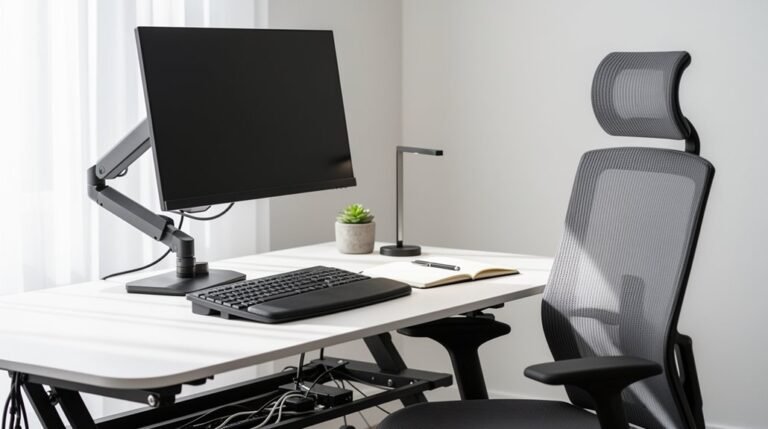
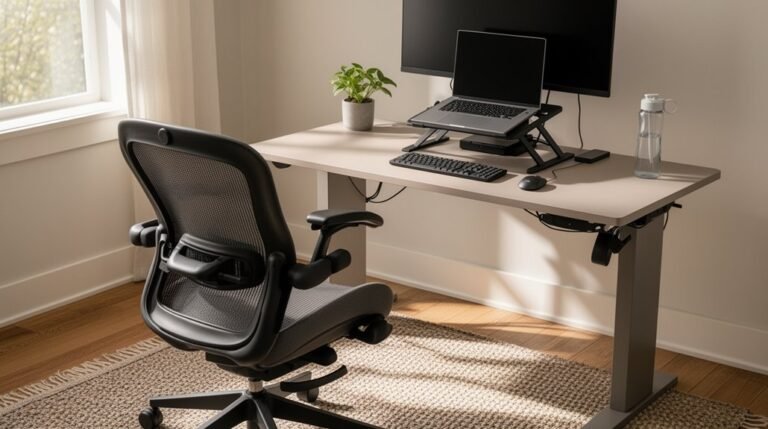
- Use a Laptop Stand or Riser: Elevate the screen to eye level, reducing neck strain.
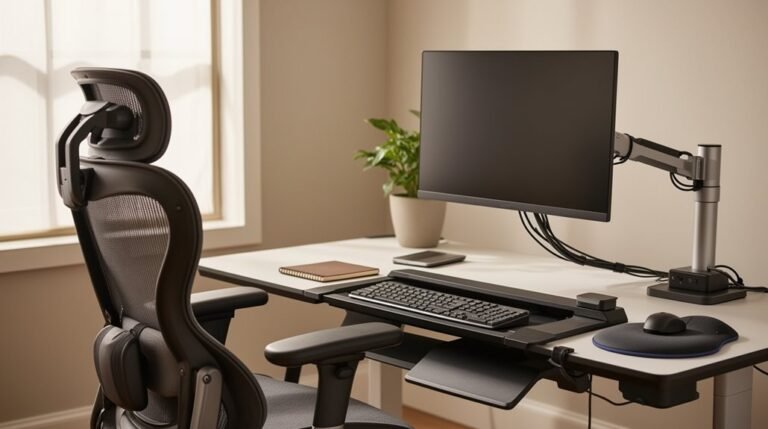
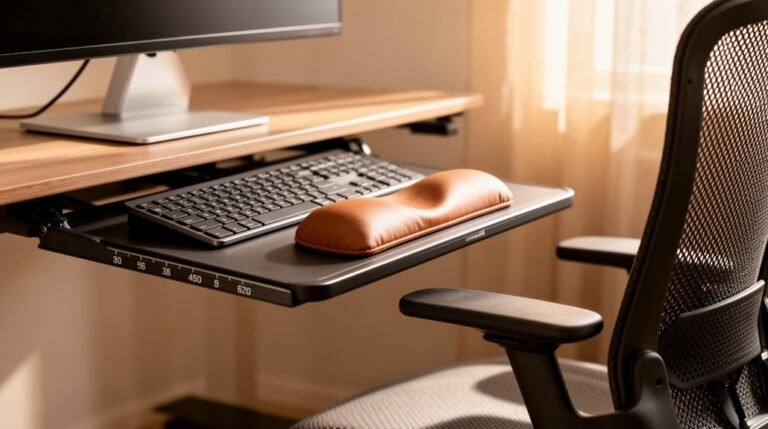
- Employ an External Keyboard and Mouse: This allows for neutral wrist positioning and minimizes shoulder fatigue.
- Optimize Chair and Desk Setup: Make certain your chair height puts your feet flat on the floor, and your hips are slightly higher than your knees.
- Adjust Screen and Lighting Conditions: Position your screen an arm’s length away, and match brightness with room lighting to reduce eye strain.
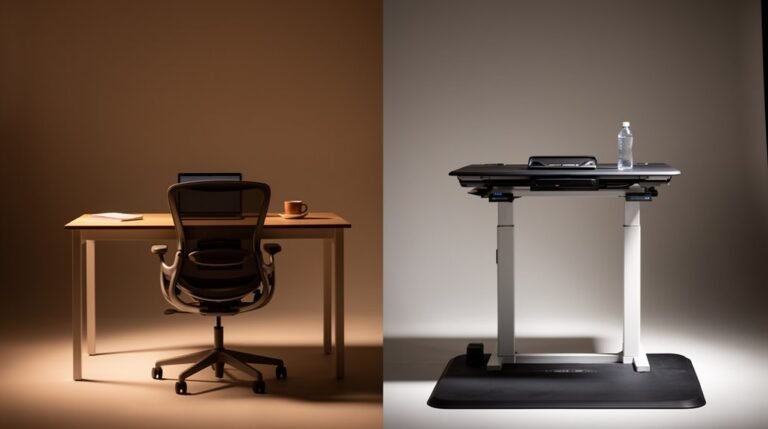
- Incorporate Movement and Alternate Work Positions: Alternate between sitting and standing, taking movement breaks to prevent stiffness.
Implementing these strategies can greatly improve your ergonomic experience.
Long-term Effects of Poor Posture and Ergonomics
Poor posture and suboptimal ergonomic practices during extended laptop use can lead to a range of long-term health issues. Over 70% of laptop users report musculoskeletal discomfort, primarily in the neck, lower back, and shoulders.
Neck pain affects 53.5% of office workers, while lower back pain impacts 53.2%. Chronic poor posture can result in structural conditions like herniated discs and nerve compression, causing numbness and tingling.
Prolonged sitting decreases muscle strength, particularly in the legs and glutes, and contributes to spinal degeneration. This inactivity raises obesity and diabetes risks, with each two-hour sitting increment increasing these risks considerably.
Ultimately, poor ergonomics can lead to chronic pain, reduced mobility, and additional health complications over time.
Frequently Asked Questions
How Can I Identify Musculoskeletal Discomfort Caused by Laptop Use?
To identify musculoskeletal discomfort from laptop use, watch for symptoms like pain, stiffness, or tingling in your neck, shoulders, wrists, and hands.
Note when discomfort occurs—often during or after use. Pay attention to posture; awkward positions increase strain.
Track your usage duration; prolonged sessions without breaks can exacerbate symptoms.
If discomfort persists or worsens, consider documenting your experiences and seeking ergonomic assessments to address your setup and posture.
Are There Specific Exercises to Relieve Laptop-Related Pain?
To alleviate laptop-related pain, incorporate targeted exercises.
Perform shoulder rolls for tension relief, and execute neck side bends to stretch neck muscles.
Use wrist rotations and bends to maintain wrist flexibility.
Engage in leg stretches and ankle pumps to improve circulation and prevent stiffness.
Include chair twists to enhance core flexibility.
Aim for 10–15 repetitions for each exercise, ensuring you hold stretches for 10–30 seconds to maximize effectiveness.
What Are the Best Laptop Stands for Ergonomic Use?
- Roost Laptop Stand: Adjustable height (6 to 14 inches), lightweight, and highly portable with patented grips.
- Besign LSX5: Offers 8-inch height adjustments and a sturdy aluminum build.
- Insignia Ergonomic Stand: Mid-range option with adjustable features for comfort.
- EPN Stand: Multi-directional adjustments for personalized setups.
- SAMDI Wood Stand: Aesthetic natural wood design, stable surface, and functional ergonomics under $50.
How Often Should I Take Breaks While Using a Laptop?
You should take breaks every 20-30 minutes while using a laptop. Brief 1-2 minute pauses help reduce neck strain.
Implement the 20-20-20 rule: look at something 20 feet away for 20 seconds every 20 minutes to combat eye strain.
Additionally, longer breaks of 5-10 minutes every 1-2 hours allow for standing, walking, and stretching, which prevents muscle fatigue.
Consistent short breaks are more effective for minimizing cumulative strain than infrequent longer breaks.
Can Using a Laptop on My Lap Cause Discomfort?
Yes, using a laptop on your lap can cause discomfort.
This position often forces your neck to flex forward, elevates your shoulders, and leads to trunk flexion, increasing strain on your muscles. Prolonged use can result in pain in the neck, shoulders, and back.
Additionally, poor wrist positioning may cause discomfort and repetitive strain injuries.
It’s advisable to use a designated workstation and ergonomic aids to minimize these risks effectively.
Conclusion
In the landscape of modern work, your laptop can feel like a double-edged sword. While it offers portability and convenience, it often leads to musculoskeletal discomfort from poor ergonomic practices.
Neglecting proper posture and workstation setup can carve lasting damage into your physical well-being. Simple habits—like hunching over the screen or keeping wrists at awkward angles—add up over time.
By addressing these ergonomic risks, you can transform your laptop experience from a source of pain into a tool for productivity. Prioritize your health, and watch your performance thrive.