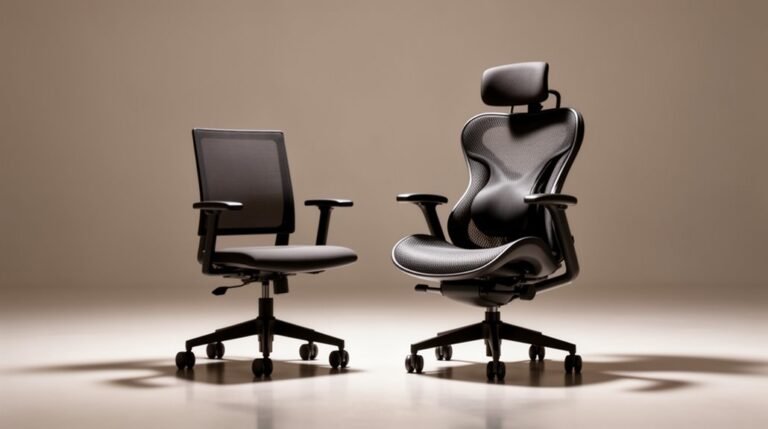
Common Office Chair Mistakes to Avoid
Common office chair mistakes to avoid include selecting the wrong chair height. Your feet should rest flat on the floor and your knees should be slightly lower than your hips to maintain good circulation and posture.
Ignoring lumbar support is another common office chair mistake to avoid. Without proper lower-back support, the spine’s natural curve can flatten, increasing the risk of pain and long-term problems.
Misaligning monitors causes neck strain, and inadequate armrests disrupt shoulder positioning. These issues compound when chair features like height and support aren’t adjusted to fit your body.
Neglecting training and maintenance increases discomfort and health risks. Understanding these common office chair mistakes to avoid will help you make better ergonomic choices and improve your overall setup.
Choosing the Wrong Chair Height
Many office workers overlook the importance of selecting the correct chair height, which can greatly impact comfort and health.
An appropriate chair height guarantees your feet rest flat on the floor, preventing strain on your legs and lower back. Ideally, your knees should sit slightly lower than your hips, promoting natural spinal alignment and reducing pressure on your knee joints. Proper office ergonomics can prevent health problems like neck and back pain, making the right chair height even more crucial.
If your chair is too high, your feet may dangle, leading to circulation issues. Conversely, a chair set too low can cramp your hips and knees.
For ideal ergonomics, measure from the floor to the underside of your kneecap, aiming for a 90-degree angle when seated.
Adjustable chairs are vital for accommodating various user heights, essential in shared workspaces.
Ignoring Lumbar Support Needs
When you neglect lumbar support, you risk serious consequences for your spinal health and overall comfort.
Poor lumbar support flattens the natural curve of your spine, increasing stress on spinal discs and muscles. This misalignment leads to neck, shoulder, and back strain, ultimately causing chronic pain.
Without proper support, your posture deteriorates, which impedes blood circulation and can lead to repetitive strain injuries. Concentrated pressure on your lower back exacerbates discomfort, making it hard to focus. Additionally, inadequate pelvic support increases the likelihood of stiffness and chronic pain.
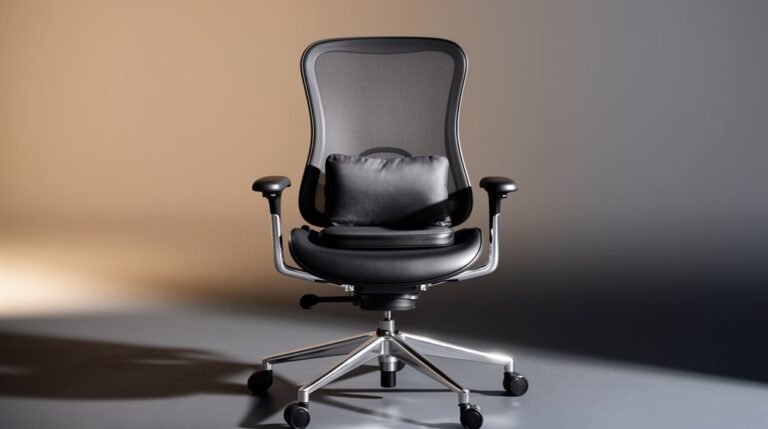
For maximum spinal health, choose an office chair with adjustable lumbar support to maintain the S-shape of your spine and distribute pressure evenly. Studies consistently highlight the importance of lumbar support in preventing lower back pain and maintaining the spine’s natural curve.
Prioritize comfort to enhance productivity and well-being.
Misaligning Monitors and Workstations
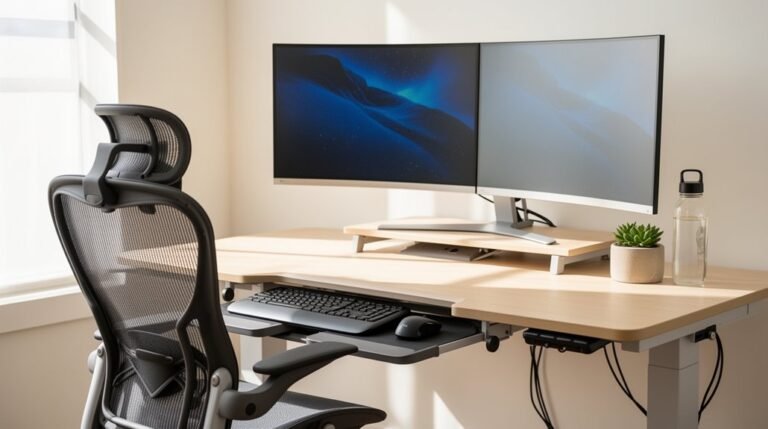
Properly aligning your monitor and workstation setup is essential for preventing discomfort and promoting productivity. Position your monitor 20 to 40 inches away, keeping it at eye level or slightly below. This prevents neck strain and guarantees ideal viewing angles. Place the monitor directly in front of you to avoid twisting your head and neck. For users with bifocals, lower the monitor an additional 1-2 inches. Ergonomic monitor placement supports natural body alignment, which is crucial for long-term comfort and efficiency.
Maintain a 100-110 degree elbow angle when typing, and verify your chair height allows you to look straight ahead at the top of the screen. Regularly assess your setup to avoid eye strain, neck pain, and backaches, making adjustments as needed to maintain alignment and comfort.
Overlooking Armrest Design and Support

Ignoring armrest design and support can lead to significant discomfort during long hours at your desk.
Armrests should align with your natural elbow height to maintain a neutral shoulder position. If they’re too high, you may experience shoulder shrugging and strain. Adjustable armrests, ideally ranging from 19.5 to 28.9 cm, accommodate most users when calibrated correctly.
Inadequate width can also affect comfort; armrests positioned too close together force arms inward, disrupting shoulder alignment. Conversely, excessive width can lead to flaring arms, compromising spinal support.
For peak function, guarantee armrests provide sufficient forearm support, ideally over 7.5 cm in height, to distribute upper body weight effectively. Proper armrest design is essential for maintaining posture and reducing discomfort.
Selecting Poor Quality Materials
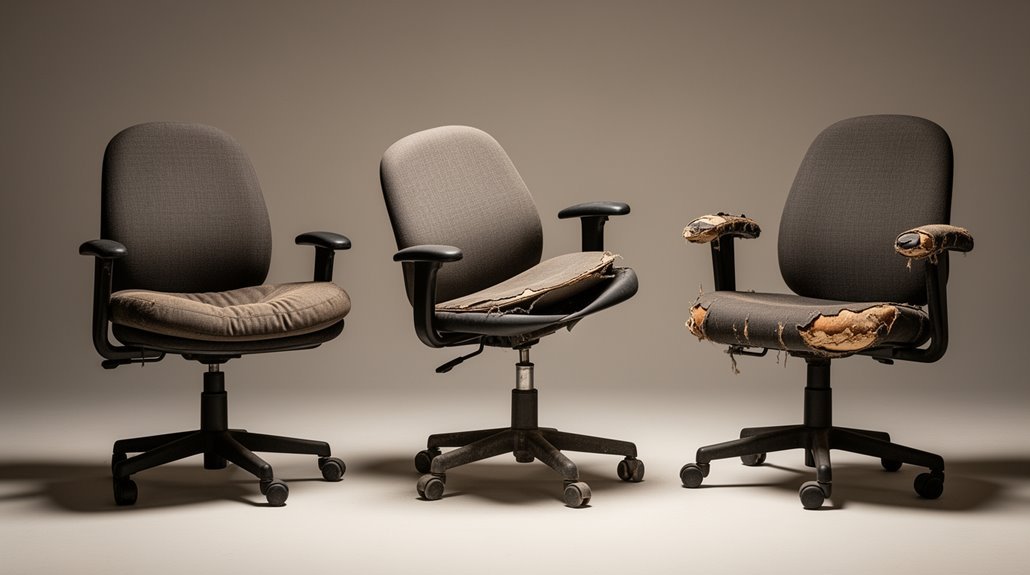
Choosing low-quality materials for your office chair can greatly affect comfort, durability, and health. The materials used directly influence how well the chair holds up over time.
Here are some key issues to take into account:
- Low abrasion resistance fabrics (Martindale < 20,000) wear quickly.
- Poorly woven mesh may sag, compromising support.
- Non-certified foam can contain harmful chemicals.
- Weak plastic frames may crack under regular use.
Investing in a chair with high-quality materials guarantees better longevity and reduces health risks.
Look for certifications like GREENGUARD and BIFMA to assure safety and durability.
Prioritize comfort by selecting proper fabrics, reinforced frames, and reliable padding. These choices will enhance your overall office experience.
Failing to Adjust Chair Features
Failing to adjust chair features can greatly impact your comfort and productivity. Proper chair adjustments are essential, as everyone’s body dimensions vary.
First, adjust the seat height so your feet rest flat on the floor and your arms align straight with the work surface. Next, set the seat depth to create a two- to four-finger gap between the seat’s edge and the back of your knees.
Position lumbar support to match the natural curve of your lower back, preventing slouching. Adjust armrests to guarantee your elbows form a 90-degree angle, keeping your shoulders relaxed.
Finally, utilize tilt tension control for comfortable reclining while upholding spinal alignment. Neglecting these adjustments increases discomfort and risks musculoskeletal disorders.
Neglecting Proper Chair Positioning
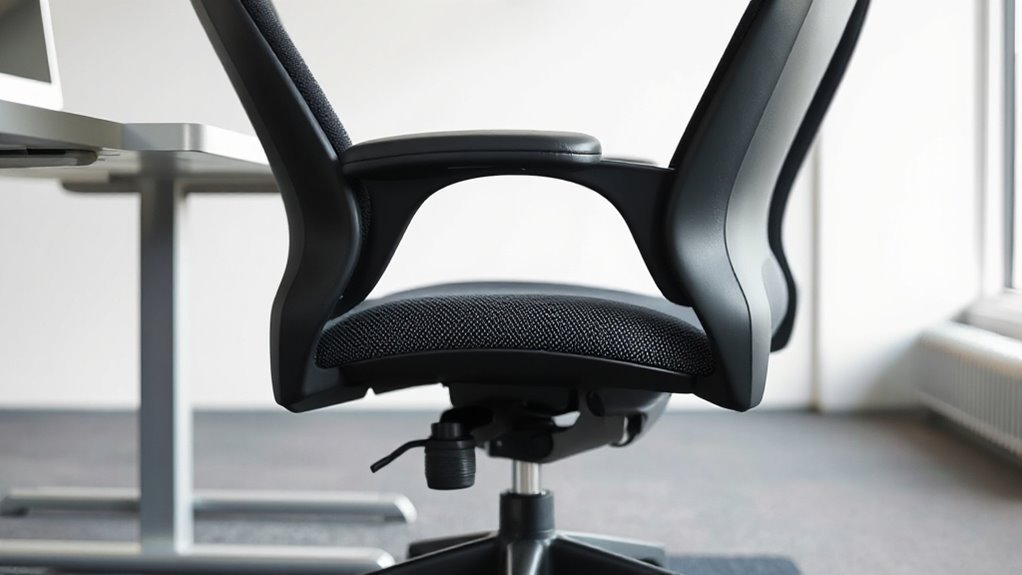
When you don’t prioritize proper chair positioning, it can lead to significant discomfort and hinder your productivity.
Confirming your chair is correctly adjusted can make a big difference. Focus on these key aspects:
- Seat Height: Your feet should rest flat on the floor, with knees bent at about 90 degrees.
- Lumbar Support: Align the lumbar support with your lower spine’s natural curve for comfort.
- Foot Placement: Keep both feet planted flat on the floor to maintain pelvic balance.
- Seat Depth: Ensure there’s a gap between the back of your knees and the seat edge to prevent circulation issues.
Addressing these elements will help you maintain good posture, reduce discomfort, and enhance your overall work efficiency.
Not Providing User Training on Ergonomics
Not providing user training on ergonomics can greatly undermine the benefits of a well-designed workspace. Many office workers lack awareness of ergonomic principles, with only 20% able to define ergonomics. This knowledge gap contributes to high rates of musculoskeletal disorders (MSDs), including 51.6% in shoulders and 48.2% in necks.
Ergonomic training considerably improves workstation habits, reducing MSDs by up to 42.2% in the neck region. Proper chair adjustment training is essential, as even the best chairs can’t prevent injuries without correct usage.
Training during onboarding and office changes guarantees users understand how to adjust chairs and report early MSD symptoms. Regular updates keep staff informed about evolving ergonomic standards, enhancing productivity and overall workplace health.
Skipping Regular Chair Maintenance
Skipping regular chair maintenance greatly impacts both chair performance and user health. Neglecting maintenance leads to increased wear and tear, causing premature failures.
Routine care extends lifespan, ensuring chairs last longer and function properly. Consider these best practices to avoid issues:
- Schedule maintenance every 6 months or follow manufacturer guidelines.
- Vacuum upholstery weekly to eliminate dust and allergens.
- Wipe surfaces with appropriate cleaners for each material.
- Inspect and tighten screws, bolts, and joints biannually.
Frequently Asked Questions
How Often Should I Replace My Office Chair?
You should replace your office chair every 7 to 10 years.
If you use an ergonomic model, consider replacement every 5 years for ideal support.
Factors like usage intensity and maintenance impact longevity; for instance, high-traffic areas require more frequent replacements.
Chairs in well-maintained environments last longer.
Always check warranty periods, as those often indicate expected lifespan.
Investing in quality chairs initially can reduce overall replacement frequency and costs.
What Are the Signs of an Ergonomic Chair?
You should look for several key features in an ergonomic chair.
The seat height typically adjusts between 16 to 21 inches, ensuring proper leg positioning.
A seat depth that allows 2–4 inches from the knees to the edge promotes circulation.
The backrest should mirror the spine’s natural S-shape, while adjustable lumbar support accommodates your lower back’s curve.
Additionally, breathable materials enhance comfort, reducing heat buildup during prolonged use.
Can Sitting Posture Affect Mental Focus?
Yes, sitting posture greatly impacts mental focus. An upright posture enhances oxygen flow, improving alertness. Slouching restricts lung capacity, leading to shallow breathing and mental fog.
Additionally, good posture reduces muscle tension and fatigue, allowing for sustained attention. Studies indicate that maintaining an upright position during tasks correlates with better cognitive performance.
How Do I Know if My Chair Is the Right Size?
To determine if your chair is the right size, check key dimensions. Your feet should rest flat on the floor; if not, adjust the seat height (16-21 inches typically).
Confirm thighs are parallel to the ground. The seat depth should allow 1-2 inches from the back of your knees.
The backrest must support your lumbar region, while armrests should keep elbows at a 90-degree angle.
Adjust these features for ideal comfort.
What Features Should I Look for in a Budget Office Chair?
When choosing a budget office chair, look for adjustable seat height, lumbar support, and tilt mechanisms.
Make sure armrests are adjustable and check for seat depth adjustment to support your thighs.
Choose breathable materials, like mesh, for comfort during long hours.
A sturdy frame, ideally nylon or steel, enhances durability.
Consider weight capacity and warranty length, as they reflect quality.
Finally, prioritize chairs with at least five ergonomic adjustments for maximum support.
Conclusion
In summary, avoiding common office chair mistakes can greatly enhance your comfort and productivity. Ergonomic adjustments for office chairs can significantly impact your overall well-being during long hours of work. Investing time in customizing your chair to fit your body can prevent discomfort and improve your posture. Additionally, these adjustments can help reduce the risk of developing chronic pain associated with prolonged sitting.
By selecting the right chair height, guaranteeing proper lumbar support, and maintaining your chair, you create an ergonomic workspace.
Have you considered how much a well-designed chair can impact your daily performance? Prioritize adjustments, monitor alignment, and armrest support to prevent strain.
Regular maintenance also secures longevity. With these considerations, you can optimize your office setup for better health and efficiency.