Office Chair Adjustments Most People Miss
Office Chair Adjustments Most People Miss
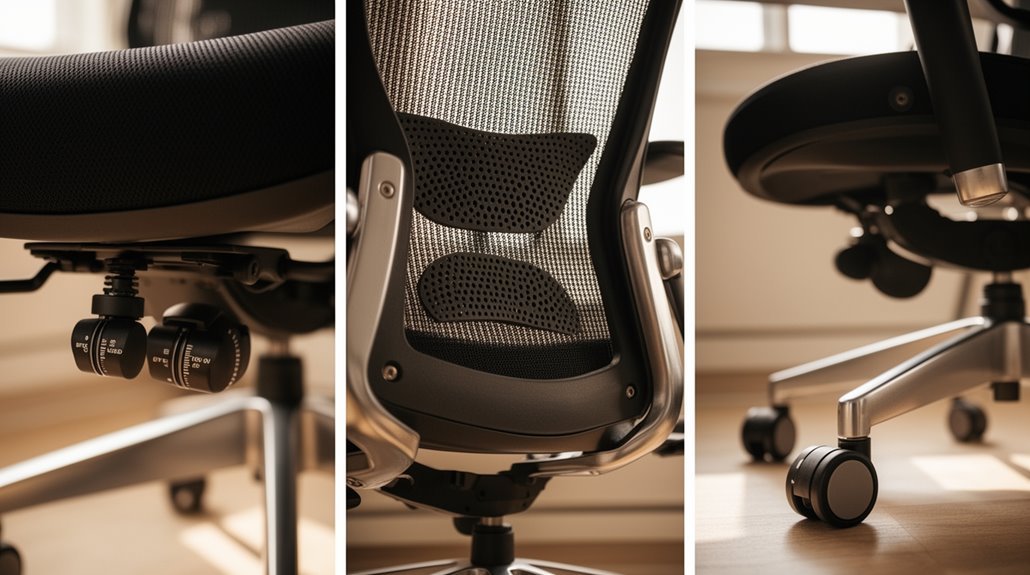
You often overlook key office chair adjustments most people miss that can greatly improve comfort and support. Start with proper seat height so your knees form about a 90-degree angle and your feet sit flat on the floor. Additionally, consider adjusting height for ideal posture to alleviate strain on your back and neck. Taking the time to find the right position can enhance not only your comfort but also your productivity throughout the day. Ensuring that your chair supports your natural alignment is crucial for long-term health. In addition to adjustments, you should be wary of ergonomic chair buying mistakes that can lead to discomfort over time. Many people neglect to consider the material and design of the chair, which can impact overall usability. Taking the time to research these factors will ensure that you make a more informed decision.
Next, adjust seat depth to support your full thighs while leaving a 2–3 finger gap behind your knees. This prevents pressure on the back of the legs and helps circulation.
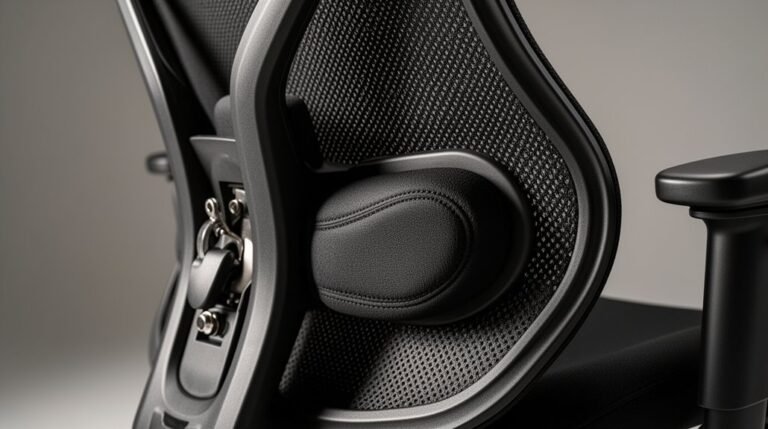
Don’t forget lumbar support to protect spinal health. Set the backrest angle to roughly 100–110 degrees to reduce strain on your lower back.
Finally, position armrests so they align with your elbows, allowing your shoulders to relax. Make these simple tweaks for better posture and less fatigue.
Importance of Proper Seat Height
When you sit in an office chair, proper seat height is essential for maintaining comfort and health.
Correct seat height positions your knees at a 90-degree angle while keeping your feet flat on the floor or footrest. Ideally, the chair’s highest point should be just below your kneecap when you stand beside it. This alignment helps avoid pressure behind the knees, preventing circulation issues and discomfort. Additionally, inadequate height can tilt your hips, impacting posture. The typical adjustable seat height ranges from 14.8 inches (37.6 cm) to 20.2 inches (51.2 cm), accommodating most users. Proper office ergonomics can prevent health problems like neck and back pain, making it vital to adjust your chair correctly.
Chairs that promote proper leg positioning reduce spinal strain, supporting the lumbar curve and maintaining the natural S-shape of your spine, ultimately enhancing your overall well-being.
Adjusting Seat Depth for Comfort
Adjusting the seat depth of your office chair markedly impacts overall comfort and ergonomic support. Seat depth adjustment allows you to move the seat pan forward or backward, accommodating different upper leg lengths. A proper depth guarantees full thigh support, preventing pressure points and circulation issues. Ideally, the front edge of the seat should maintain a 2-3 finger gap from the back of your knees. This positioning helps maintain complete backrest support, reducing postural fatigue. Many budget chairs lack this feature, resulting in fixed seat positions that can lead to knee discomfort and poor posture. Using a slider or lever system, you can easily adjust the seat depth, guaranteeing a more comfortable and supportive work experience. Proper seat depth adjustment is crucial for maintaining ideal posture and preventing discomfort during long hours of sitting.
The Role of Lumbar Support
Effective lumbar support plays an essential role in maintaining spinal health during prolonged periods of sitting. It preserves the natural S-curve of your spine, vital for preventing lower back pain.
By supporting all four spinal regions—cervical, thoracic, lumbar, and sacrum—it guarantees thorough alignment. Proper lumbar support stabilizes your pelvis, which dictates spinal curve, helping to keep intervertebral discs aligned. Insufficient support forces your muscles to work harder, leading to fatigue and discomfort. Additionally, it prevents slouching, which can weaken spinal support muscles. With at least 63% of office workers experiencing discomfort, investing in proper lumbar support can reduce pressure points and enhance overall productivity by promoting a more efficient, pain-free work environment. This proactive approach to employee health creates a safe and supportive work environment that enhances morale and reduces costs associated with workplace injuries.
Optimizing Backrest Angle and Tension
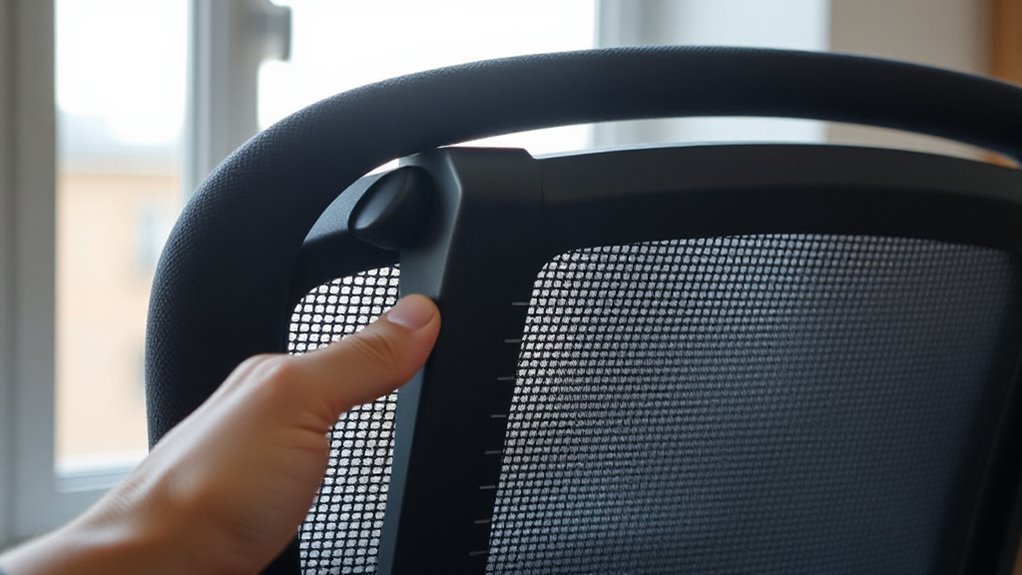
How can you enhance the backrest angle and tension of your office chair for better spinal health?
Begin by adjusting the backrest angle between 100-110 degrees for most tasks, as this provides a balance of support and comfort. For focused work, maintain an angle of 90-100 degrees to keep your spine aligned.
Verify the torso-to-thigh angle remains at a minimum of 90 degrees; this helps avoid excessive spinal loading. Utilize the backrest’s adjustable tension feature to accommodate your body type, promoting even weight distribution.
A slight backward tilt can relieve neck strain and reduce lumbar pressure. Regularly reassess your adjustments to maintain peak support, verifying your chair adapts to your changing needs throughout the day.
Armrest Height and Positioning
While proper armrest height and positioning might seem minor, they play a critical role in maintaining ergonomic comfort during long hours at your desk.
Aim for an armrest height between 7 to 10 inches above the seat cushion. This height allows your elbows to bend at a 90–100 degree angle, keeping your shoulders relaxed.
Adjust the armrests so they gently touch the underside of your elbows when your arms are relaxed. Make sure your upper arms remain close to your torso, and your forearms rest comfortably on the armrests.
Headrest Adjustments for Neck Support
To guarantee ideal neck support, adjust your chair’s headrest to fit the unique contours of your cervical spine.
Position the headrest to cradle the back of your head, near the occipital bone, not directly behind your neck. Adjust the height so it aligns just below the base of your skull, ensuring your chin remains parallel to the ground.
A headrest that’s too high will push uncomfortably on your head, while one that’s too low offers no support. If your chair allows, adjust the tilt to maintain alignment from your ears through your shoulders, especially when reclining.
Understanding Seat Tilt Adjustments
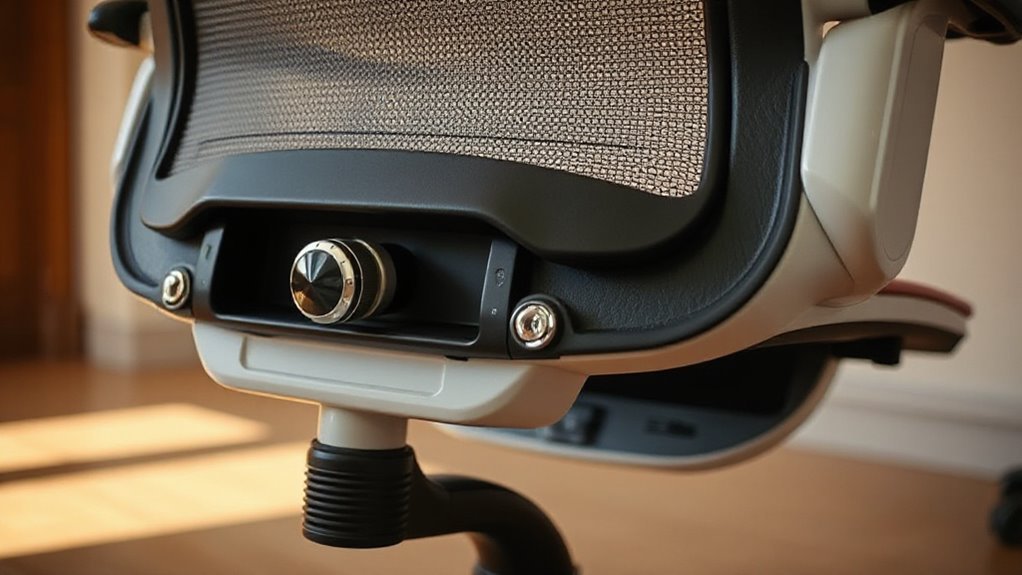
What makes seat tilt adjustments vital for your comfort and productivity?
Seat tilt mechanisms greatly impact your sitting posture and overall well-being. Synchronous tilt chairs move the backrest and seat together at a 2:1 ratio, promoting spinal alignment. Single-point tilt chairs recline at a 1:1 ratio, less suitable for prolonged use.
Knee tilt mechanisms pivot forward, allowing wider recline angles while keeping your feet grounded. Forward glide tilt moves the seat forward and down as the backrest reclines, ideal for relaxed positions. Multi-function tilt chairs offer independent adjustments for both the seat and backrest, maximizing customization.
Proper adjustment reduces lower back pressure and enhances blood circulation, which is essential for maintaining focus during extended work sessions.
The Significance of a Stable Chair Base
A stable chair base plays a crucial role in your overall sitting experience, impacting both safety and comfort. The design and construction of the base support the entire chair structure.
A five-point star base is standard, distributing weight evenly to lower tipping risks. OSHA recommends bases with at least five wheels, enhancing stability and promoting safety.
Materials like metal or reinforced nylon provide superior durability, while poor-quality materials can lead to wobbling or breakage. Proper load distribution across the base is essential, especially for heavier users, to prevent localized stress and maintain stability.
Inadequate weight capacity can destabilize the chair, increasing injury risks. Therefore, choosing a stable base is important for ergonomic support and long-term usability.
Utilizing Swivel Mechanisms Effectively
Swivel mechanisms enhance chair functionality by allowing seamless 360-degree rotation, which reduces strain on your body while reaching for objects.
To utilize this feature effectively, adjust your seat height so your thighs are parallel to the floor and knees at about 90 degrees. When seated, engage the tilt lock to maintain an upright position.
Adjust tilt tension using the knob underneath the seat; this controls the resistance needed to recline, accommodating your body weight. For ideal comfort, adjust seat depth and back angle via their respective levers, promoting proper thigh support and reducing lower back pressure.
Regularly reassess these settings as your work posture or desk height changes throughout the day for sustained ergonomic support.
Frequently Asked Questions
How Often Should I Adjust My Office Chair Settings?
You should adjust your office chair settings every few months or as soon as you notice discomfort.
Frequent adjustments guarantee proper ergonomic support. Check the seat height, armrests, backrest angle, and lumbar support. If you experience pain or notice worn-out padding, it’s time for assessment.
Regular maintenance, like cleaning and tightening components, enhances chair functionality and helps prevent long-term issues.
Prioritize adjustments to maintain spinal health and overall comfort during use.
Can I Use a Cushion With My Office Chair?
Yes, you can use a cushion with your office chair. Ergonomic cushions fit nearly any model, enhancing comfort without permanent modifications.
Memory foam and gel options offer pressure relief, while lumbar and coccyx designs promote proper posture. Most cushions feature non-slip bottoms to maintain position, and their universal sizing accommodates various chair dimensions.
These cushions are portable, allowing you to easily move them between different workspaces as needed.
What Are Signs My Chair Is Not Adjusted Properly?
If your feet aren’t flat on the floor, or your knees aren’t close to a 90-degree angle, your seat height may be incorrect.
You might experience lower back pain if lumbar support isn’t aligned with your spine.
If your arms aren’t parallel to your desk, you could be straining your shoulders.
Additionally, if you find it hard to recline comfortably, your tilt or recline settings may need adjustment.
How Can I Maintain My Office Chair for Longevity?
Regular Cleaning
Wipe your chair weekly with a microfiber cloth, and vacuum the seat and backrest every three months to remove debris.
Inspect Hardware
Check screws and bolts regularly, tightening as needed to maintain stability and avoid hazards.
Lubricate Moving Parts
Apply silicone lubricant to casters and adjustment mechanisms biannually, ensuring smooth operation.
Environmental Care
Keep your chair out of direct sunlight and away from extreme temperatures to extend its lifespan.
Are Ergonomic Chairs Worth the Investment?
Yes, ergonomic chairs are worth the investment. They reduce musculoskeletal disorders, with companies reporting up to a 47% decrease in related injuries.
Adjustable features like lumbar support and seat tilt enhance comfort, boosting productivity by 15% to 20%. Improved employee satisfaction leads to lower absenteeism and turnover rates.
Though initial costs may be higher, the long-term ROI, including reduced medical expenses and increased efficiency, justifies the expense for both employees and employers.
Conclusion
In conclusion, securing superior seating satisfaction requires small adjustments.
Start with seat height, then consider seat depth.
Prioritize lumbar support and backrest angle.
Adjust armrests to alleviate arm fatigue.
Don’t overlook headrest height for neck relief.
Familiarize yourself with seat tilt and guarantee a sturdy chair base.
Finally, master swivel mechanisms for smooth movement.
Each adjustment contributes to comfort and health, enhancing your overall workspace experience. Prioritize these pivotal points for peak office ergonomics.