How to Light Your Desk to Reduce Eye Strain
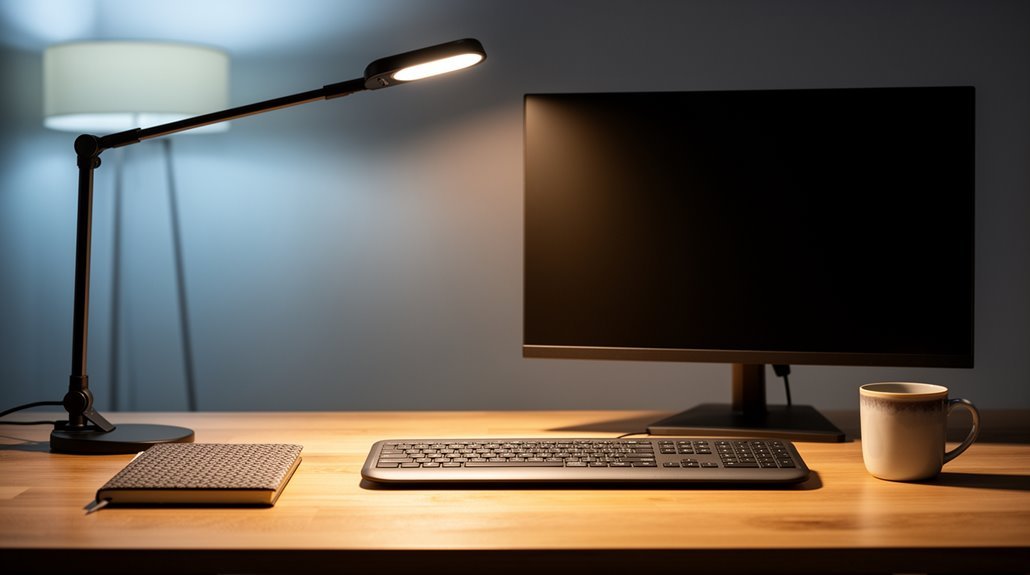
How to light your desk effectively to reduce eye strain starts with using natural light whenever possible, as daylight enhances alertness and job satisfaction.
Position your monitor an arm’s length away, with its top edge just below eye level to keep your gaze slightly downward and reduce strain.
Provide ambient lighting around 200–300 lux and choose bulbs with a 4000K–5000K color temperature to mimic daylight and maintain visual comfort.
Adjust screen brightness to match the ambient light and follow the 20-20-20 rule (every 20 minutes, look at something 20 feet away for 20 seconds) to minimize fatigue.
Explore additional methods like task lighting, reducing glare with screen filters, and taking regular breaks to enhance eye comfort and productivity.
Optimal Natural and Artificial Light Sources
When you consider how to enhance your workspace, both natural and artificial light sources play significant roles in reducing eye strain. Exposure to natural light boosts alertness and visual comfort, improving job satisfaction by 2–16%. Additionally, natural light helps activate cognitive abilities, leading to improved performance and creativity.
Natural light harmonizes your circadian rhythms, leading to better sleep quality and increased productivity. Workers with windows report reduced stress and improved mental well-being.
For artificial lighting, use full-spectrum or daylight-mimicking bulbs (6500K) to replicate natural light’s benefits. Blue-enriched bulbs (17,000K) enhance performance and reduce fatigue.
Aim for illuminance levels between 500–300 lux for ideal comfort. Verify consistent, flicker-free lighting to prevent headaches and dry eyes.
Combining natural and artificial sources maximizes visual comfort and productivity in your workspace.
Effective Desk Setup and Lighting Placement
To reduce eye strain and enhance productivity, an effective desk setup and proper lighting placement are essential.
Position your monitor so the top is at or slightly below eye level, about an arm’s length away, to maintain a natural posture. Tilt the screen backward at 10-20 degrees to minimize glare.
Place your desk lamp opposite your dominant hand, angled downward at 30-45 degrees, avoiding direct eye contact. Utilize ambient light alongside task lighting for balanced illumination. Proper lighting is essential for maintaining good eye health in workstations or study areas.
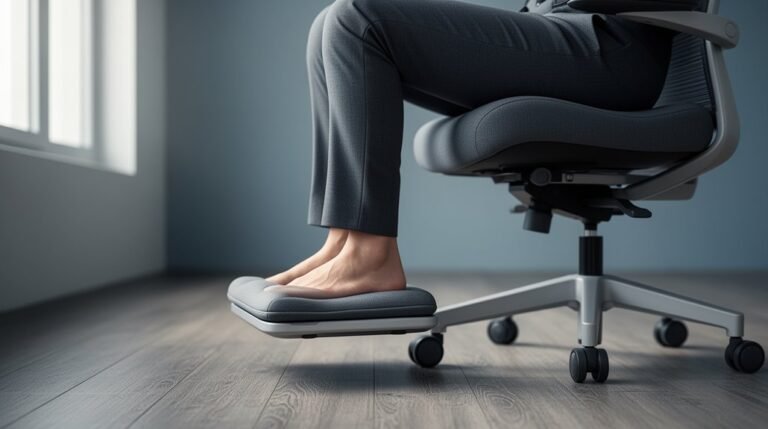
Adjust your chair so your feet rest flat and knees are at 90 degrees. Position your desk perpendicular to windows, maintaining at least three feet distance to control glare.
This setup will promote comfort and reduce eye strain during extended work periods.
Managing Screen Settings and Glare
Adjusting your screen settings and minimizing glare are essential for reducing eye strain during prolonged computer use.
- Set brightness to match ambient lighting, preventing excessive contrast that strains your eyes.
- Maintain contrast settings around 60–70%, optimizing comfort for most users.
- Increase font size and use high contrast (e.g., black text on white) for better readability and reduced fatigue.
- Enable blue light filters or night mode, especially during evening use, to lessen retinal stress.
Position your screen slightly below eye level and an arm’s length away to mitigate glare. Regular eye exams are also important to ensure proper vision correction and address any underlying issues that may contribute to eye strain.
Avoid facing windows or bright lights directly.
Consider anti-glare screen protectors and keep your display clean to enhance visibility.
These adjustments will improve your visual comfort considerably.
Maintaining Balanced Ambient Lighting
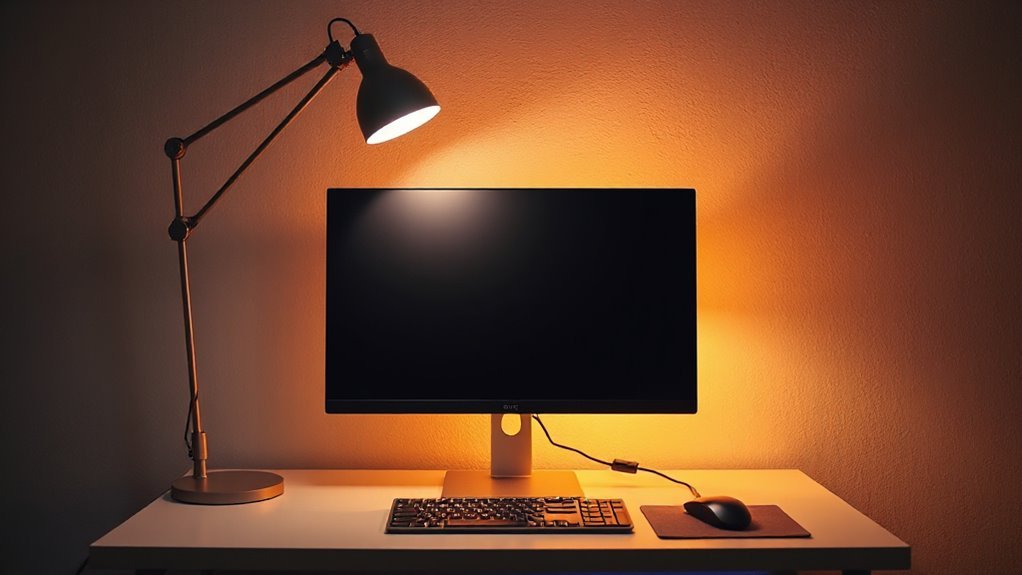
Maintaining balanced ambient lighting is essential for visual comfort while working at a desk. It reduces contrast between your screen and surroundings, minimizing eye strain. Aim for a soft, even light that doesn’t overpower your workspace.
High contrast between bright screens and dark rooms forces your eyes to constantly adjust, leading to fatigue. Ideally, ambient light should be around 200–300 lux for computer work, with general office tasks needing 300–500 lux. Keep the ambient brightness at about half the screen’s brightness.
Use 4000K–5000K color temperature for ideal illumination, mimicking natural daylight. Position ambient lights to avoid glare on screens, and use diffusers to soften harsh shadows.
Balance these elements to enhance overall visual comfort.
Ergonomic Practices for Eye Comfort
Five key ergonomic practices can greatly enhance eye comfort during prolonged desk work.
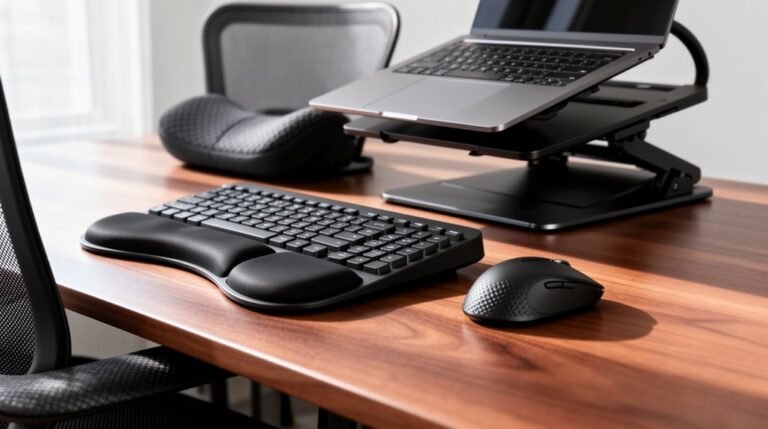
Position your monitor about an arm’s length away to lessen focusing strain. Align the screen’s top at or slightly below eye level, encouraging a natural downward gaze. Tilt the monitor to reduce glare and reflections. Use an ergonomic chair and desk setup to maintain a comfortable posture, preventing forward leaning.
- Follow the 20-20-20 rule: look at something 20 feet away for 20 seconds every 20 minutes.
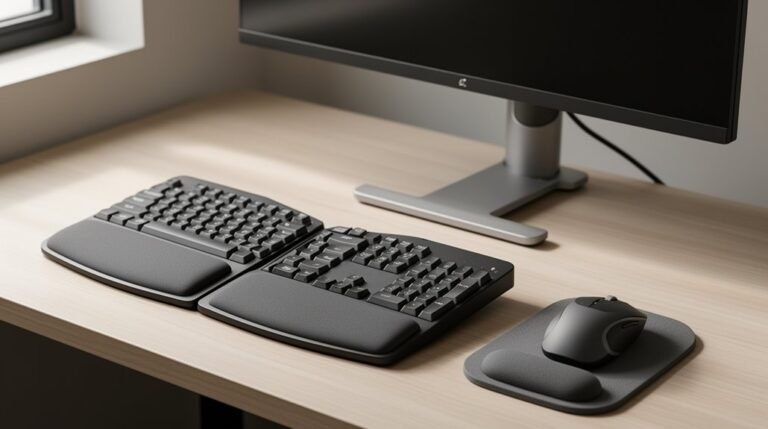
- Keep your wrists neutral and elbows at 90 degrees.
- Arrange your workspace to minimize shadows.
- Use adjustable task lighting focused on specific work areas.
These practices collectively promote better eye comfort and reduce fatigue.
Innovative Lighting Technologies for Eye Health
Innovative lighting technologies play a significant role in reducing eye strain during extended desk work.
Flicker-free LED technology eliminates imperceptible flickering, enhancing focus and comfort. These lamps guarantee steady light output, minimizing visual fatigue.
Anti-glare and diffused lighting prevent harsh reflections, spreading light evenly across surfaces.
Adjustable color temperature settings allow users to shift between warm (3000K) and cool (5000K–6500K) light, optimizing for relaxation or alertness.
Blue light reduction features help lower potential digital eye strain and improve sleep quality.
High-CRI lighting accurately renders colors, essential for tasks demanding precision.
Tri-spectrum technology combines multiple light types, providing customizable illumination.
These innovative options support long-term eye health, enhancing your overall work experience.
Frequently Asked Questions
What Color Temperature Is Best for Desk Lighting?
For desk lighting, a color temperature of 3500K–4100K is ideal. This neutral white light minimizes eye fatigue during prolonged tasks, providing a balanced environment for studying or working.
If you need to enhance focus, consider a cool white light between 4000K–5000K, which boosts alertness.
For relaxation, warm white light at 2700K–3000K is effective.
Adjustable lamps let you switch between these temperatures, optimizing your workspace for different tasks.
How Can I Reduce Glare From My Glasses?
Adjusting Positioning and Angles
You can reduce glare from your glasses by adjusting the angle of your desk lamp or screen.
Position the light source higher or to the side, preventing direct reflections. Experiment with your seating position to find glare-free angles.
Selecting Appropriate Lighting
Use soft, diffused lighting instead of harsh direct light.
LED lamps with adjustable color temperatures allow you to create a warmer, less glaring environment, effectively minimizing glare on your glasses.
Are Smart Lights Effective for Reducing Eye Strain?
Smart lights are effective for reducing eye strain. Their flicker-free technology prevents headaches and discomfort.
Adjustable color temperatures, ranging from 3000K to 5000K, allow you to tailor lighting to tasks and time of day, minimizing fatigue.
Dimming features adapt brightness to your environment, reducing glare.
Research shows these lamps enhance eye comfort and prolong your work capacity, making them a beneficial choice for maintaining eye health during extended use.
How Do I Choose the Right Desk Lamp?
Choosing the right desk lamp is like picking the right tool for a precise job.
Start with lumens; aim for 300–500 for general tasks, and 750–1000 for detailed work. Look for adjustable color temperatures, between 2700K and 6000K. Guarantee a Color Rendering Index (CRI) of 80+.
Select LED bulbs for efficiency. Position the lamp 15–36 inches from your workspace, keeping it slightly above eye level to reduce glare.
Can Plants Improve Desk Lighting and Eye Comfort?
Yes, incorporating plants into your workspace can enhance eye comfort. They provide visual relief, reducing stress in as little as five minutes.
Plants also promote a calming environment, which can improve focus during tasks. When combined with natural light, they amplify these benefits, decreasing eye strain and enhancing productivity.
Positioning your desk near plants and windows maximizes these effects, leading to a more comfortable and efficient workspace.
Conclusion
To optimize your workspace and reduce eye strain, focus on balanced lighting and ergonomic practices.
Position your desk lamp to avoid glare and adjust screen settings for comfortable viewing.
Like a well-tuned instrument, your lighting should harmonize with your screen and surroundings.
Explore innovative technologies designed for eye health, and remember, consistent adjustments can make a significant difference.
Prioritizing your lighting setup guarantees a more productive and comfortable work environment, safeguarding your vision for the long term.