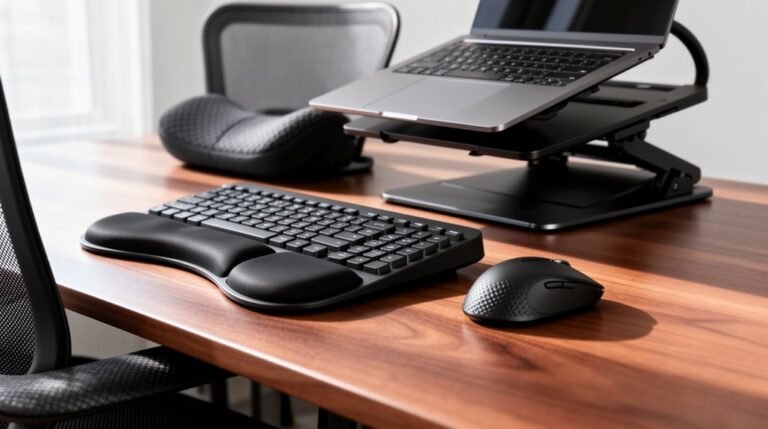
Trackball Vs Mouse for Ergonomics
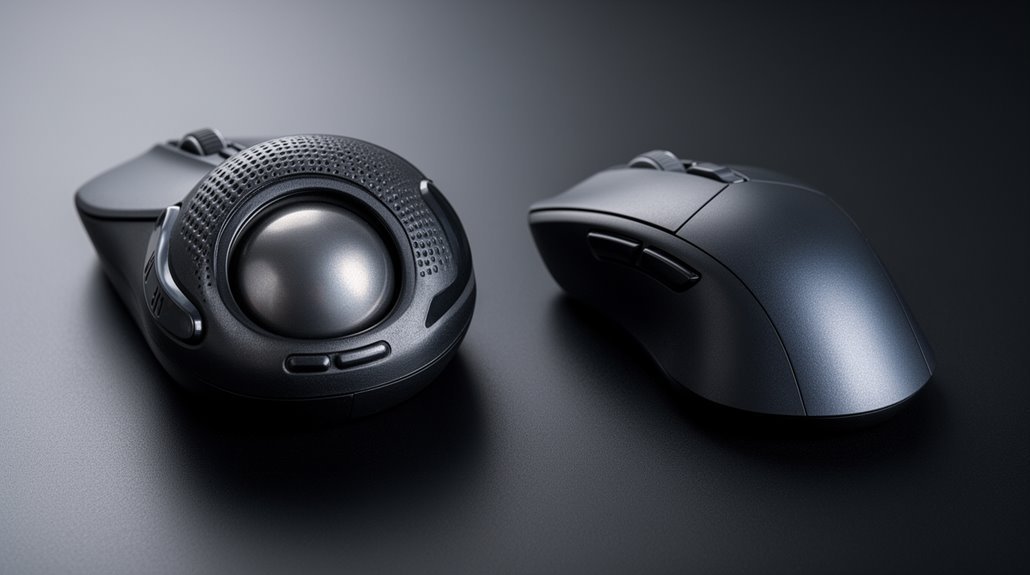
Trackball mice offer significant ergonomic benefits compared to traditional mice. Trackball users often experience less muscle strain and better wrist posture because only the fingers move while the arm stays stationary. This reduced movement limits repetitive motions and can lower the risk of conditions like carpal tunnel syndrome.
While traditional mice may allow faster cursor movement for some tasks, trackballs provide superior control for precise work. Adapting to a trackball can take a week or two, but once you adjust, many people notice improved comfort and efficiency.
If you’re considering a switch, give yourself time to adapt and explore different trackball designs to find the best fit for your hand and workflow.
Benefits of Trackball Mice for Ergonomic Health
When you consider ergonomic health, trackball mice offer several advantages over traditional mice. They reduce electrical muscle activity in your hand, lowering muscle strain during prolonged use.
With a more neutral wrist posture, trackballs lessen muscle load, delaying musculoskeletal disorders. Instead of engaging smaller wrist muscles, they utilize larger arm and shoulder muscles, distributing effort more effectively. Furthermore, extended computer use can exacerbate these issues, making the benefits of trackballs even more significant.
Studies indicate that trackballs decrease shoulder muscle activation and wrist flexion angles, contributing to reduced fatigue. Additionally, trackballs minimize wrist deviation, lowering your risk of median nerve compression, such as carpal tunnel syndrome.
Their stable hand positions alleviate compression points, preventing disorders related to prolonged pressure. Overall, trackballs promote healthier movement patterns, enhancing your ergonomic setup over time.
Comparison of Movement and Strain Reduction
While both trackball and traditional mice serve the same primary function, their movement mechanics greatly differ, impacting strain reduction.
Trackball mice require only finger or thumb movement, keeping your hand and arm stationary. This design minimizes repetitive arm and wrist motions, reducing overall biomechanical load. Moreover, using quality ergonomic devices is crucial to effectively mitigate strain and enhance comfort during prolonged use.
In contrast, traditional mice necessitate your entire hand and arm to move across a surface, which can increase the risk of repetitive strain injuries.
Vertical mice improve wrist posture but still involve arm movement. Using a trackball is linked to lower wrist and forearm strain, making it suitable for users with carpal tunnel syndrome.
Precision in Task Performance: Trackball Vs Traditional Mouse
Understanding the nuances of precision in task performance reveals distinct advantages and disadvantages of trackballs and traditional mice.
- Cursor Control Speed: Traditional mice typically enable faster cursor control, with trackballs lagging by about 500 ms in target acquisition tasks.
- Accuracy: While both devices generally offer comparable accuracy, trackballs may demonstrate improved performance, especially in dragging tasks with non-dominant hands.
- Micro-Movements: Trackballs excel in fine motor tasks, requiring finger and thumb manipulation, which enhances control and minimizes cumulative error. The efficiency of computer peripherals significantly influences productivity, emphasizing the importance of selecting the right device for your needs.
In contrasting environments, traditional mice may yield faster results, but trackballs can match or even surpass throughput in specific settings.
Ultimately, your choice depends on the task type and your hand dominance, impacting overall precision.
Adapting to Trackball Use: Learning Curve Considerations
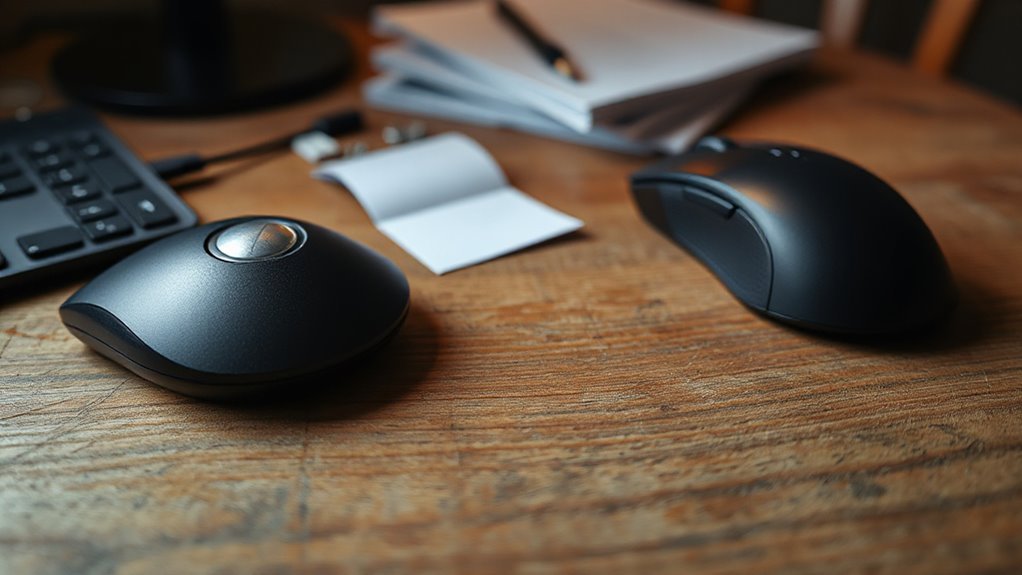
Adapting to trackball use involves a considerable learning curve, requiring both patience and practice.
Initially, you may experience reduced productivity and accuracy, often achieving only 40-60% precision compared to a traditional mouse. This adaptation typically takes about 5 to 7 days for comfort and up to 2 weeks for improved accuracy.
During this time, you’ll retrain your muscle memory, shifting from wrist and arm movements to using your fingers or thumb. The mechanics differ, as finger-operated trackballs require fine motor control, while traditional mice rely on gross movements.
After a month of consistent use, you may notice precision matching or exceeding prior levels.
Despite initial challenges, trackballs can considerably reduce musculoskeletal strain over time.
Practical Aspects of Trackball and Mouse Usage in Workspaces
Ergonomic design greatly influences how trackballs and traditional mice impact your workspace. Here are three key aspects to reflect on:
- Movement Patterns: Traditional mice require constant sliding, creating unnatural wrist movements. In contrast, trackballs stay stationary, reducing wrist strain.
- Muscle Activation: Trackballs engage larger arm muscles, resulting in lower activation levels in smaller hand muscles, minimizing fatigue during extended use.
- Posture: Trackballs maintain a neutral hand position, preventing wrist twisting common with mouse usage, which can lead to injuries like carpal tunnel syndrome.
Frequently Asked Questions
Can Trackball Mice Help With Existing Wrist Pain?
Yes, trackball mice can help with existing wrist pain. They reduce wrist and arm movement, minimizing strain and lowering the risk of carpal tunnel syndrome.
Their stationary design promotes a relaxed arm posture. Users operate the device with fingers or thumbs, which maintains better wrist alignment.
Studies show decreased muscle activation in the shoulder and reduced wrist flexion, potentially alleviating repetitive stress injury symptoms.
However, some users may need time to adjust.
Are Trackball Mice Suitable for Gaming Purposes?
Trackball mice aren’t ideal for gaming purposes. While they offer ergonomic benefits, like reduced wrist movement, their precision often falls short.
Many traditional mice excel with higher DPI, reaching up to 5000, compared to trackballs that max out around 1600. Fast-paced games require quick, accurate movements, where traditional mice outperform trackballs.
Users may struggle with control and sensitivity, making trackballs less favorable for competitive gaming scenarios. Overall, their performance limitations are significant.
How Do Trackball Mice Affect Hand Posture?
Trackball mice promote a neutral wrist position, minimizing wrist flexion and shoulder abduction.
You keep your forearm stable, reducing strain on the wrist joint. This design encourages finger rotation, which lowers repetitive wrist motions.
With less muscle activation, you decrease the risk of musculoskeletal disorders. Overall, a trackball mouse helps maintain a natural hand posture, which can lead to less muscle fatigue and a reduced chance of developing conditions like carpal tunnel syndrome.
Do Trackball Mice Work With All Computer Systems?
Yes, trackball mice generally work with most computer systems.
Modern models support major operating systems like Windows and macOS, with some compatibility for Linux. They typically connect via USB, ensuring easy plug-and-play functionality.
Wireless options offer Bluetooth or 2.4 GHz connectivity. However, specialized software for advanced features may be limited, depending on the operating system.
Always check manufacturer specifications for compatibility with specific models and your device’s requirements.
What Are the Cost Differences Between Trackball Mice and Traditional Mice?
When comparing costs, traditional mice usually range from $10 to $100, while trackball mice start at $35 and can exceed $110 for premium models.
Trackballs often include ergonomic features like programmable buttons and multi-device support, driving their prices higher. In contrast, traditional mice benefit from mass production, resulting in lower prices.
Conclusion
To sum up, choosing between a trackball and a traditional mouse hinges on personal comfort and ergonomic needs.
Trackballs reduce wrist strain by allowing stationary hand movement, while traditional mice require larger arm motions.
Although adapting to a trackball may take time, the potential for improved posture and reduced fatigue can outweigh the learning curve.
Ultimately, your decision should be based on your workspace setup, daily tasks, and preference for precision in movement.