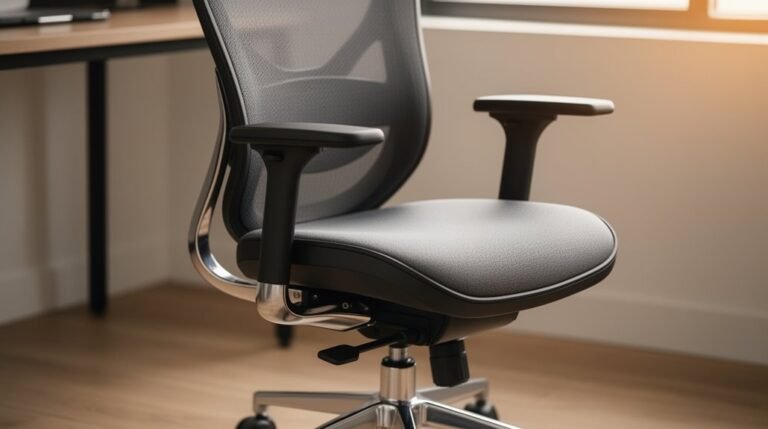
Office Chair Hacks for Better Comfort
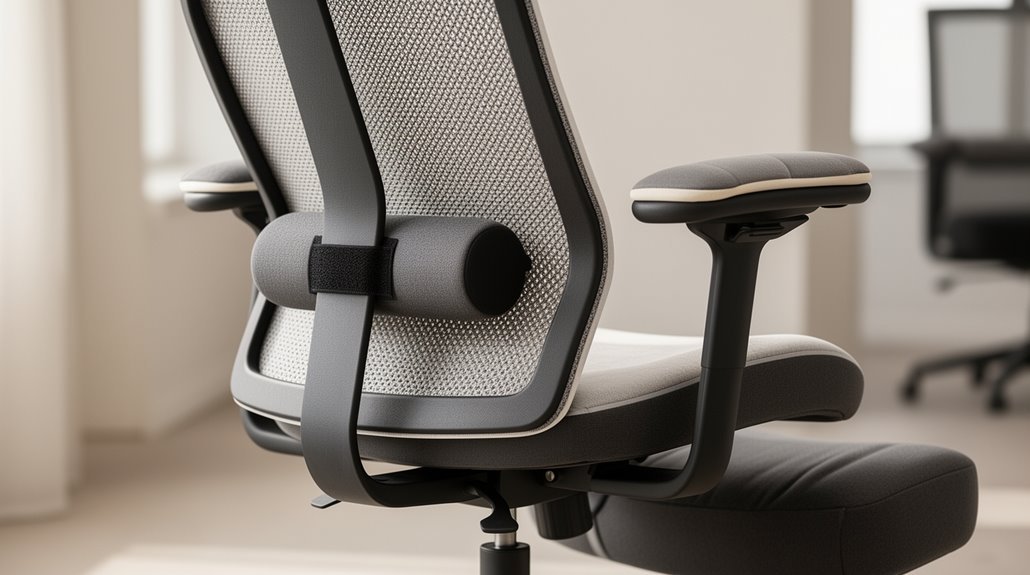
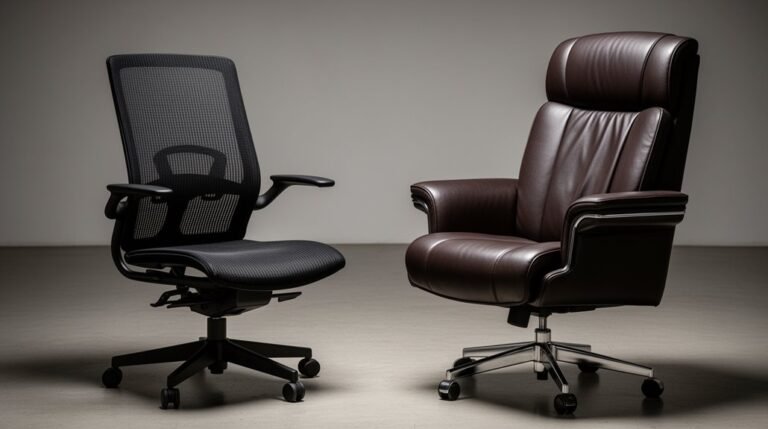
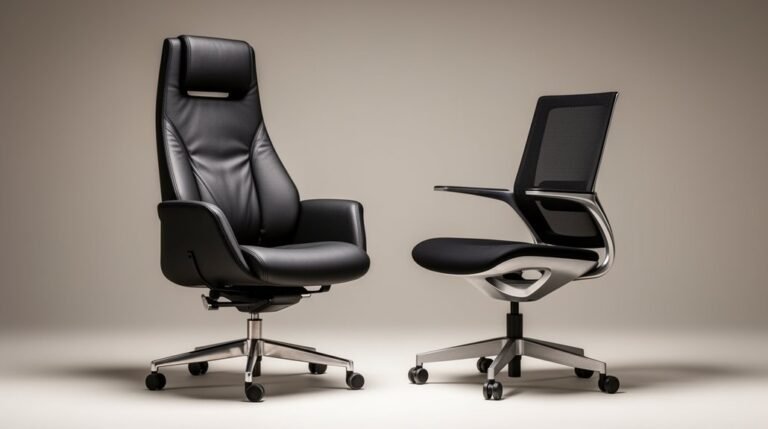
Office chair comfort starts by adjusting the seat height so your feet rest flat on the floor and your knees bend at about 90–100 degrees. This simple change reduces strain on your legs and helps maintain a neutral posture. In addition to seat height, incorporating ergonomic seating solutions for offices can significantly enhance overall comfort. These designs prioritize lumbar support and promote healthy spinal alignment, which are essential for long hours of work. By investing in the right seating arrangements, companies can improve employee well-being and productivity.
Check that the lumbar support lines up with the natural curve of your lower back. If your chair has adjustable lumbar features, move them until you feel steady, gentle support.
Use the backrest tilt to find an angle that feels relaxed but still supports upright sitting. Don’t lock it too far back for long periods; a slight recline can relieve pressure.
Try different cushioning options, such as memory foam pads or seat cushions, to improve overall support and comfort. Small accessories can make a big difference.
Take short breaks regularly to stand, stretch, and promote circulation. Revisit adjustments periodically to keep your office chair comfort optimized as your needs change.
Adjusting Your Seat for Optimal Height and Depth
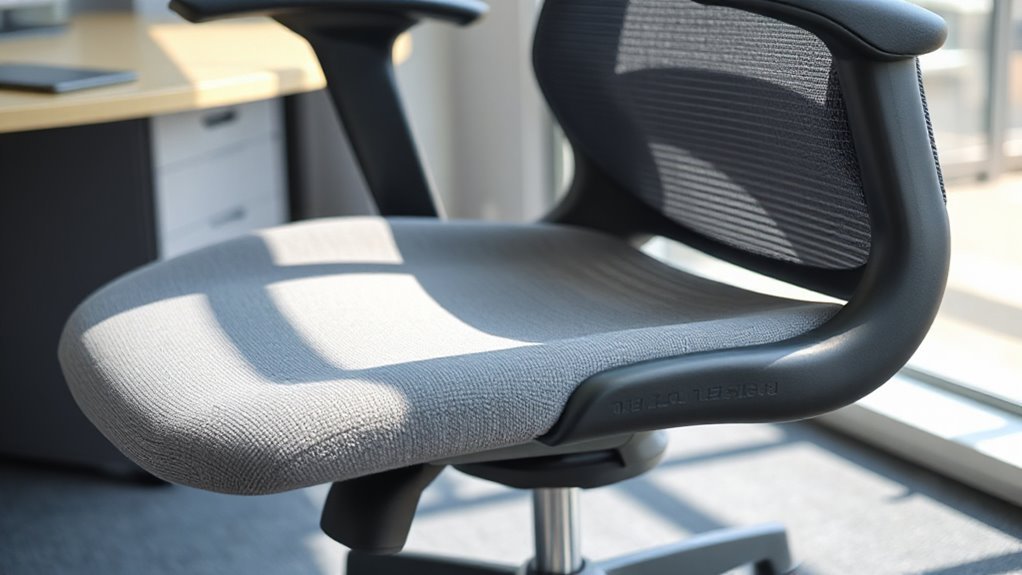
To achieve ideal comfort and support, start by adjusting your seat height. Verify your feet rest flat on the floor, with your knees bent at a 90-100 degree angle. Your thighs should lie parallel to the ground or slightly downward, reducing lower back strain. Proper chair height supports healthy posture and minimizes strain on joints.
The highest point of your seat should align just below your kneecap when standing in front of the chair. The ideal chair height typically falls between your sitting knee height and 2 inches above that.
Next, check your seat depth. There should be approximately a 2-inch clearance between the seat’s front edge and your lower legs, preventing pressure points and promoting circulation during extended sitting.
Finding the Perfect Lumbar Support
How can you guarantee your office chair provides the lumbar support your spine needs?
Start by considering adjustable lumbar support, which lets you customize height and depth for a personalized fit.
Look for contoured backrests that maintain the natural inward curve of your spine. A well-designed lumbar support chair helps maintain the spine’s natural curve, distributing weight evenly and promoting good posture.
Dynamic lumbar support, using air cells or springs, adapts to your movements, enhancing comfort.
Inflatable lumbar pumps allow you to modify firmness, while dual-zone lumbar pads target both sacral and lumbar regions effectively.
Ascertain the materials are breathable to keep you cool during long sitting sessions.
High-back designs and reinforced frames contribute to overall support.
Finally, user reviews and warranties can indicate the quality and longevity of lumbar support features.
Mastering the Backrest Tilt and Recline
Understanding how to effectively adjust your office chair’s backrest tilt can greatly enhance your comfort and support during long hours of work.
Familiarize yourself with different mechanisms: single-point tilt reclines both backrest and seat pan together, while synchronous tilt allows independent movement, promoting better posture. Additionally, ergonomic home office chairs are essential for long work hours at a desk, as they help improve overall productivity.
Knee tilt mechanisms pivot near the front, enabling wide-angle reclines while keeping your feet flat.
Forward tilt mechanisms slope the seat down, improving blood flow, and forward glide mechanisms adjust both seat and backrest simultaneously.
Adjust tension controls to find your ideal recline resistance, ensuring the backrest supports your lumbar region.
Regular maintenance of these adjustments can considerably enhance your overall seating experience, optimizing comfort and support.
Choosing the Right Seat Cushioning
Selecting the right seat cushioning can greatly impact your comfort and productivity while working long hours.
High-density polyurethane foam offers durability and shape retention, making it cost-effective.
Memory foam conforms to your body shape, providing personalized support and pressure relief, but may degrade faster with continuous use.
Molded foam fits ergonomic chair designs, ensuring consistent density for heavy-duty usage.
Gel-infused foam combines traditional foam with cooling gel, regulating temperature and enhancing comfort.
Gel cushions, utilizing cased gel packs, offer dynamic support and improve circulation.
For specific needs, coccyx cushions relieve tailbone pressure, while lumbar cushions support the lower back, promoting proper posture.
Assess your requirements to choose the most suitable option for your workspace.
Utilizing Dynamic Features for Enhanced Comfort
When you incorporate dynamic features into your office chair, you release a level of comfort that adapts to your movements throughout the day.
Dynamic ergonomic chairs provide interconnected support across the seat, back, arms, and neck, guaranteeing synchronized movement. This design prevents misalignment and maintains posture support, vital for long hours of sitting.
Adaptive lumbar support conforms to your spine’s natural curve, reducing pressure points. Free float recline allows gentle rocking, while forward seat synchro tilt synchronizes movements, easing lower back pressure.
Self-adjusting lumbar support and responsive back designs flex with your posture, minimizing strain. Additionally, adjustable armrests and pneumatic seat height guarantee proper alignment, enhancing overall comfort during various tasks.
Incorporating Movement Into Your Work Routine
Incorporating movement into your work routine can greatly enhance your overall health and productivity. Regular movement breaks help reduce musculoskeletal pain and discomfort, particularly in the neck and lower back.
Short activity intervals improve blood circulation and lower mental fatigue, boosting your focus.
Here are three strategies to integrate movement at work:
- Walking Meetings: Replace sit-down meetings with walking discussions to promote physical activity.
- Scheduled Breaks: Set reminders for stretching or light activity every hour to maintain movement throughout the day.
- Active Commuting: Opt for walking, biking, or using public transit to increase your daily physical activity.
Maintaining Proper Posture Throughout the Day
Maintaining proper posture throughout the day is essential for sustaining productivity and preventing discomfort. Position your computer screen at eye level to avoid forward head posture, which strains the neck.
Make certain your chair supports the inward curve of your lumbar spine, maintaining your spine’s natural ‘s’ shape. Adjust your chair height so your elbows bend at a 90° angle, with forearms parallel to your desk.
Keep your feet flat on the ground or on a footrest, with knees slightly lower than hips. Avoid crossing your legs to promote healthy circulation.
Finally, consciously sit up straight, pressing your lower back against the chair to prevent slouching and maintain spinal alignment, reducing stress on your back.
Evaluating Your Chair for Long-Term Benefits
How can you guarantee your office chair provides long-term benefits? Start by evaluating its ergonomic features and certifications. Look for chairs that meet ANSI/BIFMA X5.1 standards, ensuring durability and safety.
Here are three key aspects to take into account:
- Adjustability: Your chair should have adjustable seat height, lumbar support, and backrest angle, accommodating various postures and body types.
- Material Quality: High-quality materials enhance durability, ensuring the chair withstands daily use without significant wear.
- Comfort Metrics: Features like breathable fabrics and proper seat contouring help reduce pressure points, promoting comfort during extended periods.
Frequently Asked Questions
How Often Should I Adjust My Chair Settings?
You should adjust your chair settings every few months or whenever you notice discomfort.
Regular adjustments help align your chair with your body, preventing strain on postural muscles.
Check seat height, depth, and backrest angle to guarantee proper support.
If you make changes, test each adjustment for 7-14 days to evaluate comfort.
Keep your chair maintained through cleaning and inspections to extend its lifespan and functionality.
What Are the Signs My Chair Needs Replacement?
When you notice sagging cushions, cracked upholstery, or wobbly bases, it’s time for a replacement.
If your wheels aren’t rolling smoothly, or the swivel mechanism feels stiff, those indicate mechanical failure.
Pay attention to discomfort during long sitting sessions, as inadequate support can lead to back pain.
Finally, if adjustments no longer customize your chair, or structural integrity is compromised, you should consider getting a new chair to guarantee your comfort and safety.
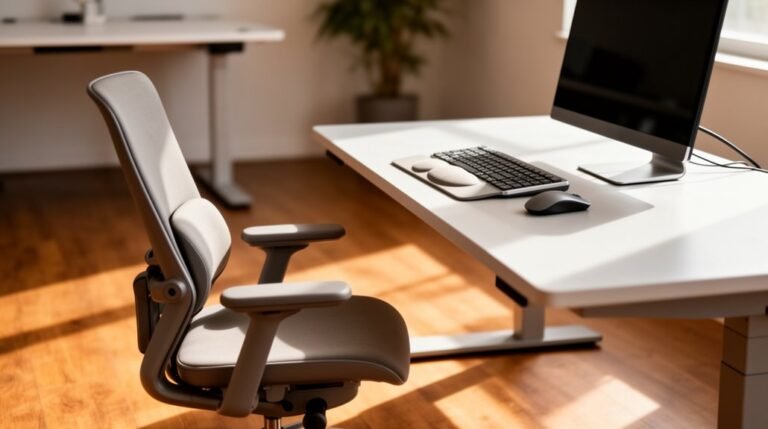
Can I Use a Standing Desk With My Chair?
Yes, you can use a standing desk with your chair, but compatibility is essential.
Standard office chairs typically adjust from 17 to 22 inches, which may not align with standing desk heights of 40 to 50 inches.
Look for height-adjustable chairs that range from 24 to 34 inches.
Make certain your chair provides proper lumbar support and allows for dynamic movement.
This combination helps maintain posture and comfort during use with a standing desk.
How Do I Clean and Maintain My Office Chair?
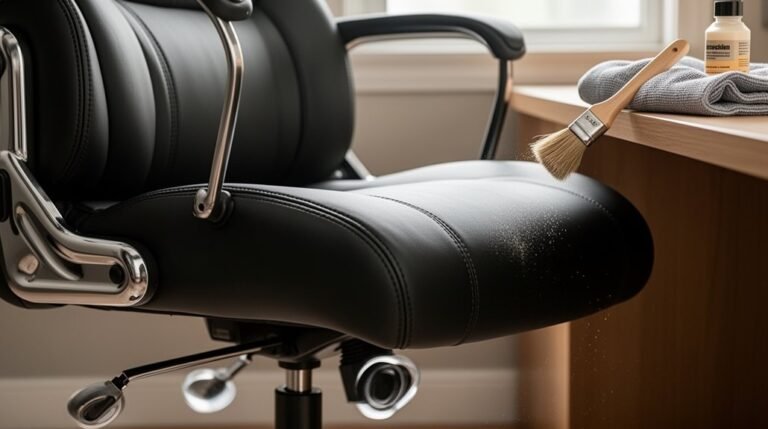
To clean your office chair, start by vacuuming weekly to eliminate dirt and debris.
Use a brush attachment for fabric chairs, and a damp cloth for mesh. For leather, dust regularly and apply conditioner to prevent cracking.
Clean wheels with soap and lubricate with silicone spray. Guarantee thorough drying to avoid moisture issues.
Check for wear on wheels and replace if necessary for peak functionality.
Are There Specific Chairs for Taller or Shorter Individuals?
Yes, there are specific chairs designed for taller and shorter individuals.
For taller users, look for chairs with extensive seat height adjustments, adjustable armrests, and extended seat depth for proper back support.
Shorter users benefit from chairs with lower seat heights and shallow seat depths, ensuring feet rest flat on the ground.
Self-adjusting lumbar support and multiple adjustability features accommodate various body types, promoting proper posture and comfort for all users.
Conclusion
Incorporating these office chair hacks can greatly enhance your comfort during long hours of work.
Research shows that 80% of workers experience back pain, often due to improper chair adjustments. By fine-tuning your seat height, lumbar support, and backrest angle, you can create a more ergonomic workspace.
Additionally, integrating movement into your routine further alleviates discomfort.
Evaluate your chair periodically to verify it meets your needs, promoting long-term health and productivity.