Common Mistakes Using a Standing Desk Converter
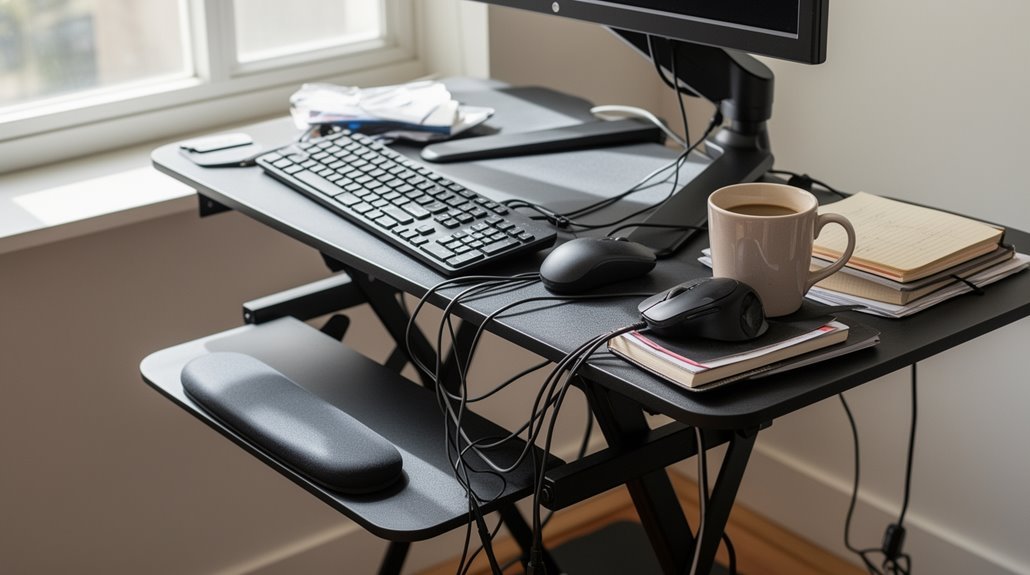
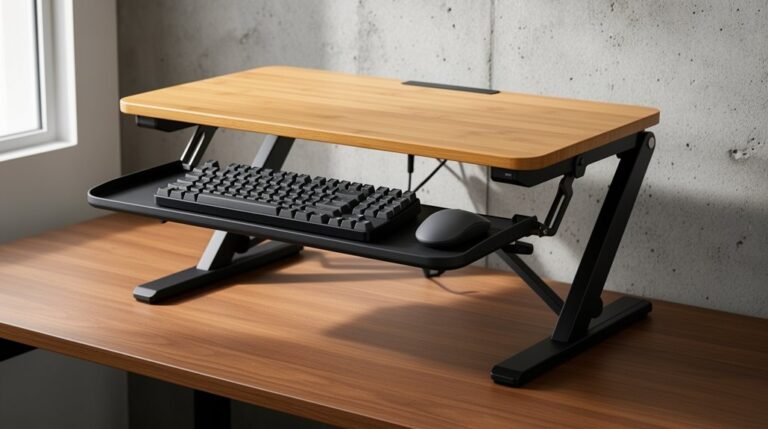
You often make common mistakes when using a standing desk converter. Incorrect height adjustments can cause discomfort if your monitor isn’t at eye level or your arms aren’t at a proper 90-degree angle.
Poor ergonomic setup can lead to wrist and shoulder strain. Make sure your keyboard and mouse are positioned to keep wrists neutral and shoulders relaxed.
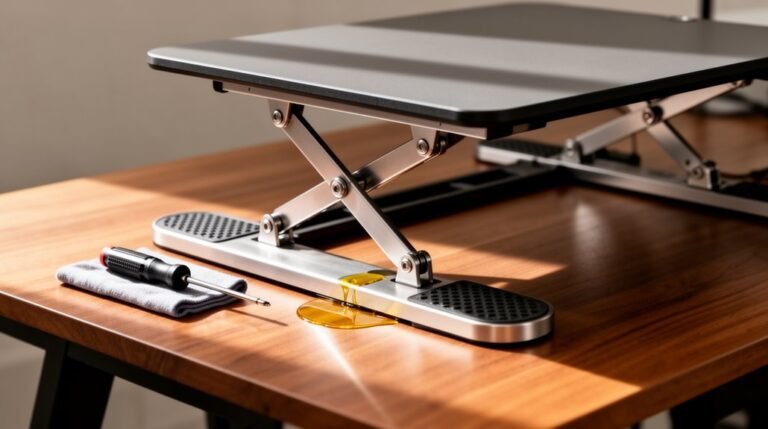
Neglecting maintenance — like cleaning moving parts and tightening fasteners — can compromise the converter’s safety and stability. Regular checks help prevent sudden failures.
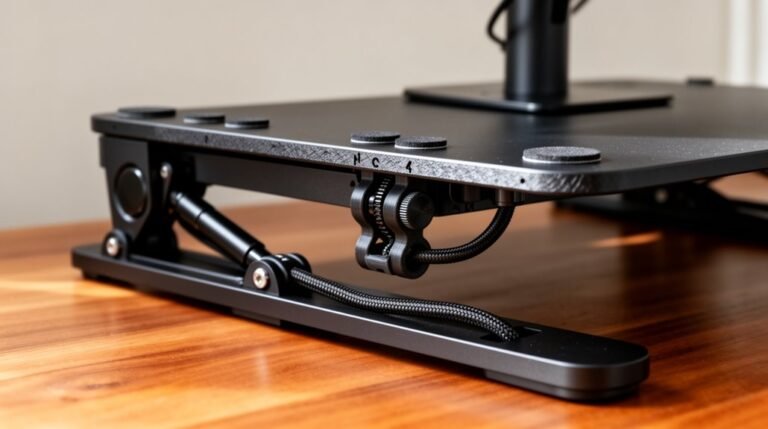
Overlooking cable management creates trip and damage hazards. Secure and route cables neatly to improve safety and keep your workspace tidy.
By recognizing these issues, you can improve your experience with the standing desk converter and explore additional solutions for better comfort and productivity. standing desk converter sizing issues can significantly affect your posture and comfort level throughout the workday. It’s essential to choose a model that fits your specific height requirements and desk dimensions. Exploring adjustable options may also alleviate any strain caused by improper sizing, enhancing both your wellbeing and productivity at work.
Incorrect Height Adjustment
Incorrect height adjustment is a common issue with standing desks that can lead to significant ergonomic problems.
Desk converters typically raise only 13”–14” above the desk surface, which may not accommodate users outside average height ranges. For instance, shorter users may find the minimum height of 0.5”–1.5” above their existing desk inadequate, resulting in discomfort.
Taller users, especially those over 6’0”, often struggle to achieve the correct arm and keyboard height, leading to potential shoulder and wrist strain. Additionally, monitors may be positioned too low or high, causing neck and eye strain. Users must consider these height limitations to avoid compromising their posture and overall comfort while using standing desks effectively. Moreover, selecting models with programmable height presets can help users easily find their optimal height settings.
Poor Ergonomic Setup
A proper ergonomic setup is essential for maximizing the benefits of a standing desk. Position your monitor at eye level, with the top aligning with your eye line. Maintain an arm’s length distance to reduce neck strain.
For dual monitors, guarantee they’re at the same height and facing each other to prevent neck twisting.
Your keyboard and mouse should allow your elbows to form a 90-degree angle, keeping wrists straight and relaxed. Avoid high or angled keyboards to minimize wrist pain. Proper ergonomic setup is crucial for maintaining good posture throughout your workday.
Utilize anti-fatigue mats or footrests to alleviate leg discomfort. Shift your weight regularly to prevent fatigue, and maintain a neutral spine posture.
Organize cables to prevent tripping hazards and maintain a tidy workspace.
Workflow Disruption
When using a standing desk, workflow disruption often arises from the limitations of workspace and posture management.
Desk converters often reduce your available workspace, leaving insufficient room for monitors, keyboards, and other essential items. This clutter can hinder productivity by complicating access to necessary tools.
Additionally, when you switch between sitting and standing, you might need to remove items from the converter, further disrupting your workflow. Some converters extend beyond the desk edge, requiring you to stand further away, making desk items less accessible.
Frequent repositioning of tools is necessary, which can interrupt focus and slow down work processes. Overall, these factors can create significant challenges in maintaining an efficient workflow while using a standing desk converter. Moreover, poor sitting ergonomics can lead to prolonged standing use, compounding the workflow disruption.
Stability and Safety Issues
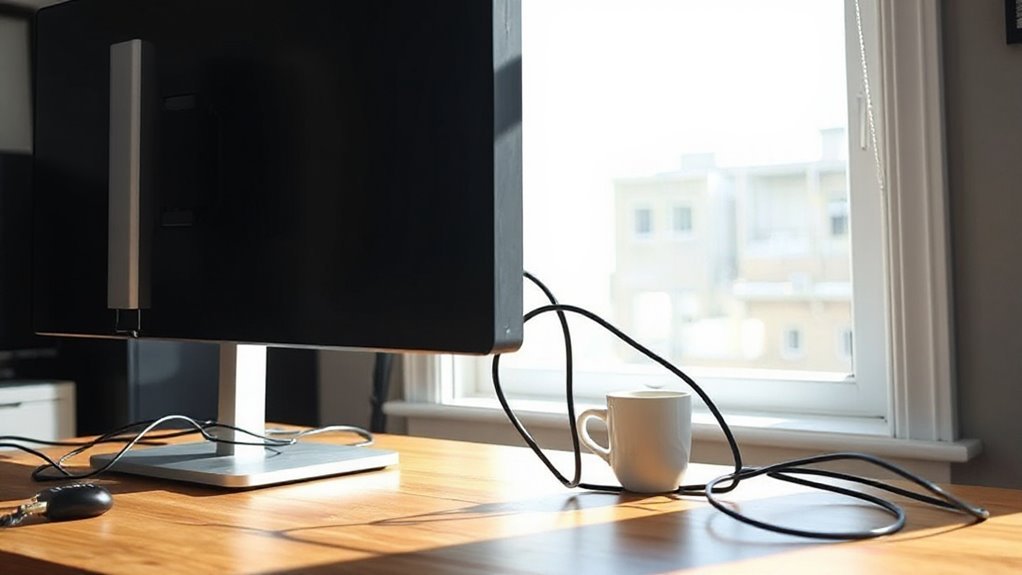
Although standing desks offer ergonomic benefits, they can also introduce significant stability and safety concerns.
First, structural instability arises from an imbalanced center of gravity, especially with taller converters and heavy monitors. This imbalance can lead to wobbling, particularly if weight is unevenly distributed.
Second, improperly secured fasteners and bolts can flex under pressure, increasing instability.
Third, tipping hazards exist when converters extend too far beyond the desk’s edge, causing potential toppling.
Additionally, inadequate installation may leave adjustable feet miscalibrated, exacerbating wobbling.
Finally, monitor placement affects load-bearing capacity, with high elevation creating leverage for instability.
Always verify your converter is properly assembled, calibrated, and positioned on a reliable, level surface to mitigate these safety risks.
Space and Capacity Limitations
Standing desk converters, while offering flexibility in posture, often come with considerable space and capacity limitations that can hinder productivity.
Most converters occupy about 40” of a standard 60” desk width, leaving only 30% of the total surface usable. The average converter surface measures around 30” x 20”, restricting space for multiple monitors and peripherals. This limitation often forces you to leave behind essential tools like secondary monitors or desk organizers.
Additionally, the cramped workspace leads to decision fatigue as you frequently rearrange items. Ergonomically, the height adjustment mightn’t suit everyone, causing awkward postures when reaching for tools left below the converter.
Neglecting Maintenance and Troubleshooting
Neglecting maintenance on your standing desk converter can lead to a range of operational issues. Regular cleaning is necessary; dust and spills accumulate quickly. Use a soft, damp cloth, and mild soap for tougher stains. Harsh chemicals can damage the finish.
Mechanical components require periodic lubrication; follow manufacturer guidelines to prevent friction and noise. Check for wear or stiffness in the lifting mechanism regularly. Stability checks are essential; verify all bolts and screws are tight.
Uneven weight distribution can cause instability, especially at maximum height. Address wobbling immediately to prevent damage. Troubleshooting adjustment issues promptly is critical; difficulty in lifting may indicate improper tension settings.
Ignoring these maintenance tasks can escalate repair costs and compromise functionality.
Inadequate Cable Management
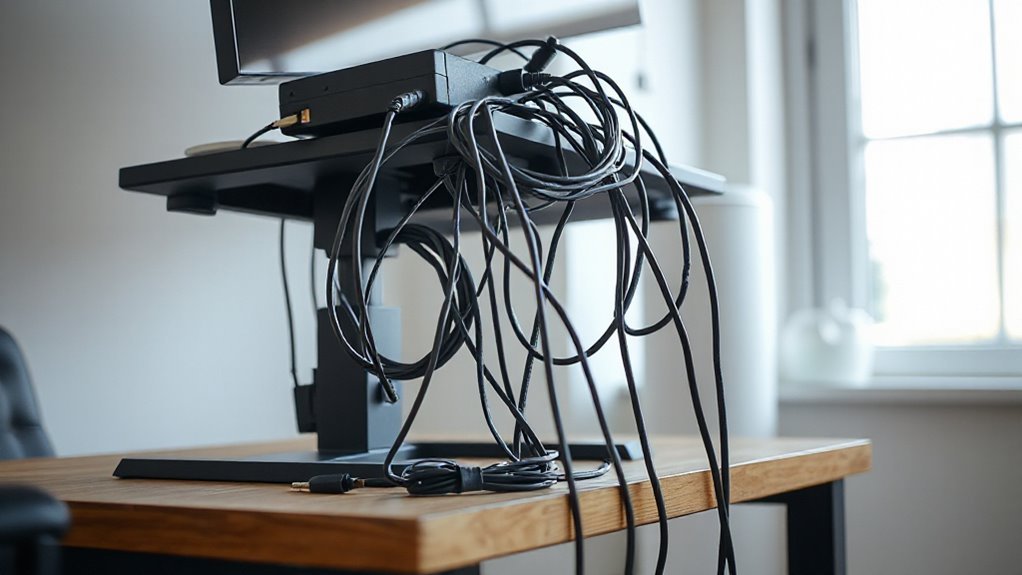
Effective cable management is essential for maintaining a functional standing desk setup.
Mount power strips correctly, avoiding placement on moving surfaces or the floor, which can create tension and hazards. Instead, fix them under the desk top, near device locations, to minimize cable run length and improve stability.
Guarantee cables have sufficient slack to prevent disconnections during movement, while avoiding overly long cables that can tangle. Route cables along desk frame rails to protect them and use separate bundles for power and data to prevent signal interference.
Regularly check for wear at stress points and utilize flexible, high-quality cables rated for movement.
Implementing these practices enhances safety, reduces distractions, and maintains ergonomic workspace efficiency.
Overlooking Additional Accessories
Many users overlook the importance of additional accessories when setting up a standing desk, which can greatly impact overall functionality and comfort.
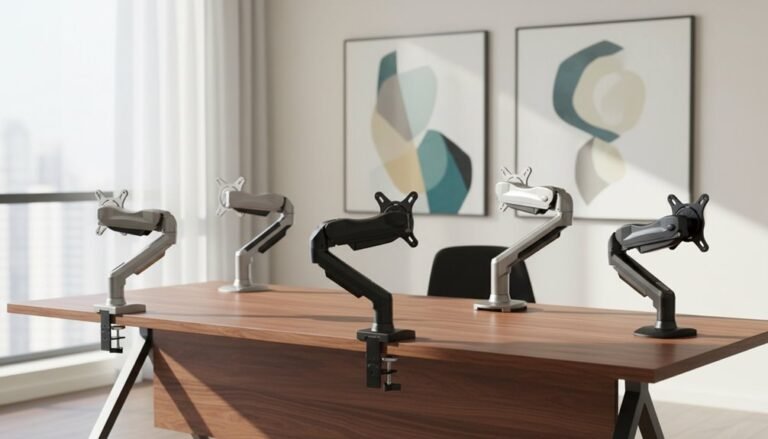
Monitor Arms
Many converters lack integrated monitor arms, leading to fixed screen heights. This positioning increases the risk of neck and eye strain.
Ergonomic monitor arms allow for adjustments, improving posture and reducing repetitive strain injuries.
Keyboard Trays
Standard keyboard trays may not suit all ergonomic needs.
Adjustable trays support neutral wrist posture, while non-adjustable ones can cause wrist fatigue.
Cable Management
Disorganized cables create hazards.
Dedicated management solutions keep cords secure, enhancing safety.
Power and Lighting
Converters often miss power outlets and task lighting.
External solutions improve functionality and reduce eye strain.
Standing Mats
Anti-fatigue mats reduce discomfort during prolonged standing and are essential for ideal comfort.
Ignoring Personal Comfort Preferences
When using a standing desk converter, personal comfort preferences play an essential role in maximizing its benefits. Ignoring these preferences can hinder your motivation to use the converter.
To optimize your experience, consider the following:
- Standing Duration: Determine how long you can comfortably stand without fatigue.
- Frequency of Position Changes: Decide if you prefer frequent shifts or longer periods in one position.
- Ergonomic Adjustments: Customize the height of your monitor and keyboard to prevent strain.
- Workspace Layout: Arrange your workspace to match your comfort needs, avoiding awkward postures.
Frequently Asked Questions
How Can I Improve My Productivity While Using a Standing Desk Converter?
To improve your productivity using a standing desk converter, alternate between sitting and standing every 30 minutes. This reduces fatigue and maintains focus.
Incorporate micro-movements during standing to enhance calorie burn. Make sure your workstation’s ergonomics align with your body; keep the converter at elbow height and the screen at eye level.
Use an anti-fatigue mat to minimize discomfort and arrange frequently used items within reach for maximum workflow efficiency.
What Are the Best Practices for Transitioning Between Sitting and Standing?
Best Practices for Shifting
Start by alternating between sitting and standing every 20-30 minutes.
Adjust your desk converter so your elbows form a 90-degree angle when typing.
Maintain an aligned posture with a straight spine.
Shift your weight periodically and incorporate light stretches.
Listen to your body; if you feel discomfort, adjust your position or take a break.
Regularly inspect your converter for smooth adjustments to guarantee safety and comfort during shifts.
How Do I Choose the Right Standing Desk Converter for My Workspace?
To choose the right standing desk converter, first, measure your desk width and depth; converters need at least 18 inches of depth.
Check weight capacity—most support 18–35 pounds.
Confirm height adjustments allow your arms to rest at a 90-degree angle.
Look for stability features like anti-skid pads.
Finally, consider surface area for monitors and accessories, especially if you need space for dual monitors or multiple items.
What Are the Health Benefits of Using a Standing Desk Converter?
Using a standing desk converter enhances posture, reducing back pain and neck strain.
It encourages movement, which improves circulation and heart health. Standing burns more calories than sitting, aiding in weight management.
You’ll experience increased mental focus and productivity due to better blood flow to the brain.
Alternating postures decreases physical fatigue, leading to improved work performance and overall well-being.
Regular use supports long-term musculoskeletal health.
How Often Should I Alternate Between Sitting and Standing?
Alternating Frequency
You should alternate between sitting and standing every 30 minutes. This schedule enhances circulation, boosts cognitive function, and reduces discomfort.
Research shows that these intervals lower fatigue and improve productivity. Standing increases your heart rate by 8–10 beats per minute, promoting overall health.
To maximize benefits, guarantee your desk height is ergonomic. Adjusting your workspace can help facilitate smooth shifts between postures, making the process efficient and effective for your work routine.
Conclusion
To summarize, avoiding common mistakes with your standing desk converter is essential for maximizing its benefits.
Adjusting the height correctly guarantees ideal posture, while maintaining stability enhances safety.
Prioritizing an ergonomic setup fosters comfort, and managing cables keeps your workspace organized.
By addressing these factors, you create an efficient workspace that feels like a refreshing change. Remember, a well-set-up standing desk converter can greatly impact your productivity and well-being throughout the day.