How to Sit Properly in an Ergonomic Chair
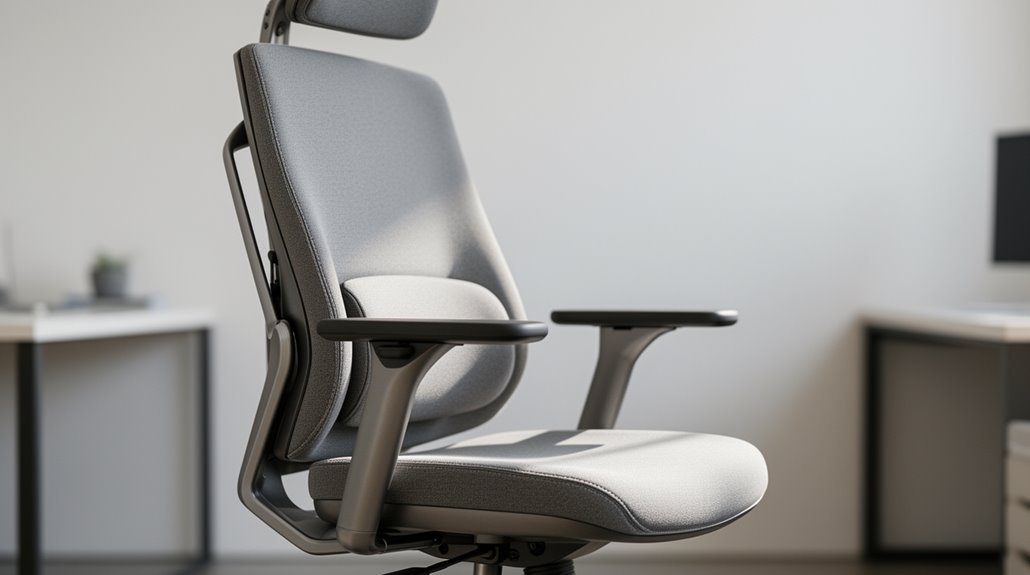
How to sit properly in an ergonomic chair: adjust the height so your feet rest flat on the floor and your thighs are parallel to the ground. This ensures stable support and reduces pressure on your legs. When adjusting seat height for comfort, it’s also important to consider your desk height to maintain a proper alignment between your arms and the keyboard. This will help prevent strain on your shoulders and wrists, enhancing overall productivity. Additionally, ensuring that your chair provides adequate lumbar support can further improve your sitting posture.
Set the seat depth so there’s a 2–3 finger gap between the chair’s front edge and the back of your knees. Proper seat depth prevents circulation problems and improves comfort.
Confirm the backrest supports your lumbar region and allows a slight recline of about 95°–110°. Good lumbar support maintains your natural spine curve and reduces lower-back strain.
Position the armrests at elbow height so your elbows form a 90°–100° angle. Correct armrest height helps relax your shoulders and reduce upper-body tension.
Finally, align your monitor at eye level and minimize glare. Proper monitor placement reduces neck strain and promotes better posture. Keep reading for more ergonomic tips.
Adjusting Chair Height
To achieve proper posture, you’ll want to adjust your chair height accurately. Set the chair height so your feet rest flat on the floor, with your thighs parallel to the ground. Most chairs have a standard height range between 16 to 21 inches. If your feet don’t reach the floor, consider using a footrest. Make certain your knees form a 90° to 100° angle while seated, with your hips slightly higher than your knees. This position supports your spine’s natural curvature and reduces lower back strain. Proper setup minimizes the negative health implications of prolonged sitting. When adjusting, check that the clearance between the seat edge and the back of your knees is about 2 inches. Regularly reassess your chair height, especially if you notice discomfort.
Setting Seat Depth and Position
Getting the seat depth right is essential for maintaining comfort and guaranteeing effective support while seated. An adjustable seat depth accommodates various thigh lengths and prevents pressure on the back of your thighs. It is important to remember that sitting depth impacts alignment of the spine and pelvis, contributing to overall health.
Follow these steps for ideal seat depth:
- Leave a gap of about four inches or a clenched fist between the chair’s back and the seat edge.
- Verify 2–3 fingers fit between the seat edge and the back of your knees.
- Position the seat so it’s two to three inches from the back of your legs.
- Sit fully back in the chair to enhance lower back support.
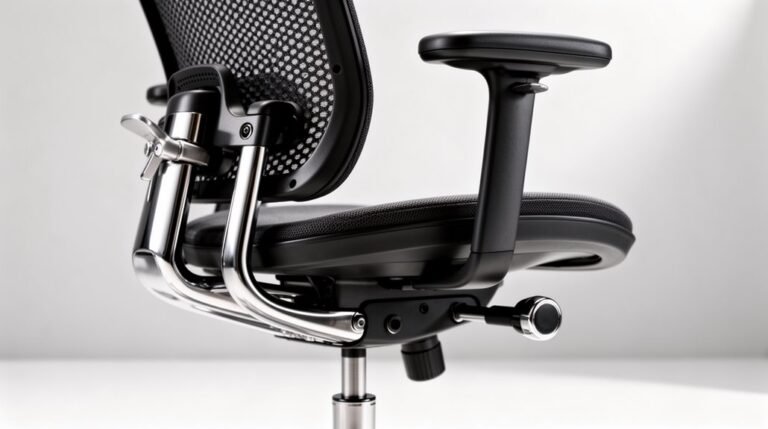
Adjust the seat using the depth adjustment knob or lever under the seat to achieve the desired position.
Ensuring Proper Back Support
Ensuring proper back support is crucial for maintaining a healthy posture while seated.
Adjust your backrest vertically and forward/backward to fit your spine’s natural curves. This adjustment helps maintain the ‘S’ shape of your spine, reducing muscular strain. Additionally, having proper support can significantly reduce stress on the spine and pelvis during long periods of sitting.
Position lumbar support along the lower back’s curve, close to the L4–L5 vertebrae, ensuring it fills the curve without pushing you forward.
Choose a firm backrest to prevent adopting a ‘C’ shape, allowing even weight distribution. The backrest height should support your entire lumbar region, while width must accommodate your torso comfortably.
Consider a slight recline at 95°–110° to reduce spinal compression and enhance comfort.
Frequent adjustments are essential for ideal support throughout your tasks.
Aligning Arm and Elbow Positioning
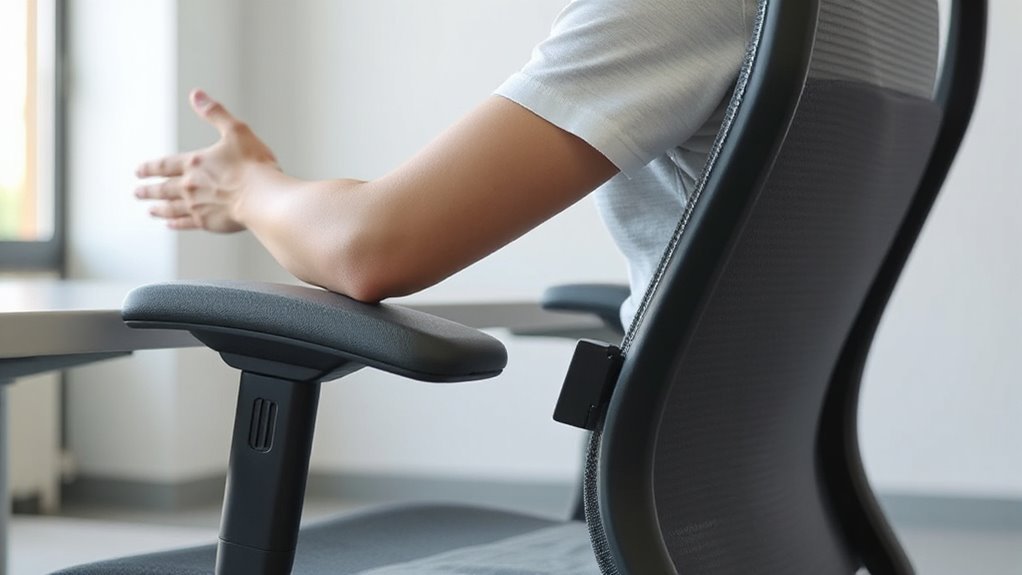
When you adjust your armrests, you’ll enhance your overall comfort and support while seated. Proper alignment is critical for reducing strain. Follow these guidelines:
- Set armrests at elbow height, allowing upper arms to hang naturally.
- Verify elbows form a 90–100-degree angle with your upper arms.
- Armrests should barely touch the underside of your elbows when relaxed.
- Adjust width so elbows remain close to your body, avoiding outward reach.
These adjustments prevent shoulder and neck tension while promoting neutral posture.
Positioning Your Monitor Correctly
To optimize your workspace, you must position your monitor correctly, as this greatly impacts your comfort and productivity.
Maintain a viewing distance of 20–40 inches from your eyes, with larger screens requiring more space. For a 27-inch monitor, set it 28–36 inches away.
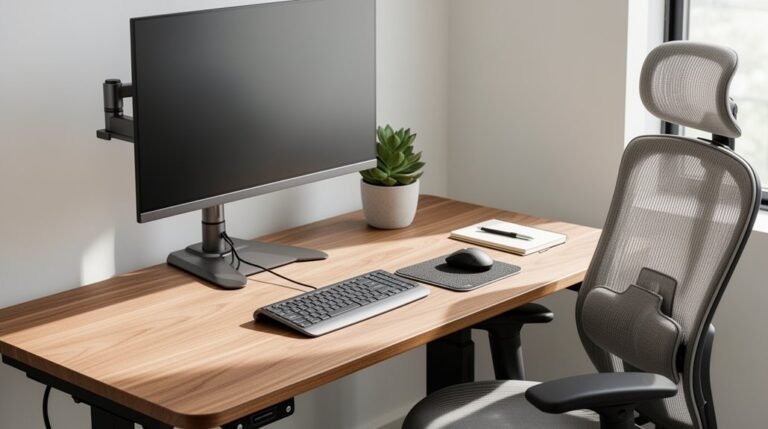
The top of your monitor should be at or slightly below eye level, aligning your gaze with a point 2–3 inches below the monitor’s top. Aim for a 15–20 degree downward angle to reduce strain.
Position your monitor to minimize glare, keeping it perpendicular to windows and lights.
If using multiple monitors, make certain they’re at the same height, with the main monitor centered. This layout helps maintain ergonomic integrity.
Maintaining Good Movement Habits
Incorporating regular movement into your daily routine is essential for mitigating the negative effects of prolonged sitting. Active sitting encourages flexibility and circulation, reducing stiffness and discomfort.
To maintain good movement habits, consider the following:
- Change Posture Frequently: Shift your sitting position every 30 minutes to distribute physical strain.
- Utilize Armrests: Adjust armrests to promote micromovements, reducing lower back pain.
- Engage Tilt Features: Use the backrest’s tilt and recline to stretch and reposition your body comfortably.
- Take Breaks: Stand or walk briefly every hour to enhance circulation and maintain energy levels.
Understanding the Importance of Foot Position
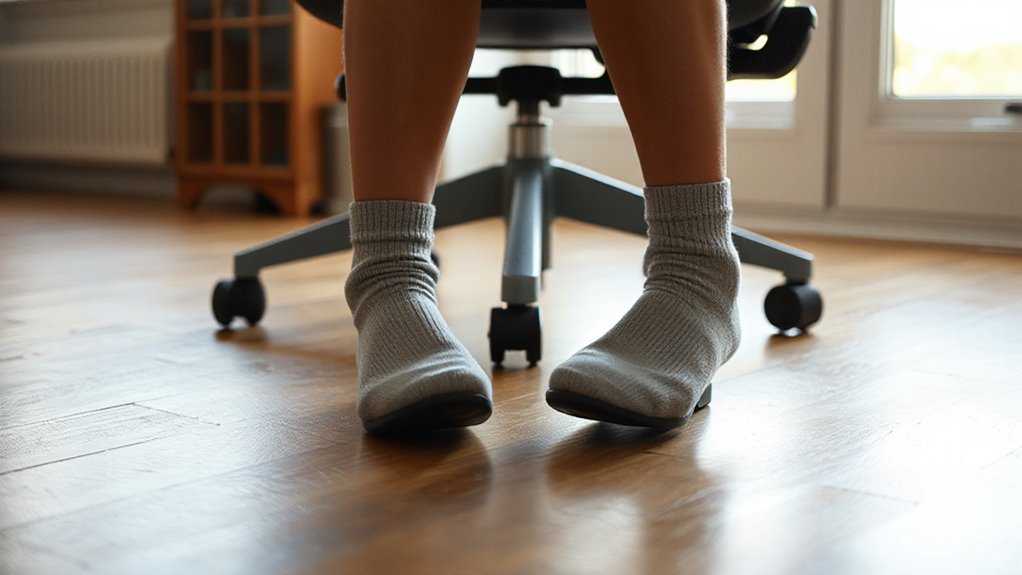
Proper foot position is essential for maintaining ergonomic posture while seated. Your feet should rest flat on the floor or a footrest, ensuring your knees bend at approximately 90 degrees. This positioning aligns your knees with your hips, promoting spinal support.
Keep your thighs parallel to the floor, and maintain a hip-width stance to evenly distribute body weight. Your heels must remain in contact with the floor or footrest to prevent strain.
If your feet dangle, adjust your chair height or use a footrest for support. A footrest can also enhance blood circulation, reduce pressure on your lower back, and prevent discomfort like numbness.
Prioritize these adjustments for ideal ergonomic benefits.
Taking Breaks and Stretching
Taking breaks and stretching regularly while seated in an ergonomic chair can greatly enhance your comfort and productivity. To optimize your breaks, follow these guidelines:
- Take a 5-10 minute break every hour to reduce muscle fatigue and mental strain.
- Incorporate activities like standing, walking, or stretching during these breaks.
- Opt for frequent short breaks instead of infrequent long ones for better effectiveness.
- During breaks, perform stretches such as neck tilts, shoulder openings, and hip flexions to improve flexibility and circulation.
These practices help decrease the risk of repetitive strain injuries while enhancing overall well-being.
Remember to hold each stretch for 10-30 seconds, breathe normally, and avoid excessive force.
Implementing these tips can greatly improve your workstation experience.
Evaluating Your Overall Ergonomic Setup
Evaluating your overall ergonomic setup is essential for maintaining comfort and productivity during long hours of work.
Verify your chair height allows your feet to rest flat on the floor or a footrest. The seat pan depth should support your thighs without pressing behind the knees. Adjust the backrest to provide lumbar support for your lower back.
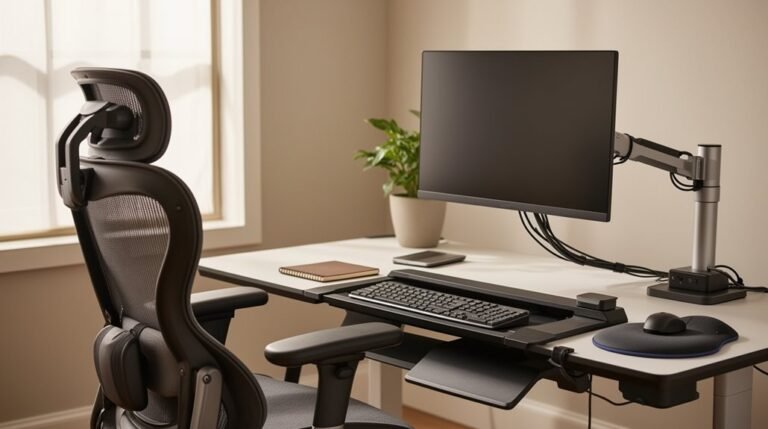
Position your keyboard and mouse at elbow height to maintain neutral wrist posture, keeping them close for easy reach. Place the top of your monitor at or slightly below eye level and at arm’s length to reduce neck strain.
Finally, verify adequate lighting and minimize clutter to enhance your workspace. A well-evaluated setup promotes better posture and reduces fatigue.
Frequently Asked Questions
How Often Should I Adjust My Chair Throughout the Day?
You should adjust your chair every few hours to maintain comfort and support.
Make small adjustments to the seat height or recline, especially during breaks, to promote circulation. Shift your weight periodically to reduce muscle fatigue.
It’s recommended to alternate sitting and standing every 30–60 minutes. Regular adjustments help optimize support for your changing posture and work activities, minimizing the risk of musculoskeletal issues over time.
What Are the Signs of Poor Ergonomic Seating?
You’ll notice persistent discomfort, like lower back pain or neck tension.
You might experience tingling in your legs from restricted blood flow.
If you find yourself slouching, it indicates chair height misalignment.
Your wrists may ache from improper keyboard placement.
Additionally, if you frequently adjust your position or feel distracted, it suggests inadequate support.
Eye strain from a poorly positioned monitor can also signify your seating isn’t ergonomic.
Can a Chair Be Too Ergonomic?
Yes, a chair can be too ergonomic. Research shows that users often prefer chairs with fewer than five adjustments.
Overly complex chairs can confuse you, leading to improper setups and poor posture. Excessive adjustability may disrupt your workflow, as you frequently readjust.
Additionally, complicated mechanisms can increase mechanical failure risks. Prioritizing simplicity and intuitive design enhances comfort and productivity while minimizing the risk of musculoskeletal issues associated with improper usage.
How Do I Choose the Right Ergonomic Chair for Me?
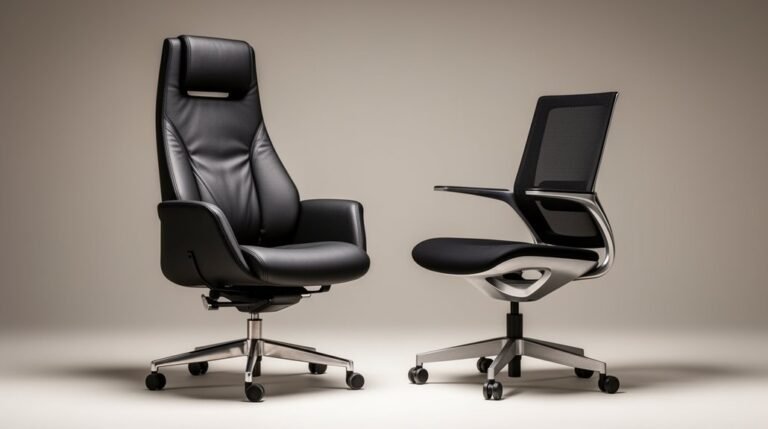
To choose the right ergonomic chair, evaluate key features.
First, check adjustable seat height; it should fit your height range.
Next, assess seat pan depth and backrest height adjustments for proper support.
Look for lumbar support that maintains spinal curvature.
Confirm armrests are adjustable in height and width.
Test the chair for comfort and usability in your workspace.
Finally, verify it meets recognized ergonomic standards for durability and performance.
What Should I Do if My Chair Is Uncomfortable?
If your chair’s uncomfortable, start by adjusting the seat height so your feet rest flat.
Check that the seat pan depth leaves a 2-3 finger gap from your knees.
Confirm lumbar support aligns with your lower back’s curve.
Adjust armrests to achieve a 90-degree angle at your elbows.
If discomfort persists, consider ergonomic accessories, like a lumbar cushion or footrest, to enhance support and comfort during use.
Regular breaks are essential too.
Conclusion
To sum up, sitting properly in an ergonomic chair can greatly enhance your comfort and productivity.
Research shows that 60% of office workers experience discomfort due to poor seating posture. By adjusting your chair height to align with your knees, setting the seat depth for thigh support, and ensuring your back is properly supported, you can reduce strain.
Regularly evaluating your setup and taking breaks will further promote a healthier work environment.
Prioritizing these adjustments is essential for long-term well-being.