Ergonomic Chair Setup for Optimal Posture
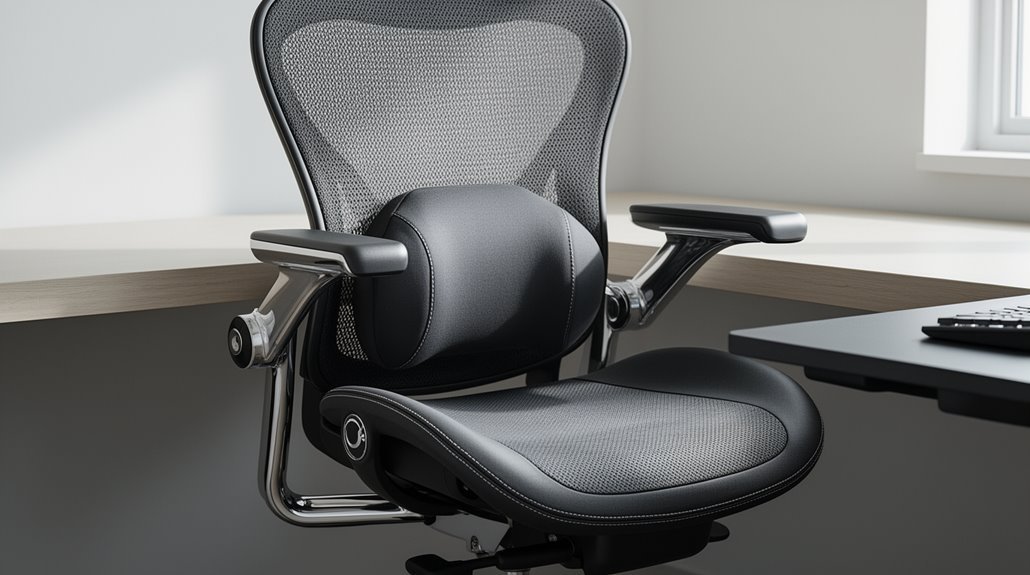
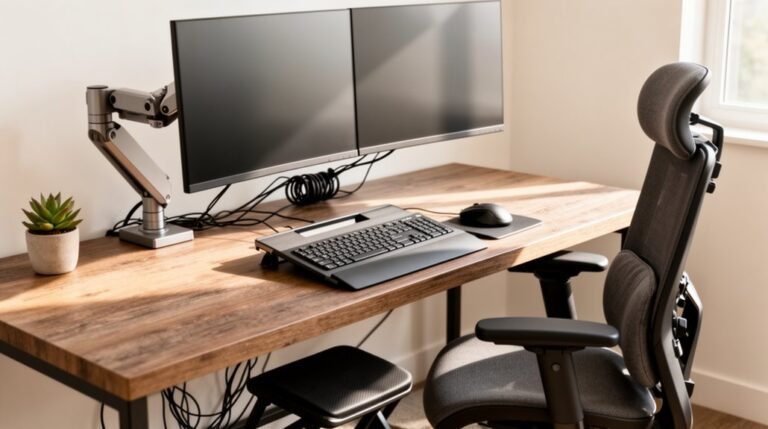
Ergonomic chair setup: Adjust the seat height so your feet rest flat on the floor and your knees form a right angle. This helps distribute weight evenly and reduces strain on your legs. Proper posture for ergonomic chairs also involves maintaining a straight back while sitting. Your shoulders should be relaxed and your elbows close to your body, forming an angle between 90 and 120 degrees. Ensuring that your computer screen is at eye level further supports a healthy posture throughout the day. To enhance your sitting experience, make necessary ergonomic chair adjustments for comfort, such as adjusting the lumbar support to fit the curve of your lower back. Additionally, consider using armrests that can be modified to keep your arms at a comfortable height while you type, which helps prevent tension in the shoulders and neck. These small changes can significantly improve your overall productivity and well-being during long hours at your desk.
Make certain there is a 2–4 inch gap between the chair’s edge and the back of your knees to avoid pressure on the hamstrings and maintain circulation.
Set the lumbar support about 190 mm above the seat to align with the natural curve of your lower back for better spinal support.
Finally, incorporate regular breaks to enhance comfort and well-being. Learning about headrest positioning next will further improve your setup.
Adjusting Seat Height and Leg Positioning
To achieve ideal ergonomic support, you should focus on two key adjustments: seat height and leg positioning.
Set your seat height so your feet rest flat on the floor, ensuring stable support. Your knees should form a right angle or slightly greater, with thighs parallel or slightly downward. Adjusting seat height correctly helps to maintain proper alignment for comfort.
Maintain approximately 2-3 finger widths of clearance between the seat front and back of your knees to prevent pressure on your calves. Keep your feet flat and evenly distribute your weight across the soles to reduce strain.
Avoid crossing your legs or tucking your feet under the chair, as this can hinder circulation and increase musculoskeletal strain.
These adjustments promote better posture and overall comfort.
Ensuring Proper Seat Depth and Edge Clearance
How can you guarantee your chair fits your body correctly? Start by measuring the ideal seat depth, which typically ranges from 15 to 20 inches for most users. For taller individuals, aim for 18 to 22 inches.
Adjust the seat depth to maintain a gap of 2 to 4 inches between the front edge and the back of your knees. This clearance prevents pressure on soft tissues and promotes circulation.
If the seat depth is too shallow, you may slide forward, leading to poor posture. Conversely, an excessively deep seat can cause slouching. Proper chair dimensions are crucial for comfort and health, influencing productivity and reducing the risk of back pain and musculoskeletal issues.
Prioritize adjustable seat depth mechanisms to customize your fit, ensuring you can maintain a comfortable, supportive posture throughout your workday.
Optimizing Backrest and Lumbar Support
Achieving proper backrest and lumbar support is essential for maintaining a healthy posture during long hours of sitting.
Adjust the backrest height so the lumbar pad aligns with the natural curve of your lower back. This position supports your pelvis and lower spine, avoiding pressure on your upper back. Aim for the support to contact your belt line.
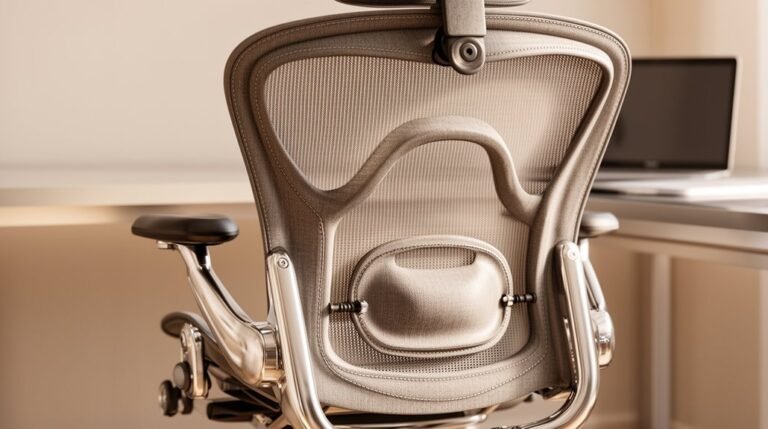
Set lumbar support about 190 mm above the seat surface, ensuring it fills the curve of your lower back without pushing you forward. Adjust the firmness for snug, comfortable support. Additionally, backrest recline resistance should be set to match your body weight for optimal comfort.
Finally, tilt the backrest slightly, around 110 degrees, to allow your upper body to relax while distributing your weight evenly, reducing spinal pressure.
Setting Armrest Height and Position
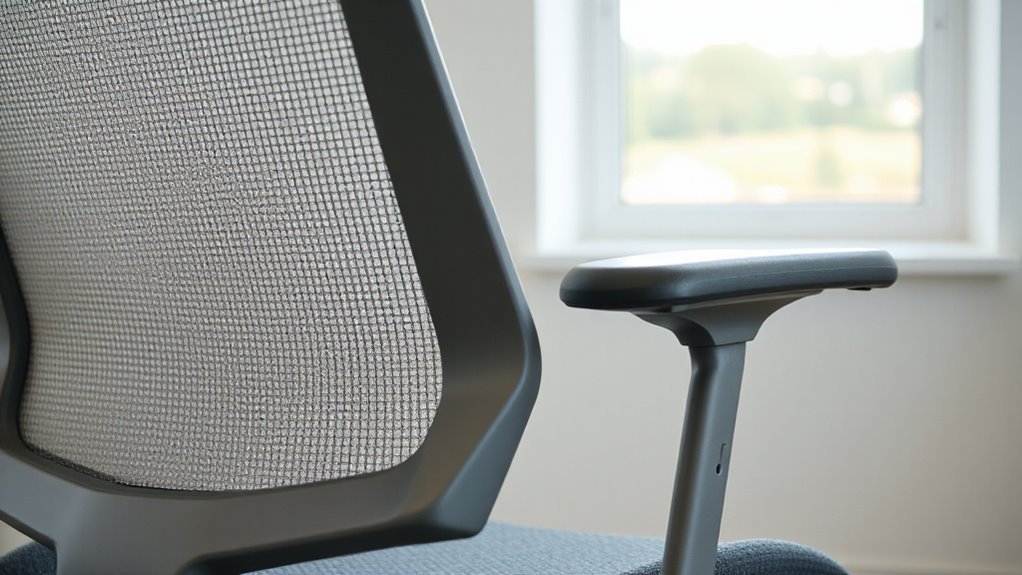
What makes a chair truly ergonomic often hinges on the proper setup of armrests. Set armrest height between 7 to 10 inches (18 to 25 cm) above the seat for most users.
Adjust armrests to align with your bent elbows, guaranteeing a 90–100 degree angle. This position keeps your shoulders relaxed, preventing strain. If you’re shorter, lower the armrests to around 4 inches (10 cm); taller users may need them up to 14 inches (35 cm).
Ascertain armrests don’t extend more than 10 inches (25 cm) from the seat back, allowing proximity to the desk. Furthermore, adjustable armrests provide customization, enhancing comfort and support.
Confirm that armrests facilitate smooth entry and exit from the chair without hindering arm movement.
Positioning the Headrest for Comfort
When setting up your ergonomic chair, proper positioning of the headrest is essential for ideal comfort and support.
Adjust the headrest height so it aligns with the base of your skull or the nape of your neck. If it’s too high, it’ll press against the back of your head; too low, and it won’t provide any support.
Tilt the headrest slightly backward to cradle your head without pushing it forward or backward. It should gently meet your neck, ensuring proper cervical spine alignment.
Test the adjustments by sitting upright and leaning back, ensuring the headrest fits snugly against your head.
Periodically reassess and fine-tune for ongoing comfort during use.
Maintaining Correct Posture and Sitting Behavior
To promote ideal comfort and reduce the risk of musculoskeletal disorders, it’s essential to focus on your sitting posture and behavior.
Start by adjusting your chair height so your feet rest flat on the floor, and your thighs remain parallel to the ground. Make certain there’s a 2–4 inch gap between the back of your knees and the seat edge for optimal circulation.
Use lumbar support to maintain your spine’s natural curve, and position your backrest at a 90–110 degree angle.
Finally, keep your arms at a 90–110 degree angle on adjustable armrests.
- Adjust seat height for flat feet.
- Maintain lumbar support for spine health.
- Position armrests to relax shoulders.
Importance of Regular Breaks and Movement
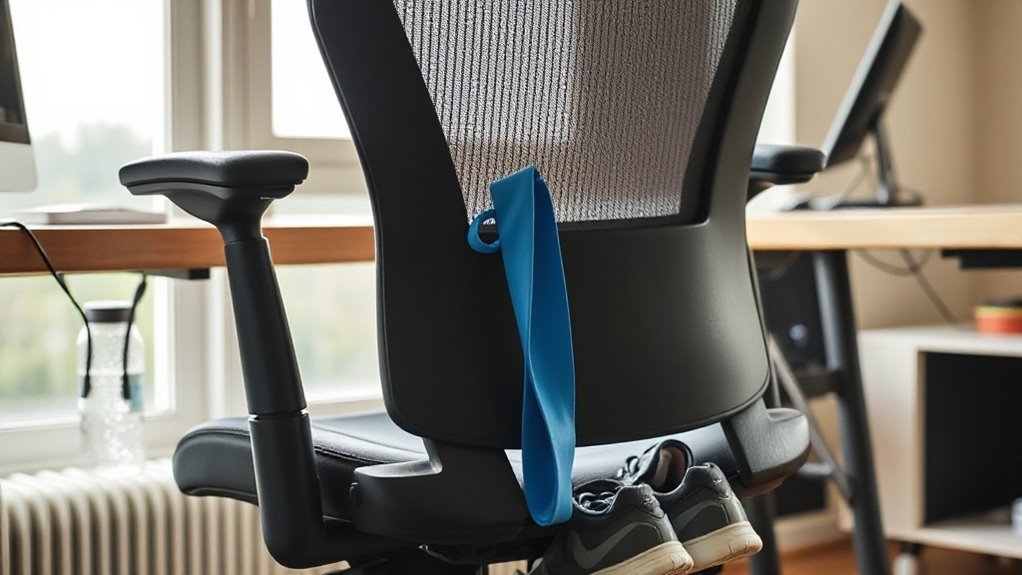
While maintaining a consistent work routine is important, incorporating regular breaks for movement is essential for overall health. Prolonged sitting increases risks of cardiovascular disease, Type 2 diabetes, and obesity.
Taking short 10–15 minute breaks can greatly lower blood pressure and improve cardiovascular health. Active breaks reduce stress and enhance mood, which ultimately boosts productivity. Microbreaks, involving stretching or light movement, counteract fatigue and prevent musculoskeletal pain.
Encouraging walking meetings or group activities fosters both social interaction and physical activity, benefiting employee engagement. Establishing workplace policies that support these practices can enhance metabolic health and reduce absenteeism.
Frequently Asked Questions
How Often Should I Adjust My Chair Throughout the Day?
You should adjust your chair whenever you experience discomfort.
Make micro-adjustments regularly, especially after sitting still for over an hour. Change your chair settings if you switch tasks, like typing to reading.
Experts recommend reviewing and fine-tuning your chair every 2–4 hours. If any part feels misaligned, adjust it immediately.
These practices help maintain good posture and reduce the risk of musculoskeletal pain throughout your workday.
What Type of Chair Material Is Best for Comfort?
Memory foam stands out as the top choice for comfort. It molds to your body, evenly distributing weight and relieving pressure points. This material alleviates discomfort in your back and hips, making long sitting sessions more bearable.
Mesh also offers breathability, reducing heat buildup, while fabric provides a soft touch but can trap dust. Leather and vinyl are durable but may feel warmer.
Ultimately, memory foam balances support and comfort effectively.
Can I Use a Cushion With My Ergonomic Chair?
Yes, you can use a cushion with your ergonomic chair. Cushions enhance comfort without compromising the chair’s support features.
Choose cushions that fit your chair’s dimensions, guaranteeing they don’t interfere with lumbar support. Memory foam or gel options provide targeted relief for pressure points.
Confirm the cushion’s thickness aligns with your chair’s seat depth to maintain proper posture. Regular maintenance of cushions is necessary for longevity and hygiene.
How Can I Reduce Noise From My Chair’s Adjustments?
To reduce noise from your chair’s adjustments, regularly lubricate swivel mechanisms and height levers with silicone-based lubricants. This prevents creaking by ensuring smooth operation.
Check and tighten all screws and bolts to eliminate rattling. Inspect adjustment mechanisms for wear; replace damaged parts promptly.
Additionally, consider using polyurethane casters for quieter rolling and keep them clean to minimize friction.
Finally, install felt glides on the chair’s base for silent movement across floors.
What Are the Signs My Chair Is Not Ergonomic Enough?
Persistent back pain indicates inadequate lumbar support.
Frequent neck and shoulder discomfort suggests poor armrest and headrest alignment.
Numbness or tingling in your legs signals restricted blood flow due to a poorly contoured seat edge.
Difficulty maintaining a 90-degree angle at your knees and hips points to improper height or depth.
If you’re constantly fidgeting, it’s likely your chair lacks sufficient ergonomic design for your needs.
Conclusion
In summary, optimizing your ergonomic chair setup can greatly enhance posture and comfort.
Research shows that 80% of adults experience back pain at some point, often due to improper seating.
Adjust seat height so your feet rest flat on the floor and maintain a two-inch gap between the seat edge and your knees.
Position your backrest to support your lumbar curve to reduce strain.
Remember that regular breaks and movement are essential for long-term health.