Signs You Need a New Office Chair
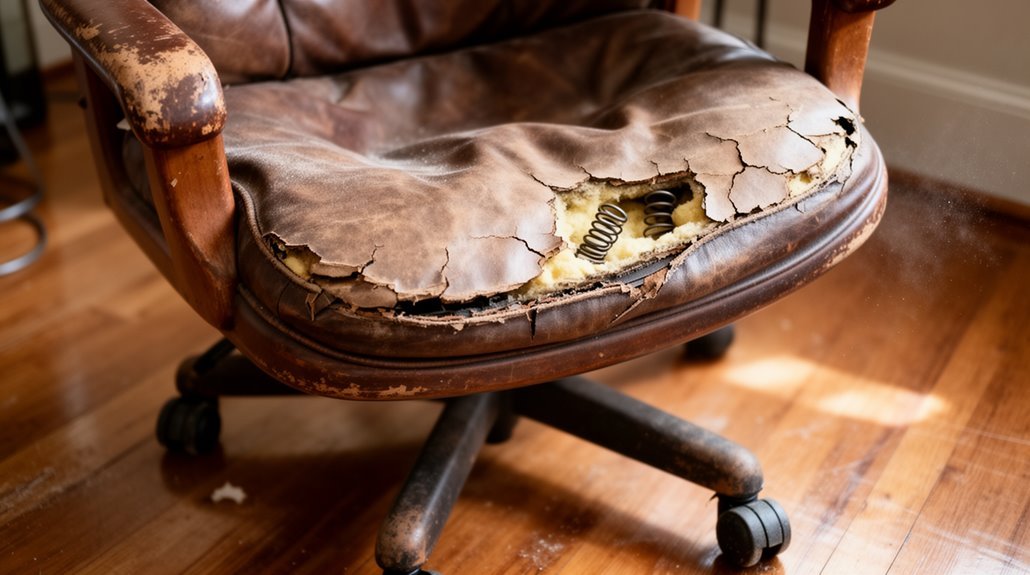
To determine if you need a new office chair, check for visible signs of wear such as cracks, torn or fraying upholstery, and flattened cushioning. These cosmetic issues often signal loss of support.
Pay attention to discomfort like recurring back pain, neck strain, or worsening posture. Persistent aches usually mean the chair’s ergonomics are no longer adequate.
Listen for mechanical problems—squeaks, difficulty adjusting height, or wobbliness can indicate loose or weakened components and compromised stability.
Also consider the chair’s age. Most office chairs last about 5 to 10 years; beyond that, materials and mechanisms commonly degrade.
If your chair fails to support your health and productivity, it’s likely time for a replacement. Learn more about what to assess next.
Signs of Wear and Tear
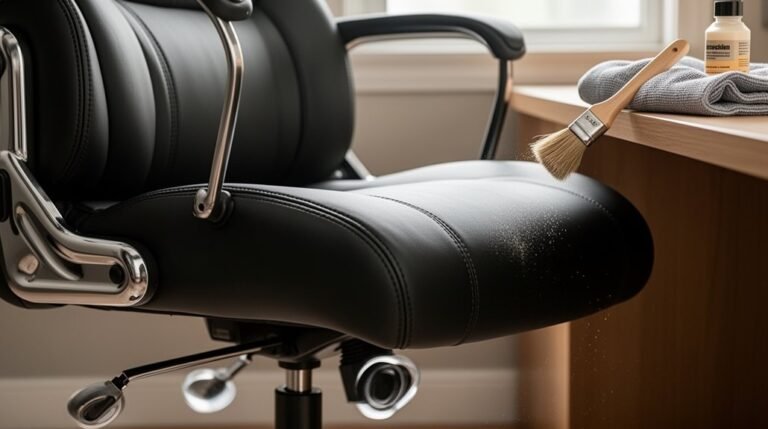
When you notice visible damage to your office chair, it’s a sign that wear and tear has set in. Cracks, tears, or fraying in upholstery indicate deterioration. Peeling leather not only affects comfort but also hygiene, creating a breeding ground for dirt and allergens. Fading colors and stains may impact aesthetics, diminishing your professional appearance. In addition, damaged upholstery reduces structural integrity, compromising ergonomic benefits.
Seat cushion degradation shows through sagging or flattened surfaces. This means reduced foam density, which leads to poor posture during prolonged use. Regular inspections can help determine replacement timing for your chair. If your chair displays uneven cushioning or compressed foam, it likely indicates the end of its functional lifespan. Early detection of these issues can help maintain a productive and healthy workspace.
Comfort and Support Issues
A comfortable chair is essential for maintaining productivity and overall well-being during long hours at a desk.
If your chair is causing discomfort, it’s time to evaluate its support features. Here are key signs to look for:
- Back Pain: If you experience low back or neck pain, your chair might lack adequate lumbar support.
- Posture Problems: Poor spinal alignment can lead to chronic issues. Chairs without adjustable features can exacerbate this. Adjustable back support in chairs can promote good posture and reduce absenteeism.
- Circulation Issues: Discomfort in your hips or thighs may indicate insufficient seat cushioning, affecting blood flow.
If you notice these problems, consider replacing your chair to improve comfort and support, ensuring better health and productivity in your workspace.
Mechanical and Functional Problems
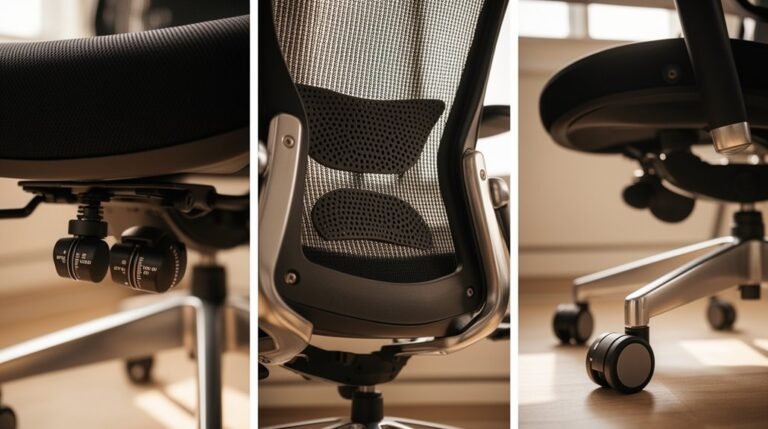
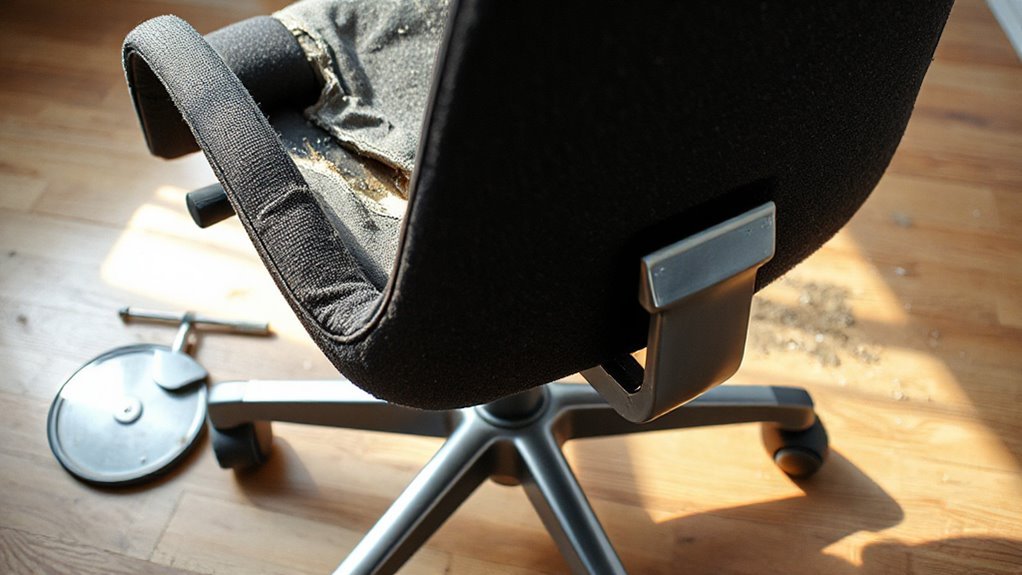
Mechanical and functional problems in office chairs can considerably hinder your productivity and comfort. Excessive squeaking often indicates loose screws or deeper mechanical issues. While minor squeaks may be temporarily fixed, persistent noises suggest the need for further inspection. Wobbly chairs signal compromised frames, resulting from loose screws or damaged legs. Height adjustment failures occur when gas cylinders degrade, causing the chair to sink unexpectedly. If your chair’s wheels don’t roll smoothly, they may be worn out or clogged with debris. Broken components, such as armrests or reclining mechanisms, can severely impact usability. If you notice any of these issues, consider replacement, as temporary fixes mightn’t address underlying problems effectively. Regular inspections can help identify visible signs of wear and tear before they lead to more significant issues.
Health and Safety Concerns
Office chairs aren’t just about comfort; they greatly impact your health and safety. If your chair isn’t supporting you properly, you may face serious concerns. Consider these points:
- Musculoskeletal Disorders: Poor chair design can lead to back, neck, and shoulder pain, contributing to 54% of serious workers’ compensation claims.
- Sedentary Risks: Spending 8-9 hours sitting increases your risk of heart disease and other metabolic issues, directly linked to prolonged sitting.
- Fall Hazards: Chair failures can lead to falls, with significant injury costs ranging from $140,000 to $159,000.
Investing in an ergonomic chair can mitigate these risks, supporting your overall health and productivity while reducing potential workplace injuries.
Age and Lifespan Factors
When considering the age and lifespan of your office chair, several key factors come into play that can influence its durability and effectiveness.
Most office chairs last between 5 and 10 years, but high-quality options can exceed 12–15 years with proper care. Low-cost chairs typically last only 1–5 years.
Material quality greatly affects longevity; durable frames and upholstery are essential. Frequent use and aggressive habits, like leaning hard or forceful sitting, accelerate wear.
Environmental factors, such as cleanliness and temperature, also play a role. Chairs with longer warranties, like 10 years, usually indicate better quality and longer lifespan.
Regular maintenance, including cleaning and tightening screws, can help extend your chair’s life greatly.
Aesthetic and Workplace Impact
The design and appearance of your office chair play a significant role in shaping the overall atmosphere of your workspace. An outdated chair can create a sterile environment, negatively impacting morale. In contrast, a modern chair can enhance ambiance and productivity.
Consider these factors:
- Visual Appeal: Aesthetically pleasing chairs transform drab spaces into professional havens.
- Color Psychology: Shades like blue and green promote relaxation, while yellow and orange inspire creativity.
- Coherence: Visual harmony between your chair and office decor establishes a positive tone for collaboration.
Investing in a well-designed chair not only improves workplace aesthetics but also signals organizational commitment to employee welfare, fostering a more engaging work culture.
Evaluating Your Current Chair
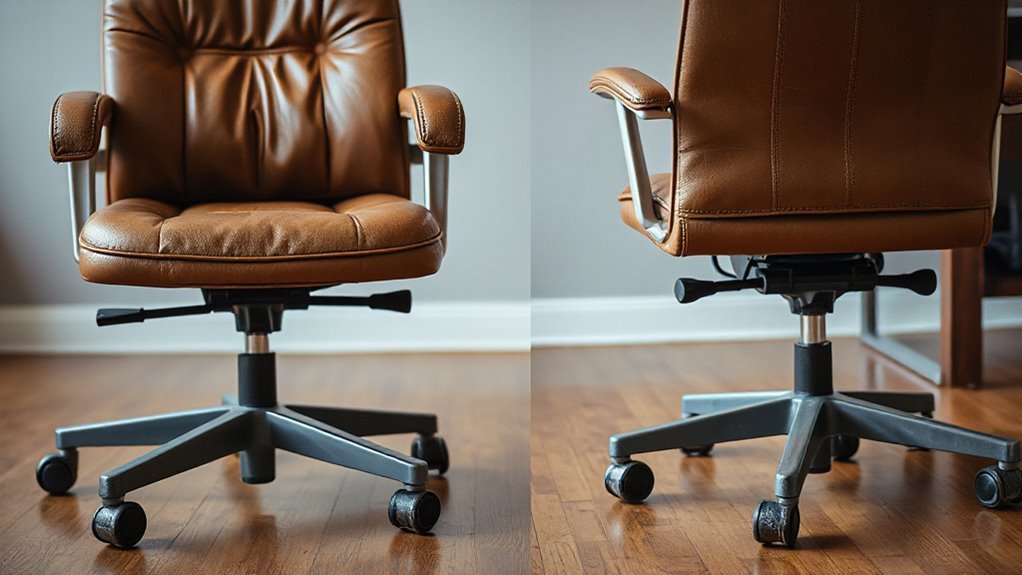
Evaluating your current chair is essential for guaranteeing comfort and productivity in your workspace.
First, check the chair height; it should adjust to fit most users, allowing feet to rest flat without thigh pressure.
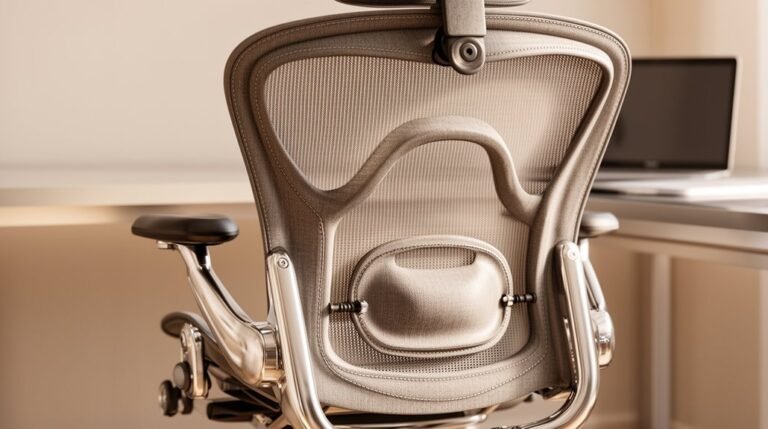
Assess the lumbar support; it needs to be adjustable for effective lower back support.
Examine the seat pan for adjustable tilt and depth, which helps prevent knee pressure.
Verify armrest adjustability; they should support your forearms without restricting movement.
Ascertain the backrest conforms to your spinal curvature, allowing for proper pelvis support.
Finally, consider the cushion quality; it must maintain comfort with a durable, breathable material to prevent flattening.
Regular evaluations can enhance your work experience and reduce discomfort.
Frequently Asked Questions
How Do I Choose the Right Office Chair for My Needs?
To choose the right office chair, prioritize adjustable seat height (15–20.5 inches), lumbar support, and seat cushion thickness (1.5–2 inches).
Make certain the backrest size is at least 14.2 by 12 inches, with a tilt range of 90–105 degrees.
Look for adjustable armrests and seat pan depth (15–20 inches).
Confirm durable materials, like breathable mesh, and check for a 360-degree swivel base.
Consider your specific workspace needs for maximum comfort and support.
Can I Repair My Office Chair Instead of Replacing It?
Yes, you can repair your office chair instead of replacing it. Common issues, like gas lift failures or broken casters, often cost less than $60 to fix.
Minor upholstery repairs typically run around $1,000. If repair costs stay under 50% of a new chair’s price, it’s more economical to repair.
However, structural damage or extensive wear may necessitate replacement. Assess the chair’s condition to determine the best option for your situation.
What Materials Are Best for an Ergonomic Office Chair?
For an ergonomic office chair, mesh, leather, and fabric are top choices.
Mesh offers breathability and durability, preventing heat build-up during extended use.
Leather provides a luxurious feel but requires maintenance to prevent cracking.
Fabric chairs are soft and come in various colors, though they may be less durable.
Additionally, aluminum or steel frames guarantee strength, while lightweight plastic options are affordable but less robust.
Choose based on your specific needs and preferences.
How Often Should I Adjust My Chair for Optimal Comfort?
Frequency of Adjustment
You should adjust your chair every 30 to 60 minutes. Why? Regular adjustments maintain ideal posture, reduce spinal strain, and enhance comfort.
Changing the backrest angle between 95° and 115° helps stretch your spine and alleviates discomfort. When you switch activities, like typing to reading, adjust your chair accordingly.
Consistent adjustments promote better body alignment, minimize musculoskeletal risks, and can even improve your productivity by nearly 17%.
Are There Specific Brands Known for Quality Office Chairs?
Herman Miller and Steelcase are renowned for their premium office chairs, emphasizing ergonomic design and aesthetic appeal.
Haworth Breck offers a 12-year warranty, showcasing reliability at a mid-to-premium price point.
Eurotech Vera stands out with strong comfort ratings at a competitive $500.
For more budget-friendly options, consider OM Yes or Ticova Ergonomic.
Each brand prioritizes durability and support, ensuring you find a chair that meets your comfort needs.
Conclusion
If your office chair shows signs of wear, fails to provide adequate support, or has mechanical issues, it’s time to replace it.
Consider its age—most chairs last around five to seven years. An outdated chair can hurt your posture and productivity.
Evaluate options based on comfort, adjustability, and design. Investing in a quality chair will improve your workspace and promote better health.