VESA Mount Basics: What You Need to Know
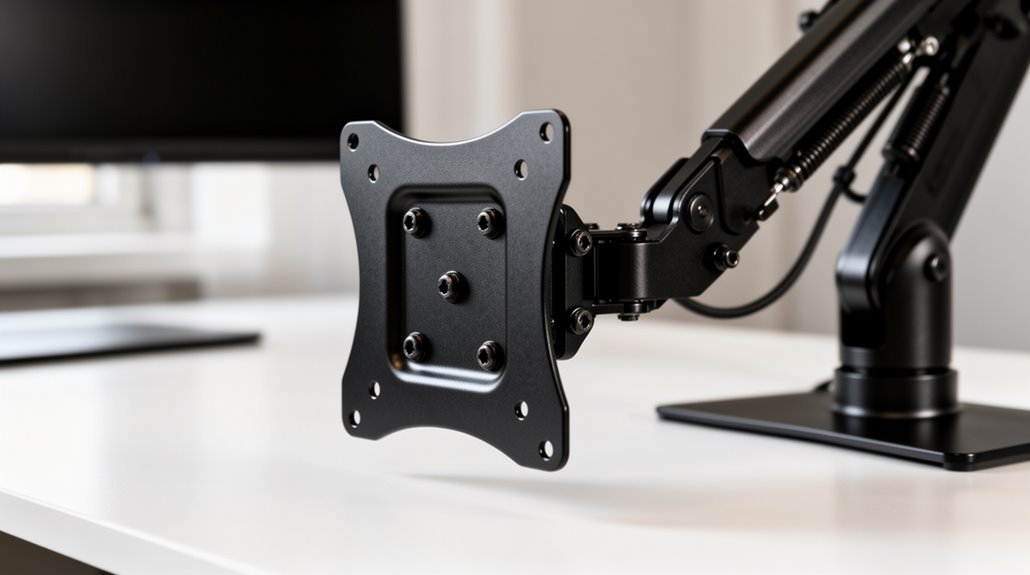
VESA mounts standardize screen attachment for compatibility and easy installation. They make it simple to swap stands, use arms, or wall-mount displays by following a common hole-pattern and screw standard.
There are three main VESA standards: MIS-D (75×75 mm or 100×100 mm), MIS-E (200×100 mm), and MIS-F (200×200 mm). Each size corresponds to different display sizes and mounting requirements.
Weight limits vary by standard. MIS-D typically handles up to about 30.8 lbs, while MIS-F supports larger displays—over 31 inches—and can accommodate weights up to roughly 250 lbs.
To guarantee compatibility, check your monitor’s VESA specifications and measure the mounting hole distances before buying a mount. Continue exploring to find the right VESA solution for your setup.
Understanding VESA Mount Standards
When you consider mounting a display, it’s crucial to understand the VESA mount standards. The three primary variants—MIS-D, MIS-E, and MIS-F—determine the mounting hole patterns.
MIS-D features 75×75 mm or 100×100 mm patterns, suitable for monitors and smaller TVs, supporting weights up to 30.8 lbs. MIS-E uses 200×100 mm patterns for larger displays, accommodating weights up to 66 lbs. For mid-sized TVs and larger, MIS-F incorporates 200×200 mm patterns, handling up to 110 lbs or more. Variant F allows for flexibility in screen orientation, making it suitable for both portrait and landscape setups.
These standards guarantee universal compatibility across brands. Always check individual display specifications, as they might deviate slightly from VESA standards. By understanding these standards, you can select the appropriate mount for your display needs.
Measuring VESA Patterns
Measuring VESA patterns accurately is essential for selecting the right mount for your display.
Start with a measuring tape or ruler, and locate the four mounting holes on the back of your device. Check the device manual or manufacturer’s website for pre-listed VESA dimensions, which can save time. Measure the horizontal distance between the centers of the left and right holes, then measure the vertical distance between the centers of the top and bottom holes. Record these measurements in millimeters, formatted as horizontal x vertical, such as 100×100 mm. This precise identification guarantees compatibility with mounts, facilitating a safe and effective installation. Additionally, ensuring that your device adheres to VESA mount standards can help prevent installation issues. Avoid common mistakes, like neglecting unit conversion, to guarantee accuracy.
Common VESA Standards Explained
Understanding VESA standards is essential for selecting the appropriate mount for your display.
The VESA MIS-D standard features a hole pattern of 75×75 mm or 100×100 mm, supporting displays up to 22.9 inches and a maximum weight of 30.8 lbs.
The MIS-E standard has a 200×100 mm hole pattern, designed for displays from 23 to 30.9 inches, with a weight capacity of 50 lbs.
For larger screens, the VESA MIS-F standard offers a 200×200 mm pattern and above, supporting displays 31 inches or larger, with a maximum weight limit of 250 lbs. VESA mount standards ensure compatibility between different brands and models, making it easier to find the right mount for your needs.
Ensuring VESA Mount Compatibility
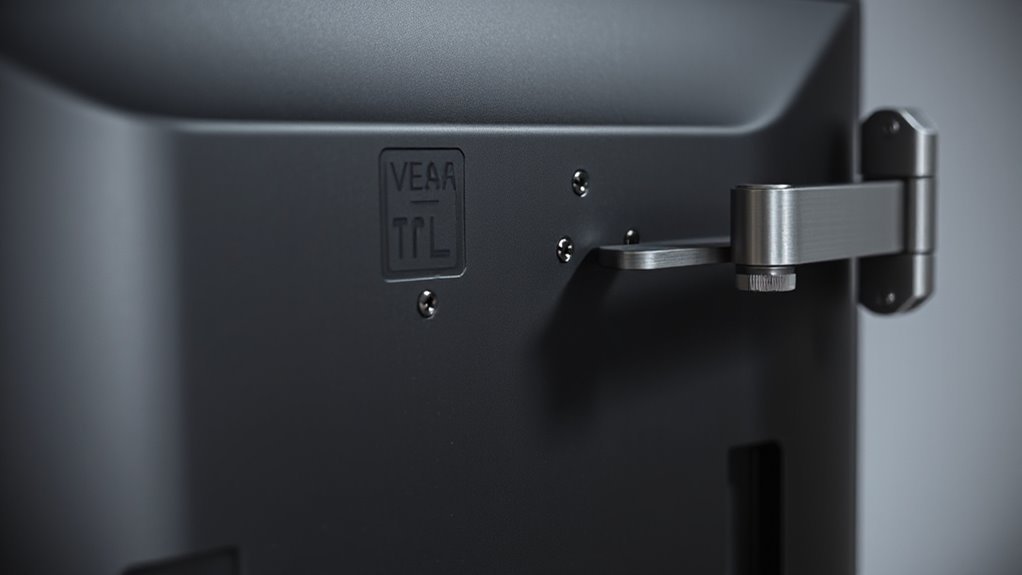
Ensuring VESA mount compatibility is essential for a successful monitor installation. First, check your monitor’s specifications to confirm it explicitly states VESA support. Look for standardized mounting holes on the back panel, typically arranged in 75x75mm or 100x100mm patterns. User manuals and product datasheets usually detail this information.
Next, examine the physical mounting holes. The spacing must match VESA standards, with a hole diameter of around 5mm for M4 or M6 screws.
If your monitor has a unique design, consider using adapter plates that fit both the monitor and mount screw types. Always verify that the mount brackets align with your monitor’s VESA pattern dimensions for a secure installation.
Recognizing VESA Mount Weight Limits
Recognizing the weight limits of VESA mounts is essential for maintaining a secure and functional setup.
VESA standards classify weight capacities based on size: VESA 75 supports 10 kg, VESA 100 handles 20 kg, and VESA 200 accommodates 30 kg. For larger displays, VESA 400 supports 50 kg, while VESA 600 allows for up to 70 kg.
MIS standards also play a role, with MIS-C rated for 4.5 kg, MIS-D for 14 kg, and MIS-F M8 accommodating 113.6 kg. Display size influences the required standard; screens over 31 inches typically need MIS-F ratings.
Always use appropriate screws: M4 limits to 20 kg, while M8 supports up to 250 lbs. Exceeding these limits risks damage and safety hazards.
Applications of VESA Mounts
VESA mounts serve a variety of applications, allowing you to securely attach displays in diverse settings.
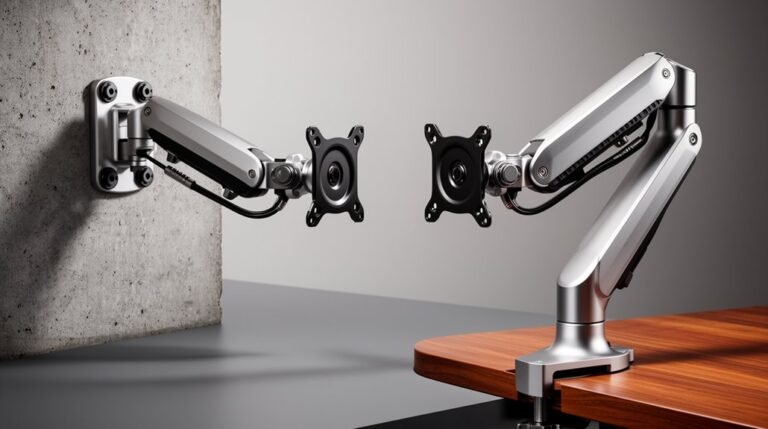
In wall mounting, they save space and provide excellent viewing heights, commonly found in homes and public spaces.
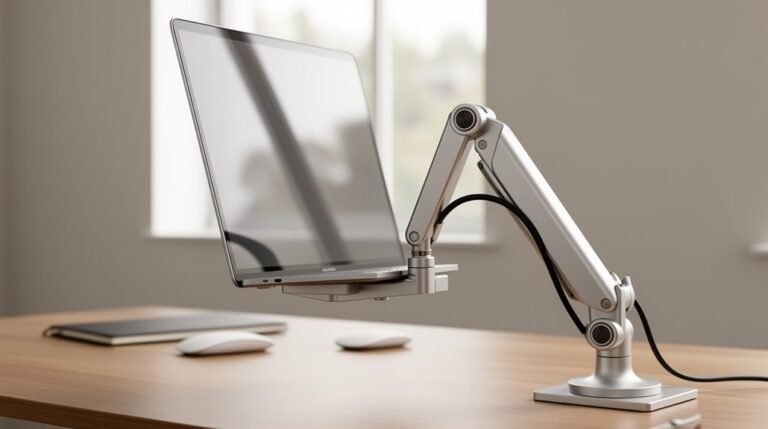
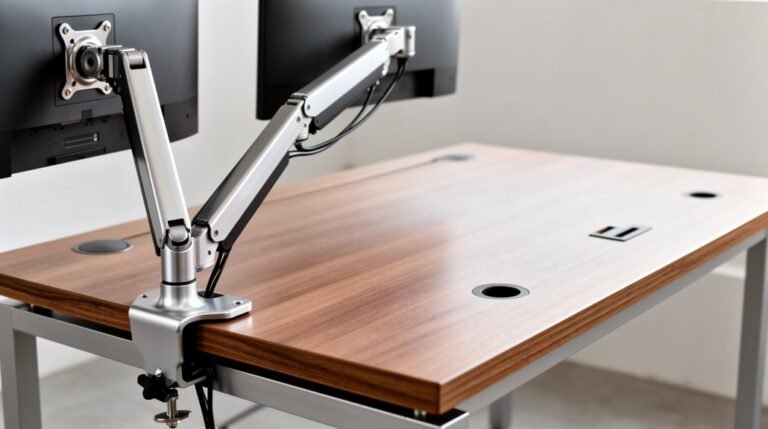
Desk mounts free up workspace, enabling height and angle adjustments for ergonomic viewing, ideal for offices and gaming setups.
Ceiling mounts are perfect for conference rooms, providing unobstructed floor space for large displays.
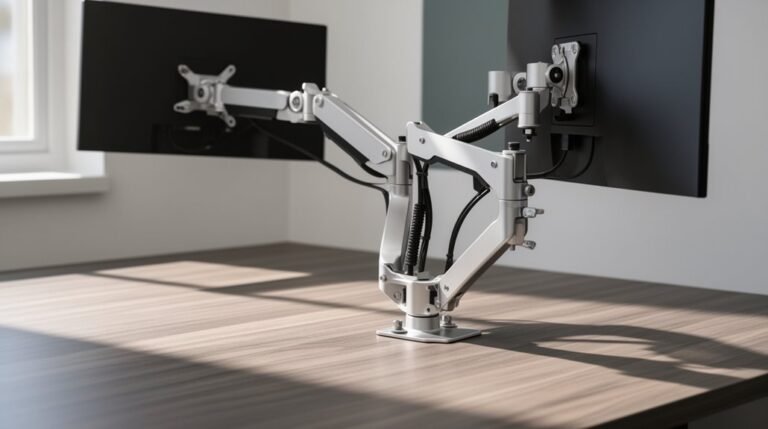
VESA mounts also support multi-monitor configurations in professional environments, enhancing productivity.
Additionally, they can attach small PCs to monitors, streamline setups in medical carts, and facilitate unique installations in retail.
Each application requires proper hardware and consideration of weight limits for safety and functionality.
Choosing the Right VESA Mount
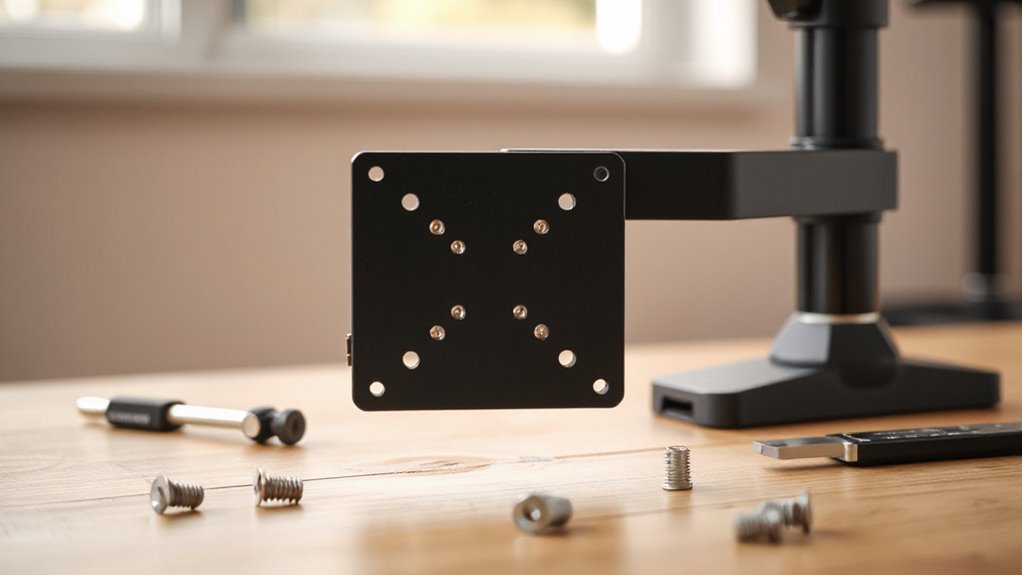
When selecting a VESA mount, compatibility with your display is paramount. First, identify your monitor or TV’s VESA pattern. For screens between 12 and 22.9 inches, choose a mount with a 75×75 mm or 100×100 mm pattern.
Larger displays, ranging from 23 to 30.9 inches, typically require a 200×100 mm mount. For screens 31 inches or more, opt for a mount with a 200×200 mm pattern or larger.
Next, consider weight limits. The VESA MIS-D supports up to 30.8 lbs, MIS-E up to 66 lbs, and MIS-F up to 110 lbs or more.
Verify your chosen mount meets both the size and weight specifications of your display for safe and secure installation.
Adapting Non-Standard VESA Sizes
Adapting non-standard VESA sizes can greatly expand your mounting options, especially for displays that don’t conform to typical hole patterns. VESA adapters bridge the gap between unique mounting configurations and standard mounts, enabling compatibility for various screen sizes.
- Universal and specific adapters are available to fit non-standard patterns.
- Weight limits vary, with some supporting up to 17.6 lbs (8 kg).
- Installation generally involves attaching the adapter to your screen, then connecting it to the VESA mount.
- Consider hole alignment and screw specifications to guarantee secure attachment.
Always verify the adapter’s compatibility with your display’s mounting holes before purchase, as improper installation can lead to instability or damage.
Frequently Asked Questions
Can I Use VESA Mounts for Curved Monitors?
Yes, you can use VESA mounts for curved monitors, provided they meet specific criteria.
First, check the VESA pattern on your monitor’s back; it should match standard sizes like 75×75 mm or 100×100 mm.
Next, verify that the mount’s weight capacity exceeds your monitor’s weight without the stand.
If your monitor lacks VESA holes, consider using a specialized adapter designed for your model to guarantee compatibility and stability during installation.
How Do I Install a VESA Mount Safely?
To install a VESA mount safely, gather tools like a stud finder, drill, and level.
Identify wall studs for secure anchoring, and mark their locations.
Drill pilot holes in the studs, then attach the mount using lag bolts.
Confirm the VESA pattern aligns with your device, securing the bracket without over-tightening.
Finally, check the mount’s weight capacity and inspect connections regularly to guarantee stability and safety throughout its use.
What Tools Do I Need for VESA Mount Installation?
For VESA mount installation, you’ll need several essential tools.
Start with a Phillips head screwdriver to attach hardware. Use a power drill with appropriate drill bits for your wall type. A level guarantees straight installation, while a tape measure helps position the mount accurately.
Mark pilot hole locations with a pencil. Additionally, a stud finder locates wall studs for secure anchoring.
Consider having a second person for larger displays to guarantee safety.
Are There Any VESA Mount Accessories Available?
Yes, various VESA mount accessories are available.
These include VESA adaptors for non-compatible monitors, mounting plates for standard hole patterns, and mounting rails for larger displays.
You’ll find adjustable height and tilt features, enabling ergonomic setups. Quick-release mechanisms allow for easy monitor changes.
Additionally, you can use cable management systems to keep your workspace tidy.
Accessories also support weight capacities ranging from 17 lbs to 110 lbs, accommodating a wide range of monitors.
How Can I Find My Monitor’s VESA Size?
To find your monitor’s VESA size, first locate the screw holes on the back, usually arranged in a square pattern.
Measure the horizontal and vertical distances between the centers of the holes. Use a ruler or tape measure for accuracy, noting measurements in millimeters.
Consult your monitor’s user manual or the manufacturer’s website for specifications.
Common VESA sizes include 75×75 mm and 100×100 mm, which correspond to specific monitor sizes.
Conclusion
Understanding VESA mount standards is essential for ensuring compatibility and maximum performance.
Measure VESA patterns accurately and recognize weight limits to ensure safe usage.
Choosing the right mount can transform your workspace into a productivity powerhouse and greatly improve comfort.
By adapting non-standard sizes, you can maximize versatility and make the most of available options.
With this knowledge, you’re well-equipped to select the ideal VESA mount for your needs.