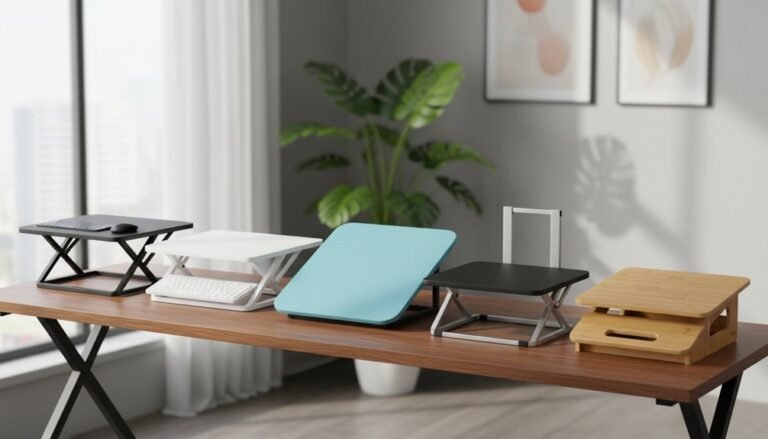
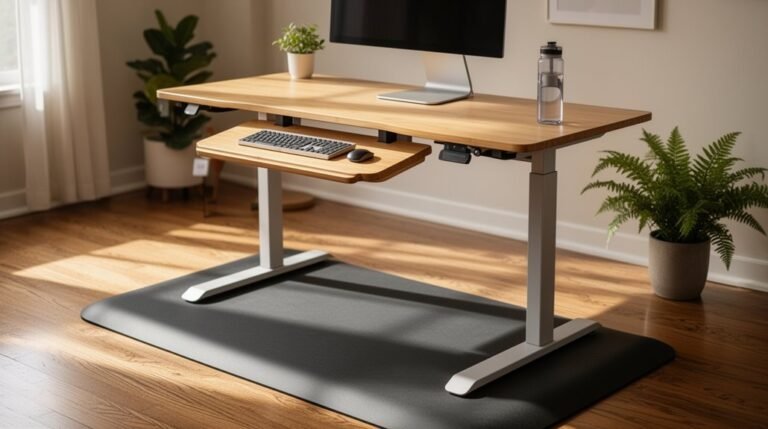
Work From Home Ergonomics Mistakes to Avoid
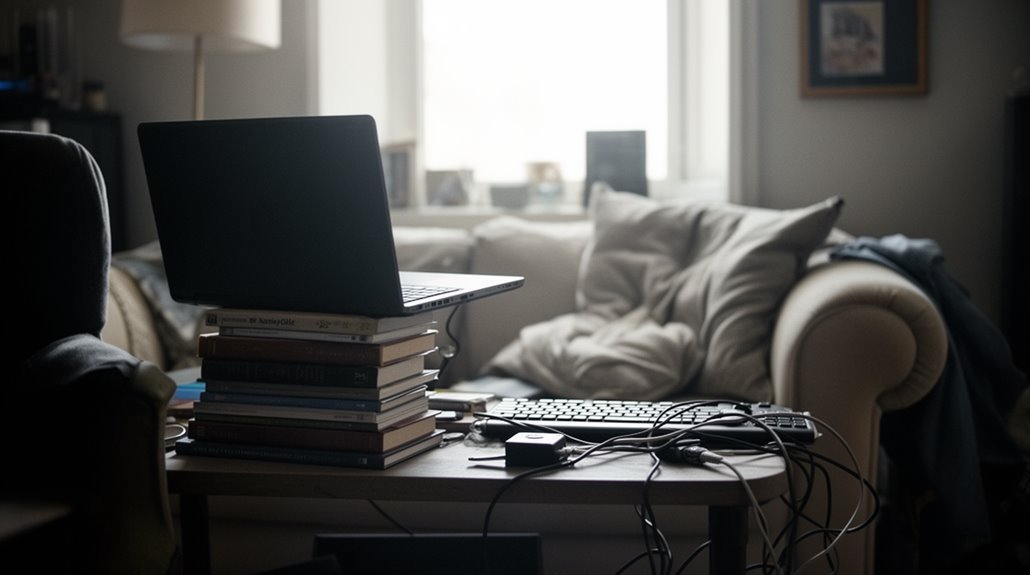
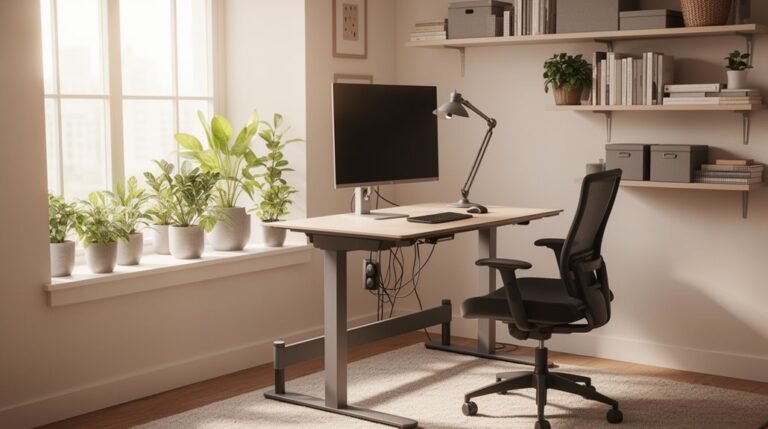
Work from home ergonomics mistakes to avoid start with having a dedicated workspace. Invest in an ergonomic chair that supports your spine and promotes good posture.
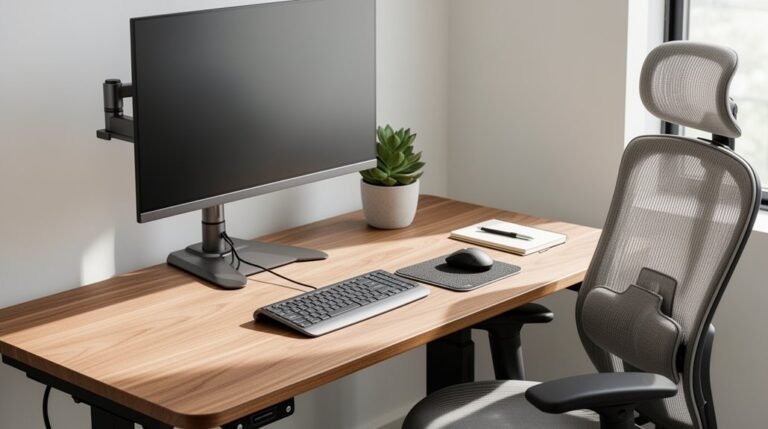
Position your monitor at eye level and about an arm’s length away to reduce neck strain. Place your keyboard directly in front of you to encourage symmetrical posture and comfortable typing.
Keep your desk at an appropriate height and remember to take regular breaks every 30 to 60 minutes to relieve tension. Improve lighting and use available ergonomic resources to further enhance your workspace.
Explore additional tips to optimize your setup and prevent common work from home ergonomics mistakes.
Neglecting a Dedicated Workspace
When you neglect to establish a dedicated workspace, you compromise both your productivity and well-being. A separate workspace enhances job satisfaction and efficiency. Without it, you may struggle to maintain focus, as distractions from your personal life seep into your work.
This blurred boundary can increase anxiety, leading to longer working hours and stress. In fact, 22% of remote workers find it hard to unplug from work due to the absence of physical separation. Additionally, 20-30% report discomfort and reduced productivity when working in inadequate spaces. Remote workers save an average of 55 minutes daily by avoiding commutes, highlighting the importance of an effective workspace setup.
A dedicated workspace promotes a professional mindset and helps establish a routine, vital for effective time management. Prioritizing this separation is essential for maintaining work-life balance and overall mental health.
Using Non-Ergonomic Chairs
A non-ergonomic chair can lead to significant physical discomfort and long-term health issues. Poorly designed chairs often lack lumbar support, causing increased risk of lower back pain and musculoskeletal disorders.
You may experience:
- Chronic Discomfort: Prolonged use can lead to sciatica or muscle strains.
- Poor Posture: Non-ergonomic chairs encourage slouched sitting, disrupting spinal alignment.
- Circulation Problems: Inadequate padding compresses blood vessels, leading to fatigue and reduced productivity. Additionally, proper lumbar support is critical for maintaining spinal alignment and preventing discomfort.
- Long-Term Health Risks: Extended sitting raises the risk of obesity, hypertension, and even early death.
Investing in an ergonomic chair helps support your spinal health, enhances circulation, and ultimately boosts your productivity.
Prioritize your comfort and well-being by choosing wisely.
Incorrect Monitor Placement
Incorrect monitor placement can lead to various physical discomforts and decreased productivity.
Place the top of your screen at or slightly below eye level, ideally 0-30 degrees, to avoid neck strain. Tilt your monitor back 30° to 45° for best viewing comfort, reducing eye and neck fatigue. Proper ergonomics enhances health and productivity, making your workspace more efficient.
Position your monitor about an arm’s length away, approximately 50-65 cm, to minimize eyestrain. Make sure your monitor sits directly in front of you, preventing awkward postures and twisting.
For dual monitors, center the primary screen ahead and angle any secondary screens slightly.
Minimize glare by positioning the monitor away from windows, and consider using anti-glare coatings.
Proper monitor placement enhances comfort and productivity during your work-from-home experience.
Poor Keyboard and Mouse Positioning
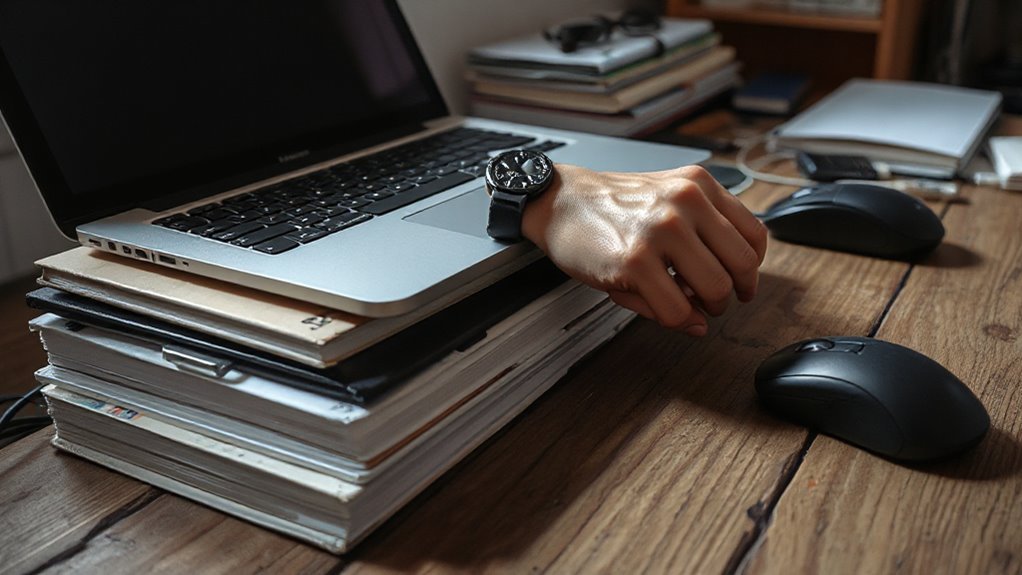
Proper keyboard and mouse positioning is essential for maintaining comfort and reducing the risk of injury while working from home.
To guarantee ideal setup, consider these key factors:
- Distance: Keep your keyboard and mouse within easy reach to avoid excessive arm stretching, which strains your shoulders and wrists.
- Alignment: Center your keyboard in front of your torso to promote symmetrical posture, reducing neck and shoulder discomfort.
- Height: Position your keyboard at or below elbow height to maintain neutral wrist alignment and lower the risk of carpal tunnel syndrome.
- Support: Use wrist rests to alleviate pressure on your wrists and reduce muscle fatigue during long typing sessions.
Properly addressing these aspects can greatly enhance your work-from-home experience.
Overlooking Proper Desk Height
While many people focus on their chair or monitor setup, overlooking desk height can lead to significant ergonomic issues.
An ideal seated desk height typically falls between 28 to 30 inches for individuals between 5’7″ and 5’10”. Shorter individuals, about 4’11” to 5’6″, require desks around 24 to 28 inches. Taller users, above 6’0″, often need desks 30 to 32 inches or higher.
Incorrect desk height can cause neck and shoulder strain, poor posture, and discomfort. To maintain proper arm positioning, elbows should form a 90-degree angle while typing. Ascertain feet rest flat on the floor and provide adequate leg clearance.
Using adjustable desks can help accommodate various user heights and preferences for sitting or standing.
Ignoring Posture While Sitting
Maintaining your posture while sitting is crucial for overall comfort and health.
Poor posture can lead to various issues. Here are some key mistakes to avoid:
- Slouching: This creates a “C-shaped” spine, increasing pressure on your spinal discs.
- Forward Head Posture: Tilting your head forward adds strain, increasing neck load considerably.
- Unsupported Arms: If your elbows aren’t supported, your shoulders and neck will fatigue faster.
- Pelvis Misalignment: Crossing your legs or sitting unevenly can cause spinal misalignment and discomfort.
Failing to Take Regular Breaks

Failing to take regular breaks can considerably impact your physical and mental well-being. Short breaks every 30 to 60 minutes are critical for restoring concentration and energy. These brief intervals, lasting 5–10 minutes, help prevent burnout and alleviate muscle tension.
Prolonged sitting increases the risk of developing back or neck pain, making movement essential. Engaging in activities like stretching or walking during breaks improves circulation and reduces discomfort.
Additionally, breaks enhance mental clarity and creativity, allowing you to maintain productivity. Following techniques like the Pomodoro method, which suggests 25-minute work sessions followed by 5-minute breaks, can further optimize your work routine.
Prioritize breaks to promote overall health and sustain work performance throughout the day.
Using Inadequate Lighting
Inadequate lighting is an important ergonomic mistake that can lead to various health issues for remote workers. Poor lighting contributes to eye strain and reduces productivity.
To avoid these problems, consider the following:
- Don’t rely solely on overhead lighting, which creates glare.
- Avoid placing your desk directly in front of windows to minimize screen glare.
- Refrain from using harsh, high-glare bulbs that can cause discomfort.
- Adjust lighting throughout the day to match natural light changes.
Proper lighting is essential for maintaining alertness and comfort. It can help reduce the risk of headaches, blurred vision, and long-term eye issues.
Investing in adequate lighting solutions can greatly enhance your work-from-home experience.
Not Utilizing Available Resources for Improvement
Many remote workers overlook the resources available to improve their ergonomic setups, which can lead to preventable discomfort and injuries.
Professional ergonomic assessments, often provided by employers or universities, can identify specific risks at your workstation. Institutions like Harvard and the University of Iowa offer virtual evaluations and toolkits to enhance your setup.
Additionally, free online ergonomics training from organizations, such as VelocityEHS, covers essential principles and offers interactive assessments. Self-assessment tools help you check your chair height, monitor position, and overall posture.
Finally, don’t hesitate to request ergonomic equipment adjustments, as many employers will accommodate these needs. Utilizing these resources can greatly reduce the risk of musculoskeletal injuries and improve your overall workspace.
Frequently Asked Questions
How Can I Create a Makeshift Workspace in Small Areas?
To create a makeshift workspace in small areas, choose compact furniture like wall-mounted desks.
Utilize multi-functional pieces, such as desks with storage, to minimize clutter.
Position your desk in corners or use L-shaped designs for efficiency.
Implement vertical storage, like shelves, to maximize space.
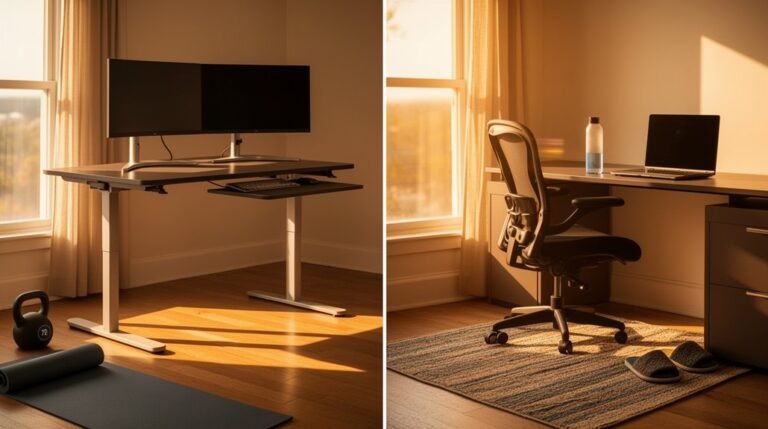
Define work zones with rugs or screens, guaranteeing a clear separation from relaxation areas.
Measure your room accurately to confirm all furniture fits without overcrowding, allowing for easy movement.
What Signs Indicate My Chair Is Causing Discomfort?
You’ll notice persistent back, neck, or shoulder pain, indicating inadequate support.
If you feel tingling in your arms, it suggests nerve compression.
Discomfort in your hips or tailbone may arise from poor chair fit.
Frequent fidgeting or repositioning signals inadequate support retention.
Additionally, if the cushion sags or fabric shows wear, it’s time to contemplate a replacement.
Regular aches mean your chair isn’t meeting ergonomic standards.
How Often Should I Adjust My Monitor Height?
You should adjust your monitor height every 30 minutes to 1 hour if you alternate between sitting and standing.
For fixed-height desks, set the height once per session, adjusting only if you feel discomfort.
Make sure the top of the monitor is at or slightly below eye level, positioned 20-30 inches away.
Regularly assess your setup, as incorrect height can lead to neck and shoulder strain, impacting your productivity and comfort.
What Ergonomic Accessories Are Worth Investing In?
Investing in ergonomic accessories enhances comfort and productivity.
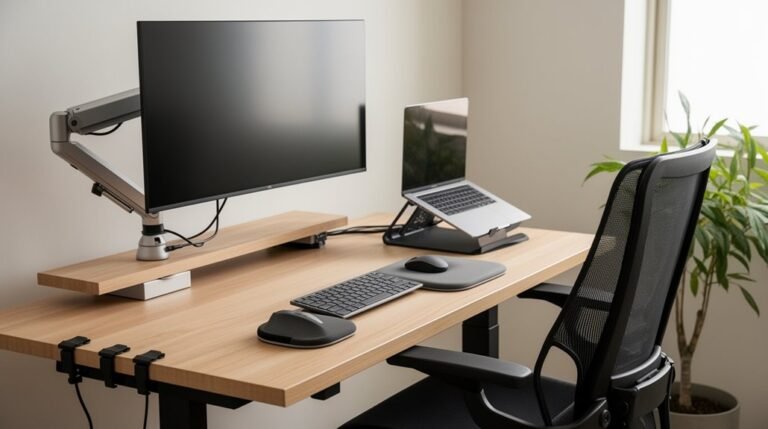
Adjustable monitor arms position screens at eye level, reducing neck strain. Ergonomic keyboards with negative tilt support wrist positioning, minimizing strain. High-quality office chairs with lumbar support maintain spinal alignment.
Footrests improve circulation, while anti-fatigue mats offer relief during standing. Consider keyboard trays for wrist comfort and swivel chairs for mobility.
Each accessory contributes to a healthier workspace, promoting well-being and efficiency throughout your workday.
How Can I Remind Myself to Take Breaks Effectively?
Set digital alarms on your smartphone or computer to remind you to take breaks regularly.
Use productivity apps or timers, like Pomodoro, to structure work cycles.
Schedule specific break times in your calendar, ensuring accountability.
Place physical notes near your workstation as visual cues.
Experiment with different intervals, such as 40-70 minutes of work followed by short breaks, to find what enhances your focus and productivity best.
Conclusion
In conclusion, avoiding common ergonomics mistakes is essential for enhancing your work-from-home experience.
Dedicate a specific workspace and use an ergonomic chair to improve comfort and support. Verify correct monitor and keyboard placements to reduce strain on your neck and wrists.
Prioritize desk height and maintain good posture. Take regular breaks and stretch to prevent stiffness and fatigue.
Ensure adequate lighting to reduce eye strain. A well-set workspace functions efficiently and helps prevent physical discomfort.
Implement these changes to create a healthier, more effective work environment.