Are You Sitting Correctly in Your Chair?
Are you sitting correctly in your chair? Start by adjusting the height so your feet rest flat on the floor and your knees are slightly below your hips.
Check the seat pan depth; there should be 1–4 inches of space behind your knees to the front edge of the seat.
Make sure your back is supported to maintain its natural curve. Your arms should rest comfortably at about a 90-degree angle.
If these aspects are in place, you’re likely positioned well. Learn more about key adjustments for ideal comfort.
Understanding Seat Height
When it comes to selecting the right seat height, several factors play an essential role in ensuring comfort and functionality.
For dining chairs, the standard seat height ranges from 18 to 20 inches, ideally pairing with dining tables that measure 28 to 30 inches in height. A gap of 10 to 12 inches between the chair seat and the table’s underside is recommended for ease of movement.
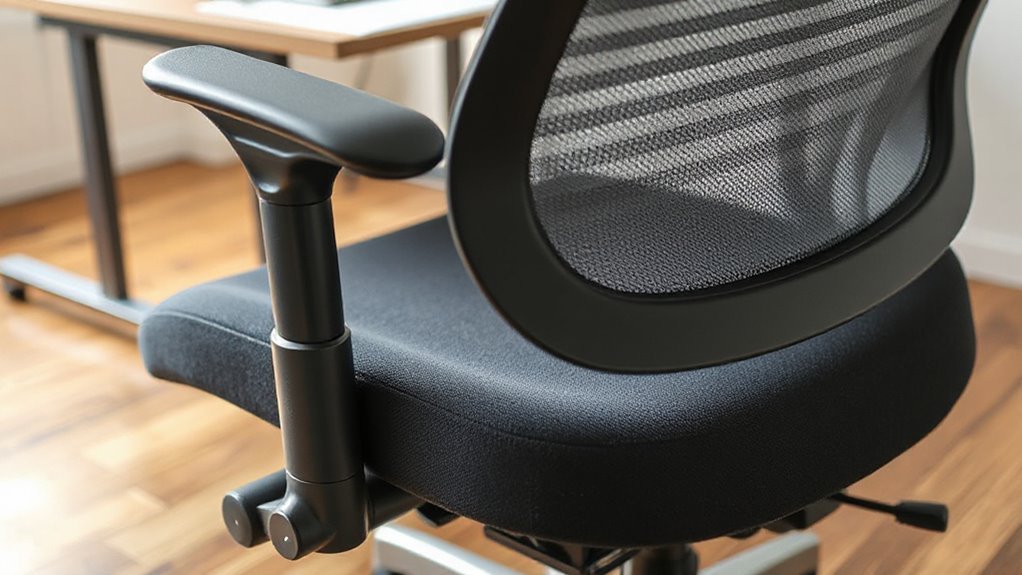
In contrast, office chairs typically feature adjustable heights from 16 to 21 inches. This adjustment allows your feet to remain flat on the ground, with knees positioned below hips. Proper office ergonomics can significantly enhance your comfort while seated.
For counter stools, a height of 24 to 26 inches works best with 34 to 36-inch counters, ensuring a comfortable dining experience.
Importance of Seat Pan Depth
Seat pan depth plays a significant role in your overall seating comfort and health. The seat pan depth refers to the distance from the backrest to the front edge of the seat. Proper depth supports your thighs and prevents pressure behind your knees.
Here are key points to contemplate:
- Depth Measurement: Aim for a seat depth that allows 1–4 inches (2.5–10 cm) of space between the seat edge and the back of your knees.
- Adjustability: Seek chairs with adjustable seat pans that provide at least 2 inches (5 cm) of movement, as ergonomic chairs often feature this beneficial option.
- Standard Limits: Verify fixed seat depths don’t exceed 16.9 inches (41.5 cm) to avoid discomfort.
Correct seat pan depth enhances posture and reduces the risk of musculoskeletal strain.
Backrest and Lumbar Support Essentials
To maintain ideal spinal health during prolonged sitting, proper backrest and lumbar support are essential features of any ergonomic chair.
Lumbar support preserves your lower back’s natural “S” shape, preventing flattening or slumping. This support distributes pressure evenly across your lower back, reducing stress on your vertebrae. Fixed lumbar support options may be less effective for individuals with varying body types, making adjustable features crucial.
Correct positioning maintains spinal alignment, decreasing muscle compensation needs. Additionally, lumbar support alleviates pressure on intervertebral discs, preventing nerve compression and potential pain.
Using proper lumbar support links to fewer incidents of lower back pain and reduces muscle fatigue. Ergonomic positioning encourages upright posture and engages core muscles, enhancing stability.
Adjustable features accommodate your unique body type, promoting long-term health and reducing the risk of musculoskeletal disorders from sedentary work.
Adjusting Armrests for Comfort
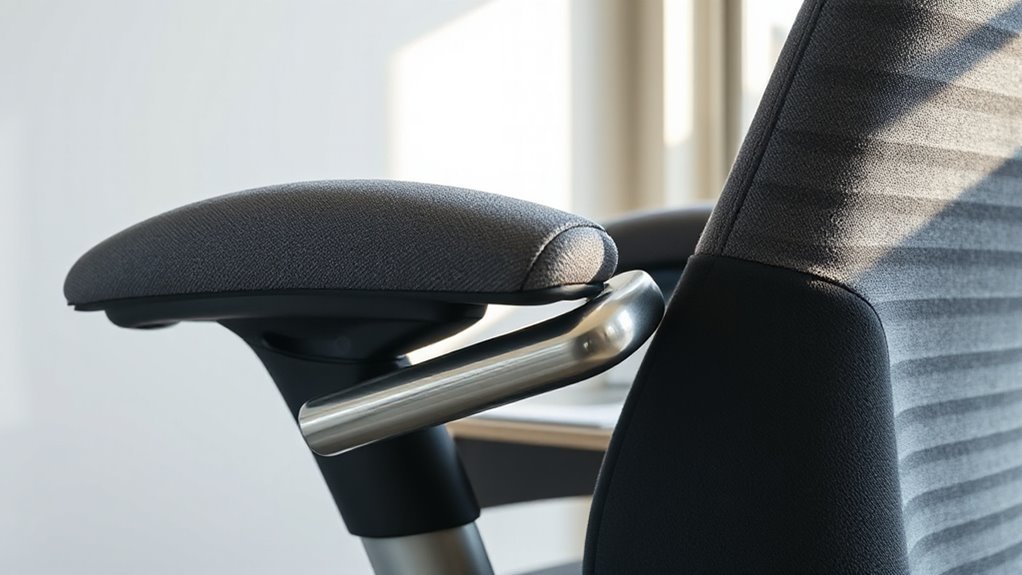
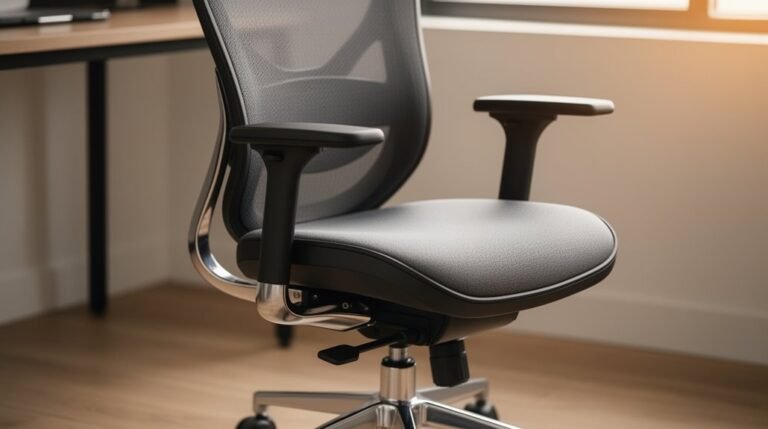
Properly adjusting your armrests can greatly enhance your overall sitting experience. Follow these guidelines to guarantee maximum comfort:
- Height: Set armrests so your elbows bend at 90–100 degrees. This placement helps avoid shoulder strain, as armrests should barely touch the underside of your elbows when your arms hang loosely.
- Width: Position armrests close to your body. Too wide creates strain from reaching outward, while too narrow restricts movement. Ascertain they support a neutral posture.
- Depth: Adjust armrests to allow natural elbow positioning for typing or reading. They should support your forearms without causing awkward wrist angles.
Optimal Monitor Positioning
Ideal monitor positioning plays a critical role in maintaining comfort during long hours of work.
The top line of your monitor should be at or slightly below eye level, ideally 0-30 degrees lower, to prevent neck strain. Tilting the screen back 10° to 20° will support your natural eye angle, reducing neck stress.
Maintain a viewing distance between 20 and 40 inches to avoid excessive head movement. Position your monitor to minimize glare by aligning it away from windows and direct light sources.
For multi-monitor setups, keep the primary screen directly in front, with secondary monitors at a slight angle. Ensuring all screens are at equal height helps to avoid awkward neck movements while switching focus.
Maintaining Proper Sitting Posture
Maintaining proper sitting posture is essential for reducing discomfort and enhancing productivity during extended work sessions. To achieve ideal posture, consider the following:
1. Chair Height and Position
Adjust your chair so your feet rest flat on the floor, with knees at or slightly below hip level. Maintain a gap of three fingers between the back of your knees and the seat edge.
2. Back Support
Ensure your lumbar spine has support to maintain its natural curve. Keep your back in contact with the chair, avoiding slouching.
3. Arm Positioning
Position your upper arms parallel to your spine, with elbows forming a 90-degree angle. Forearms should be parallel to the floor to minimize strain while typing.
The Role of Footrests in Ergonomics
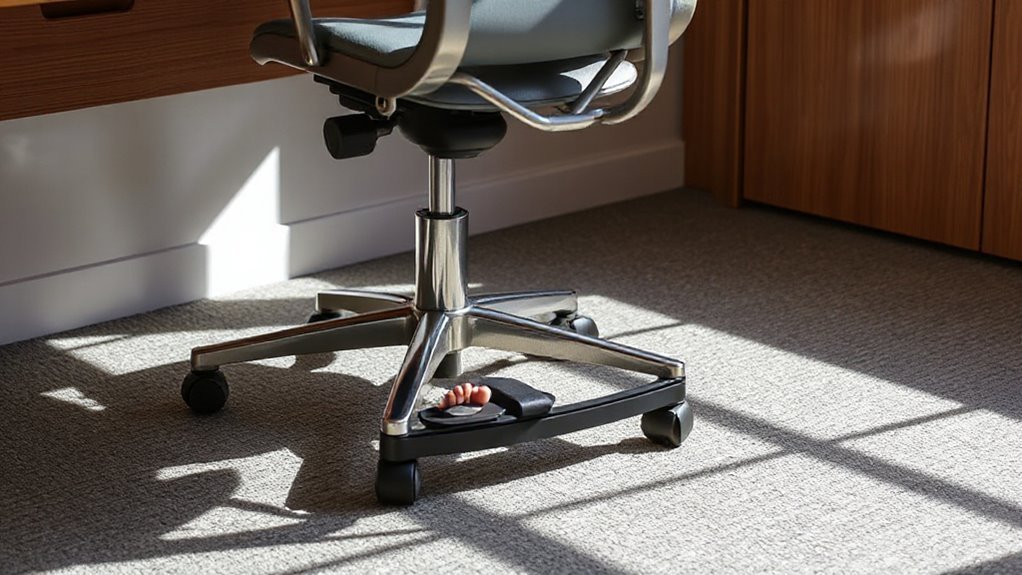
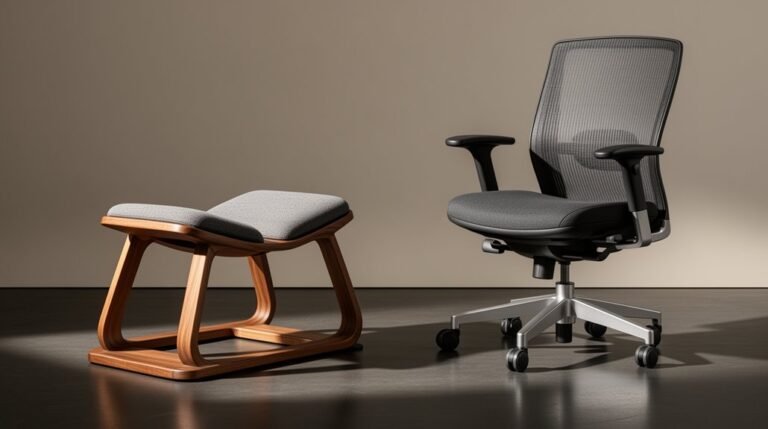
Footrests play a significant role in enhancing overall ergonomic comfort while seated. They promote neutral pelvis positioning, maintaining your spine’s natural S-curve, which reduces strain on your lower back muscles.
Proper foot support at a 90-degree knee angle helps retain the lumbar curve, preventing flattening. Without adequate support, posterior pelvic tilting increases pressure on spinal discs.
Footrests also distribute weight evenly across your feet, decreasing pressure peaks on your buttocks and thighs. Additionally, they stimulate calf muscle contractions, enhancing blood circulation and preventing pooling in your lower legs.
Benefits of Frequent Movement
While sitting for extended periods can lead to discomfort and health issues, incorporating frequent movement into your routine offers numerous benefits.
Here are three key advantages:
- Improved Musculoskeletal Health: Frequent movement reduces strain on muscles and joints, preventing discomfort and injuries. Simple stretches keep you flexible and decrease stiffness.
- Enhanced Cardiovascular Health: Regular movement boosts blood circulation, which supports heart health. It helps regulate blood pressure and strengthens your heart muscle.
- Increased Productivity and Focus: Short movement breaks combat burnout and enhance concentration. Employees who engage in frequent movement report feeling more alert and productive.
Common Mistakes in Chair Setup
Proper chair setup is vital for maintaining comfort and preventing injury. Many make common mistakes that affect their posture and well-being.
Incorrect Seat Height: If your seat is too low, it increases pressure in lumbar discs, causing pain. Conversely, a seat too high leads to dangling feet, reducing circulation.
Armrest Issues: Armrests positioned incorrectly can cause muscle tension. They should allow your arms to rest gently by your sides, with elbows close to your body.
Seat Depth: A seat that’s too short or long disrupts leg support and spinal alignment. Aim for 2-3 inches of clearance behind your knees.
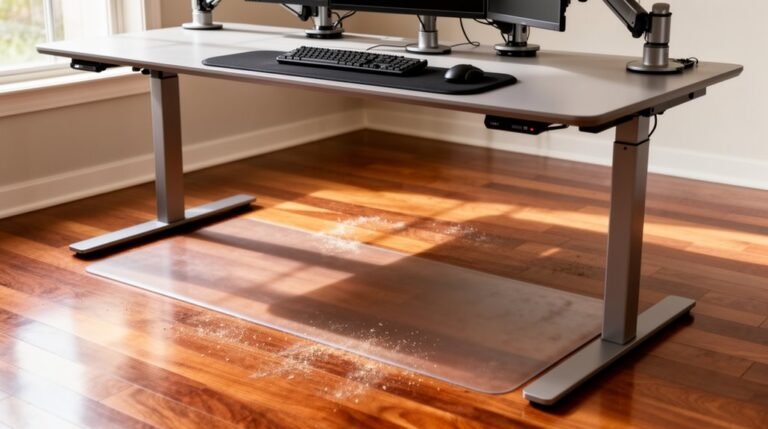
Desk Alignment: Confirm your chair height aligns with your desk to maintain proper arm positioning and prevent strain.
Proper adjustments are essential for a comfortable workspace.
Frequently Asked Questions
How Often Should I Adjust My Chair Settings?
You should adjust your chair settings every 3 to 6 months for ideal support.
Check more frequently—every few weeks—when changing tasks or feeling discomfort.
Make immediate adjustments if you experience pain while sitting.
Periodic evaluations guarantee your chair meets your needs.
Additionally, adjust the recline and tilt every few hours to promote dynamic sitting.
Regular checks enhance comfort, prevent musculoskeletal issues, and maintain productivity throughout your workday.
What Type of Chair Is Best for My Back?
The best chair for your back is one with adjustable lumbar support, ensuring your spine maintains its natural curve.
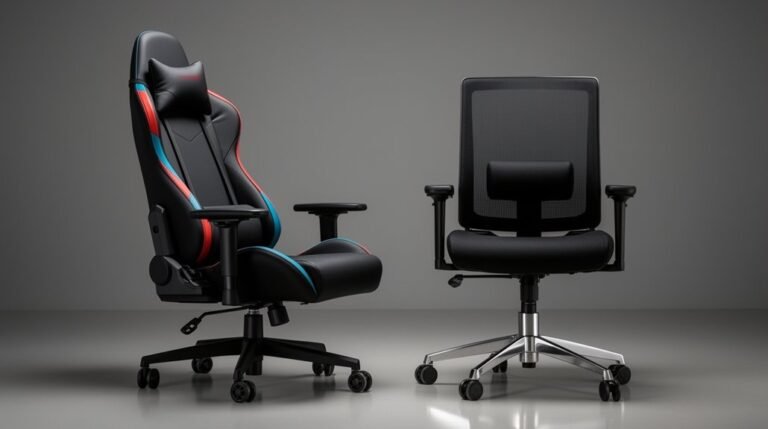
Look for a chair with adjustable seat height, allowing your feet to rest flat on the floor. A high-back or ergonomic chair provides essential support.
Features like 4D armrests reduce shoulder strain, while a waterfall seat edge minimizes leg pressure.
Consider the Herman Miller Sayl or Steelcase Gesture for ideal back pain relief.
Can I Use a Cushion for Added Support?
Yes, you can use a cushion for added support.
Cushions provide lumbar support, maintaining your spine’s natural curve. They distribute your weight evenly, reducing stress on muscles and joints. This prevents lower back pain and enhances comfort during long sitting periods.
Portable options travel easily, allowing you to use them in various settings. However, verify compatibility with your chair to avoid discomfort or reduced effectiveness.
Proper use can greatly improve your sitting experience.
Are There Specific Chairs for Different Body Types?
Yes, there are specific chairs designed for different body types.
Taller individuals should choose chairs with higher backrests and deeper seat depths for full spine support.
Shorter users benefit from shallower seat depths and lower heights.
Broader frames require wider seats and backrests, while narrower frames need more contoured designs.
Adjustable features like armrests and lumbar support enhance fit, ensuring comfort and proper posture regardless of body shape or size.
How Do I Know if My Chair Is Too Old?
To determine if your chair’s too old, check for visible signs like fraying fabric, sagging cushions, or broken components.
Observe discomfort levels; persistent pain or numbness suggests a loss of support.
If you notice malfunctioning mechanisms, like height adjustment failures, that’s another red flag.
Ultimately, consider your chair’s age; if it’s over eight years and shows wear, it’s likely time for an upgrade to maintain proper ergonomics and comfort.
Conclusion
In summary, sitting correctly in your chair is essential for long-term health.
Proper seat height, pan depth, and lumbar support directly influence your comfort and productivity.
Adjusting armrests and monitor positioning enhances ergonomics, while using footrests can further support your posture.
Remember, frequent movement combats stiffness and promotes circulation.
By avoiding common mistakes in chair setup, you create a workspace that fosters well-being and lets you perform at your best without unnecessary strain.